How to See Who Saved Your Pin on Pinterest (and What Their Boards Tell You)
How to see who saved your Pin on Pinterest: there’s no list of names, but Pin stats show the public boards it was saved to. Where to look, and how to read them.
217+ deep-dive guides on the algorithm, keywords, SEO, analytics, monetization and strategy — written by the team behind PinPinterest.

New to Pinterest? This is the friendly, no-jargon guide to how it actually works and how to use it well — from your first account to your first pins that get found.

A visual search engine, not social media: people search ideas, save pins to boards and click through to sites. What Pinterest is used for and how it works.

A clear, no-jargon walkthrough of creating and setting up a Pinterest account the right way — business vs personal, claiming your site, and your first boards.

The account type you choose quietly decides what Pinterest can do for you. Here’s the honest comparison, who each suits, and how to switch without losing anything.

Making your first pin is simpler than it looks. Here’s exactly what a good pin needs, how to make one free in minutes, and how to give it a real chance of being found.

Most beginners fail on Pinterest for the same avoidable reasons. Here are the 11 most common mistakes, why each one holds you back, and exactly how to fix it.
A calm, week-by-week plan for your first month on Pinterest — what to do, what to expect, and what to ignore — so you build momentum instead of burning out or quitting.

New to using Pinterest for a business? Here’s the plain-English overview of how it drives traffic and sales, why it’s different from other channels, and where to start.

Create a free Pinterest business account or convert your personal one (pins and followers stay), then claim your site and turn on Rich Pins, step by step.

Pinterest ranks pins, boards and profiles. Almost everyone works on the first two and writes the third like a business card. Here is what each field actually does, in the order worth fixing them.

The display name is the most searchable field on your profile and the one most people fill in with their first name. The formula, four worked examples, and the two ways it goes wrong.

Most Pinterest bios describe a mood. A working one names the job, names who it is for, and gives one reason to click — in about 150 characters. The anatomy, a before and after, and the sentence to steal.

The username is your URL, it barely affects search, and changing it breaks every existing link. Which makes “what will this look like in two years” the only question that matters. Three approaches and four traps.

Your profile photo is rendered at 24 pixels more often than anywhere else. That one fact settles the face-or-logo argument, the crop, and why the photo you love does not work.

There is a banner across the top of your profile, and if you have never chosen what goes in it Pinterest is choosing for you. Three options, where it gets cropped, and how to decide in a minute.

Board order is not searched, takes five minutes to change, and decides what most profile visitors ever see. Why the default order is wrong on almost every account, and how to fix it.

Five reasons a profile does not appear in Pinterest search, ranked by how often each one is actually the cause. Only the last is a problem, and it is the one everyone assumes first.

A no-overwhelm Pinterest plan for small businesses — the exact setup, cadence and metrics that turn pins into steady customers without a big team or budget.

The honest answer to how often to post on Pinterest — why consistency beats volume, roughly how many fresh pins a day makes sense, and how to keep it up.
A simple, sustainable Pinterest pinning schedule you can copy — how many fresh pins, when to batch them, and how to keep a consistent rhythm without burning out.

An honest timeline for Pinterest results — what to expect at week 1, month 1 and month 3 — so you don’t quit right before it kicks in.

Pinterest or Google SEO for blog traffic? Here’s the honest comparison — speed, effort, longevity — and why the smartest bloggers use both together.
One post can fuel a month of pins. Here’s a repeatable system to spin a single article into 30 fresh, keyword-varied pins without running out of ideas.

Followers are the wrong obsession on Pinterest — but the right kind still help. Here’s how to grow a real, engaged following without chasing vanity numbers.

Pinterest’s own free scheduler or a paid one: how to schedule pins without losing reach, how far ahead to queue them, and a one-hour weekly routine.

Video pins get big reach on Pinterest — but reach isn’t clicks. Here’s when video pins are worth the effort, when they aren’t, and how to use them without wasting time.

The honest answer to “when should I pin?” — why the timing advice you’ve read is mostly wrong, and the small window that genuinely helps.

The exact way I use Pinterest to send steady, free traffic to a blog — turning pins into clicks that keep coming month after month.

A straight answer to the most-asked Pinterest question — how much to pin, why more isn’t always better, and how to stay consistent.

A 90-day, data-driven Pinterest marketing plan: pick winnable keywords, publish fresh pins on a cadence, track rank and protect pin health to compound growth.

Idea Pins no longer exist as a separate format. Here’s what replaced them, what the old advice still gets right, and which kind of pin to make for reach and which for clicks.

How to earn with affiliate links on Pinterest the right way — search-driven, trustworthy, and built to last.

Pinterest rewards planners. Here’s how to ride seasonal demand — and exactly how early to publish so you peak at the right time.
One session a week, five blocks, and the account posts every day without you. Here is the exact breakdown, why the first block is the one everybody skips, and how to make it survive a bad week.

List prices are close to meaningless. Here is how to work out cost per pin published, the four price bands, and the small-print lines that move the real number more than the plan you pick.

None of these throw an error. Your queue keeps running, your dashboard looks fine, and your reach drifts down for months — here is each mistake, why it works that way, and the fix.
Bulk upload is the feature that decides whether you still use a scheduler in month three. Here is the workflow, the spacing rule that matters more than the volume, and the mistakes that undo it.

Automation is not the problem — unapproved automation is. Here is the line Pinterest actually draws, the red flags on a tool’s pricing page, and how to check what you are already running.

Pinterest has a free scheduler. Here is precisely what it can do, the four walls you will hit, and the volume test for whether you have outgrown it.

Free plans are real and genuinely useful — until the cap. Here is what each kind of free scheduler gives you, the free stack I would build, and the signal that it is time to pay.

Three alternatives for somebody leaving Tailwind or another paid scheduler, listed alphabetically with their features and list prices, and the switching order that stops you losing a month of work.

Eleven Pinterest schedulers listed alphabetically: what each one publishes to, its main features and its entry list price, plus how to work out what one published pin really costs you.
Search volume tells you a keyword’s worth; difficulty tells you if you can win it. Here’s how to judge Pinterest keyword difficulty and find phrases you can actually rank for.

From keyword research to rank tracking and pin-health alerts, here are the Pinterest SEO tools worth knowing — and exactly what to look for in each category.
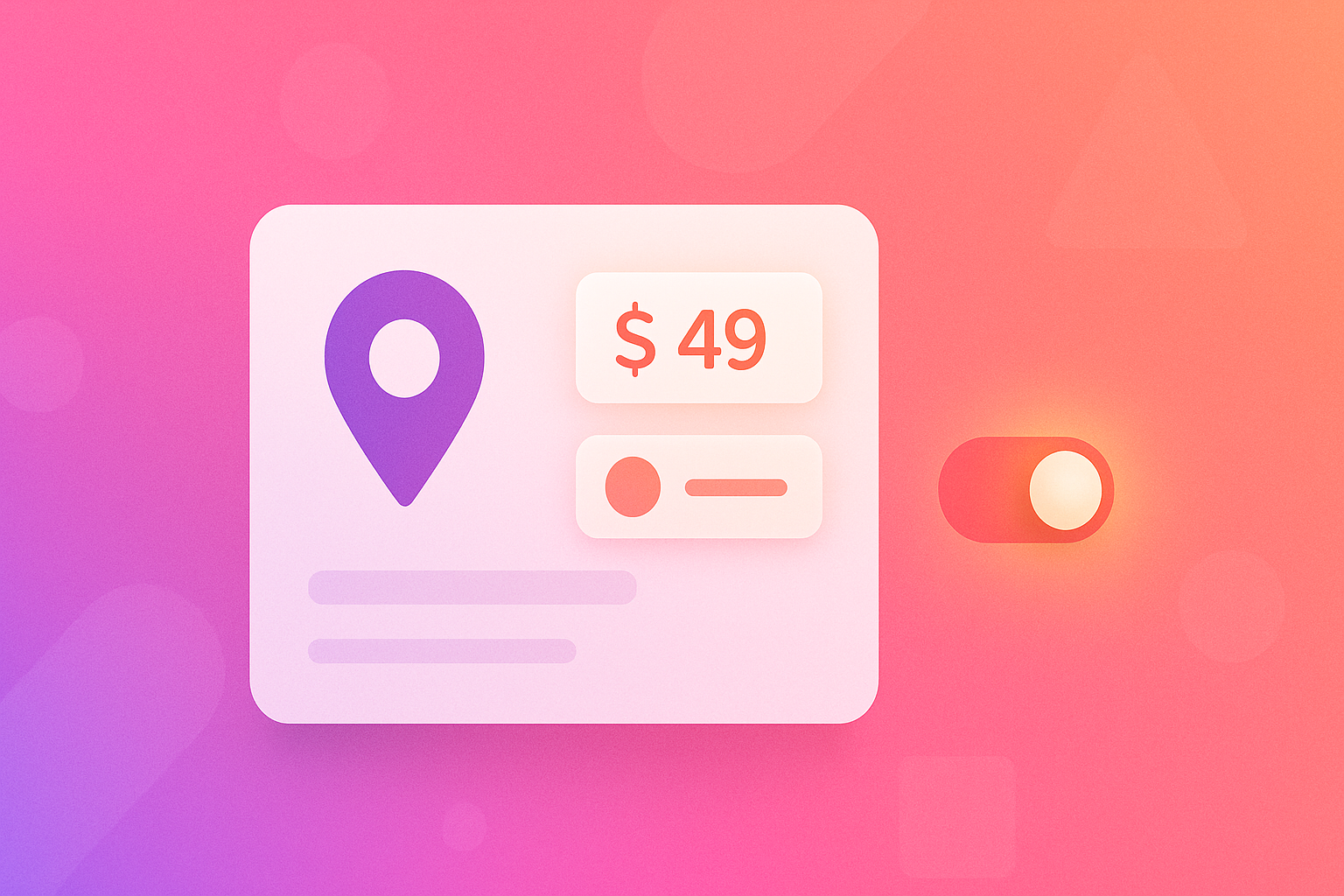
Rich Pins pull live info from your site onto your pins — for free. Here’s what they are, why they help SEO, and how to enable them step by step.

No followers, no history — no problem. Because Pinterest is a search engine, a new account can rank fast. Here’s the exact first-30-days playbook.
Your pin description is prime SEO real estate. Here’s a simple formula for descriptions that rank and get clicked — with good and bad examples.
A fast, practical Pinterest audit you can run this month — profile, boards, pins, keywords and health — with a clear checklist and the fixes for each.

A practical Pinterest SEO checklist: optimise the eight ranking surfaces Pinterest reads, then track your positions so you know what’s working.

Your pin title is the single strongest ranking surface on Pinterest. Here’s a simple formula for titles that rank and get clicked — plus real good vs bad examples.

The honest answer on Pinterest hashtags — what they do, what they don’t, and where to put your effort instead.

Pinterest tells you how many people saw a pin but never where it sits in search. How I track rankings (by hand and with a tool), what’s worth tracking, and how to read the numbers without driving yourself mad.

A two-minute way to check where a pin sits in Pinterest search, the one habit that quietly makes most rank checks meaningless, and how to write the answer down so it’s still useful next month.

Most people track too many phrases, the wrong ones, or only the ones that flatter them. How to choose a short tracking list that tells you something, and when to change it.

Your pin was fifth yesterday and eleventh today, and you changed nothing. Why Pinterest positions wobble, how to tell everyday noise from a real move, and the simple rule I use before touching anything.

A pin that used to sit near the top is suddenly halfway down the page. Before you rewrite anything, a short, calm diagnosis that separates a wobble from the season, a new competitor, or something you changed.

On Google, first place is everything. On Pinterest’s grid it works differently: how a position turns into saves and clicks, why the first screen is the real prize, and when a lower spot quietly outperforms a higher one.

Watching where competitors rank for the phrases you share tells you when they’re slipping, when a newcomer arrives and when a spot opens up. How to set it up, what each kind of movement means, and how often to look.

You don’t need a tool to start tracking where your pins rank. The spreadsheet I’d set up today, the five columns that matter, the Monday routine that keeps it alive, and the signs it’s time to stop doing it by hand.
We bought Pin Inspector 2.0.4.8 and tested it on 2026-10-27: its price, what it does well, where its volume number comes from, and when to pick us.

We tried PinClicks and set it beside PinPinterest: price, free plan, rank tracking, watched accounts, data size and the API, each row dated.
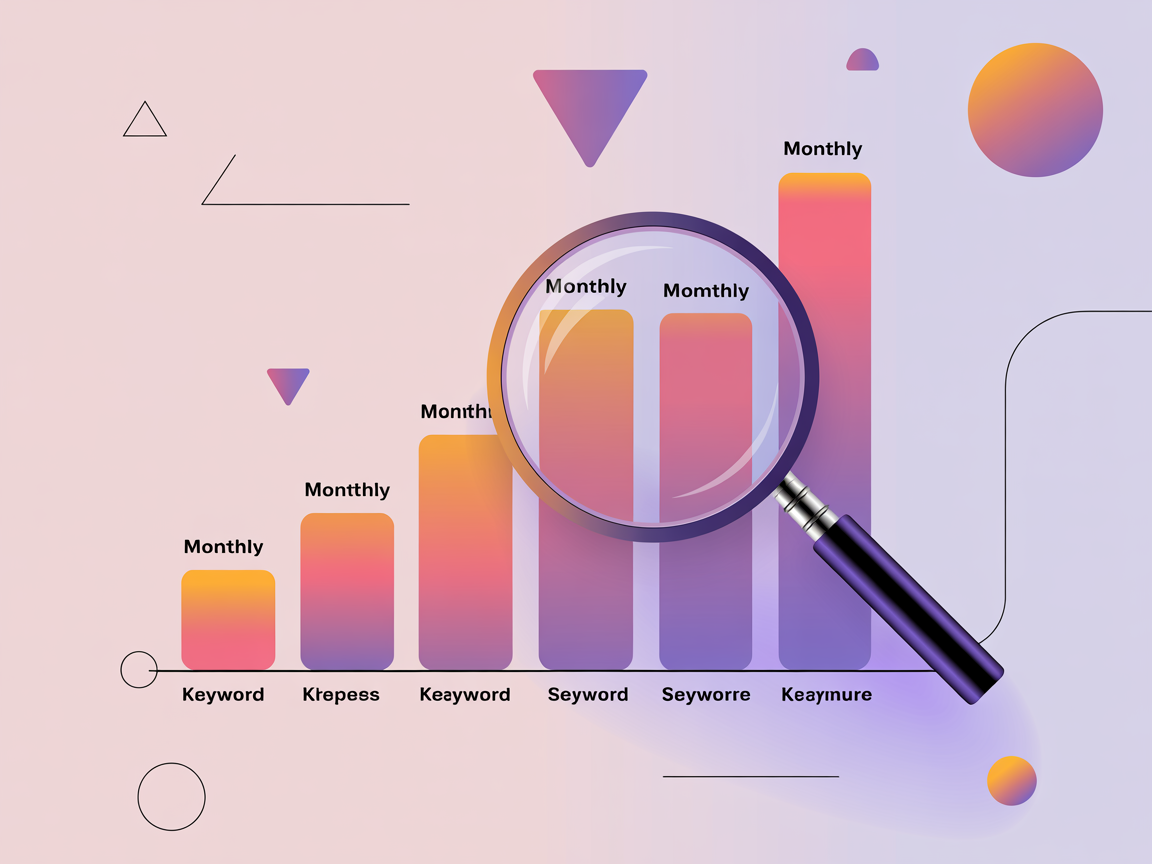
Pinterest shows search volume only to advertisers, as ranges inside its ads tools, and it is not public. Here’s what you can measure instead, and how to use it.

Pinterest shows its search volume only to advertisers, so a good tool is essential. Here’s what a great Pinterest search volume tool should do — and how to choose one that actually helps.
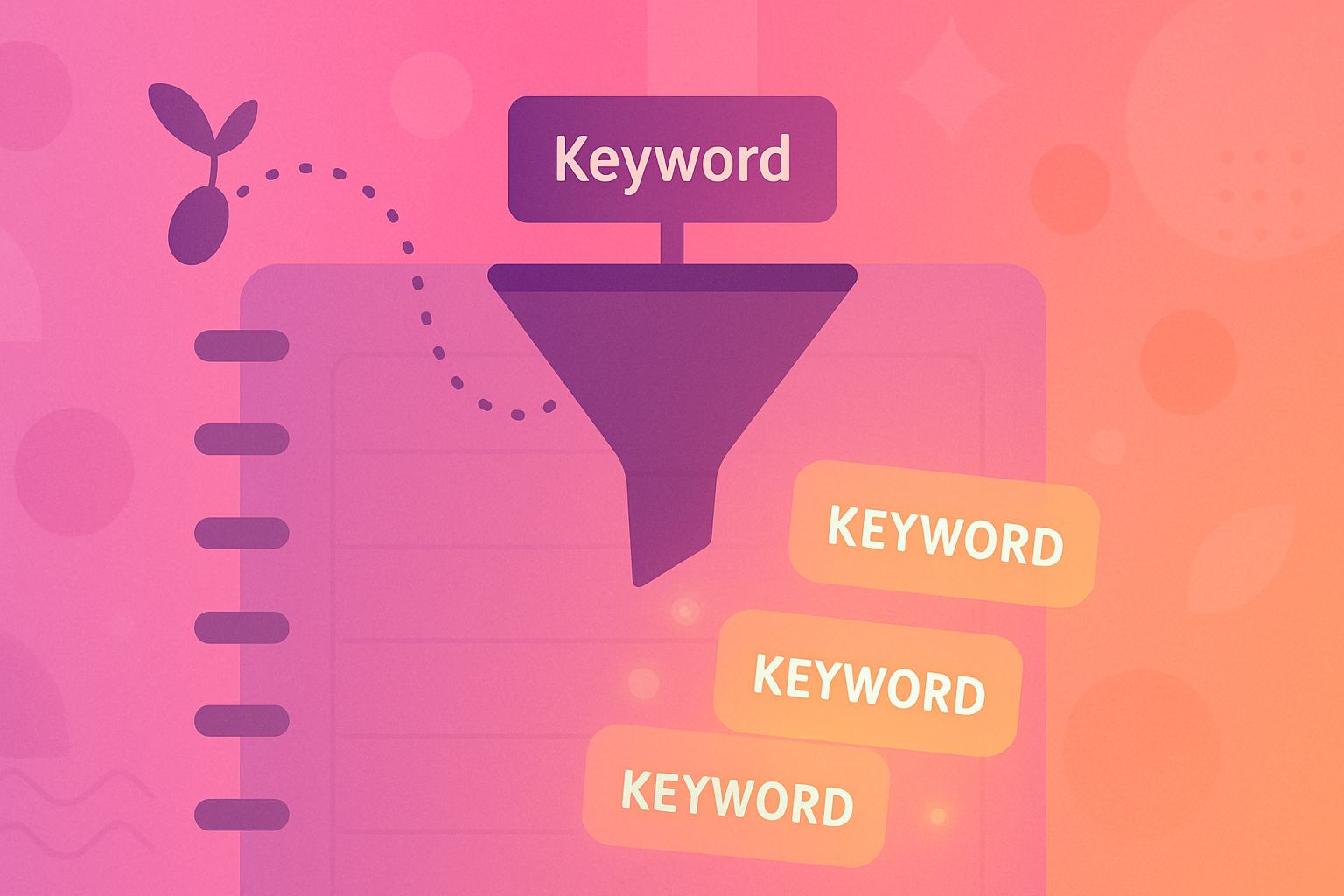
A simple, repeatable way to do Pinterest keyword research — from seed topics to a shortlist of winnable keywords with real demand you can rank for.
You can do some Pinterest keyword research for free — but where do free methods stop and a paid keyword tool start paying off? An honest breakdown to help you decide.
Never run out of Pinterest keywords again. Here are seven reliable sources for fresh keyword ideas — plus how to filter them down to the ones actually worth targeting.
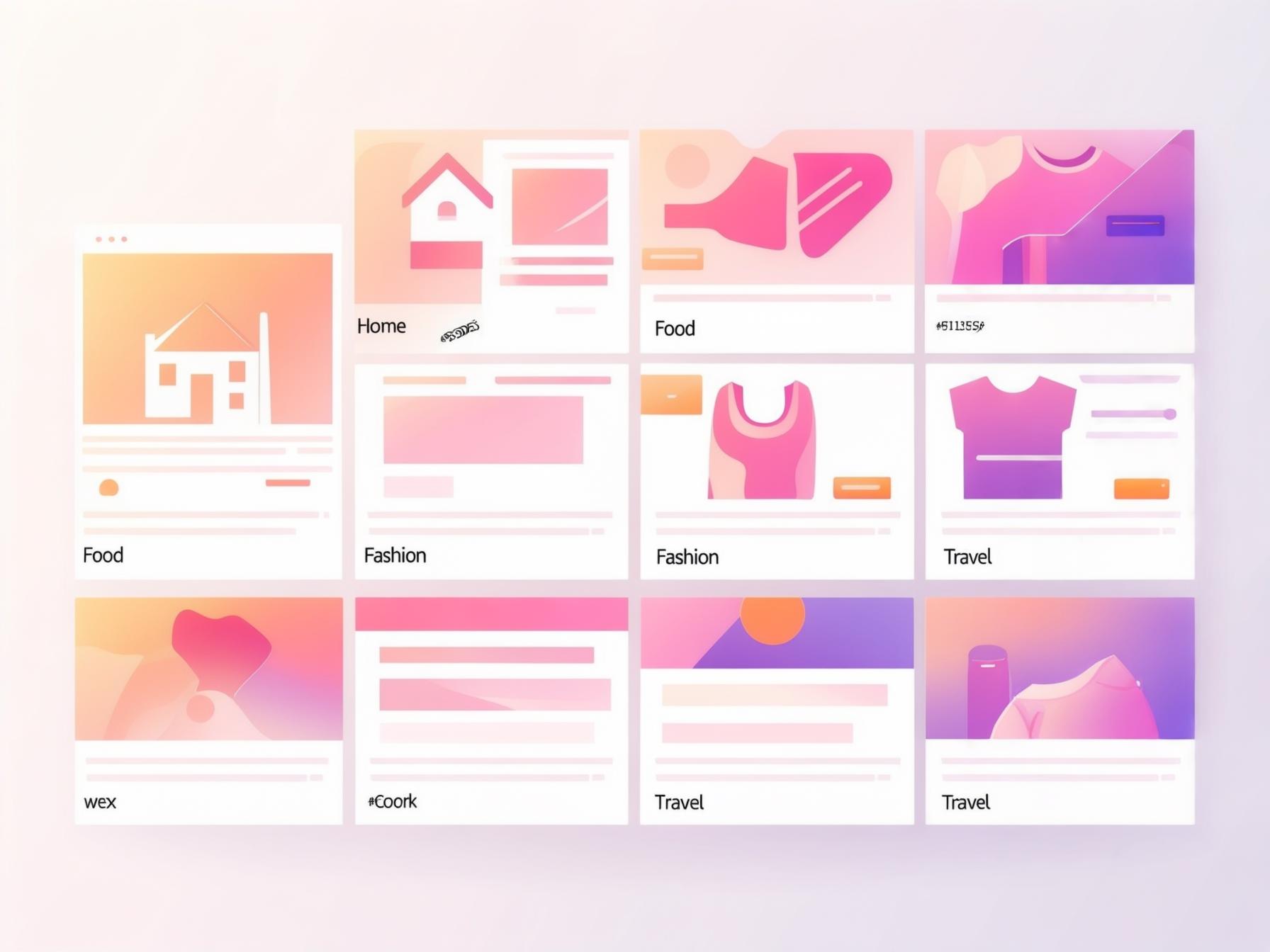
A ready-to-use starter list of Pinterest keyword themes across the biggest niches — plus how to expand them into winnable long-tails with real search demand.

Pinterest’s own autocomplete and guided-search tiles are a free, endless source of real keywords. Here’s how to mine them properly for long-tail phrases that rank.
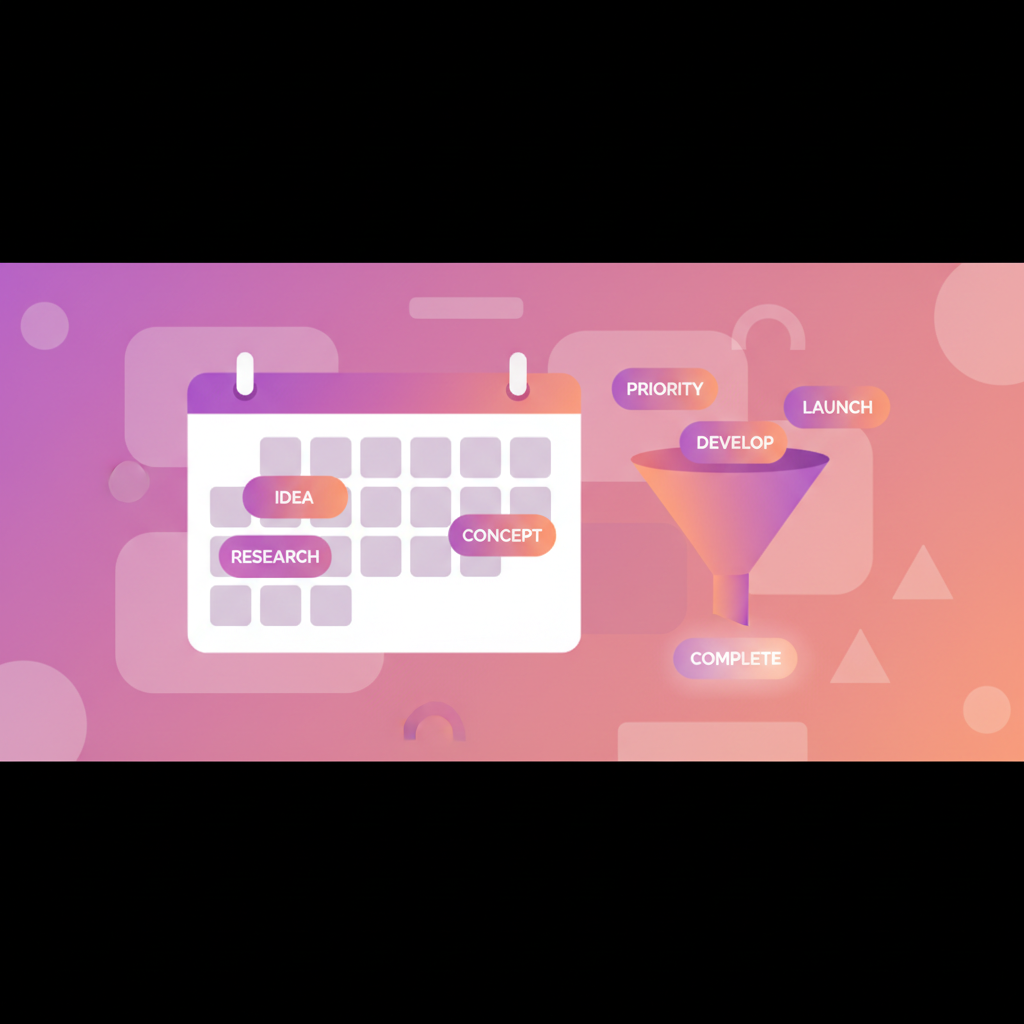
Looking for a Pinterest keyword planner like Google’s? Here’s the honest answer — what Pinterest does and doesn’t offer, and how to plan keywords that actually rank.

Your competitors already tested what works. Here’s how to reverse-engineer the exact keywords and pins driving their Pinterest traffic.
The sweet spot on Pinterest is real demand with beatable competition. Here’s how to find low-competition keywords you can actually rank #1 for.

Find the exact phrases your audience searches, with real demand — a repeatable keyword research workflow that turns Pinterest search into a steady traffic source.

Competitor research on Pinterest is unusually easy — almost everything is public — and almost everyone does it wrong, by copying the surface instead of reading the structure. What to look at, in what order.

You do not compete with the big account you admire. You compete with whoever appears for the phrase you want. Four kinds of account that all look like competitors, and how to build the list that matters in twenty minutes.

A board list is a public record of every bet an account has made and which ones paid off. Four things to read from it, the gap map that needs three accounts, and what board counts do not mean.

A board of 400 pins has about three worth studying. Where to find them, why the average pin tells you nothing, and how to tell an evergreen winner from a trend that has already passed.

The most valuable thing in competitor research is not what they are doing well — it is what none of them cover. But an empty shelf and an unmet need look identical, and telling them apart is the whole skill.

Everyone has a folder of screenshots they never open. The difference between that and a working swipe file is one extra field, ten seconds per entry, and a pruning habit.

Pinterest is a search engine full of people describing what they want in their own words. That makes it unusually good at three research questions — and completely useless at the fourth, which is the one about money.

Design is the most visible thing about a winning pin and the least transferable. What is actually readable from someone else’s pin, what is just their brand, and the four tells that a choice was deliberate.
The 116 keywords rising in the Pinterest pins we measure, 29 Sept to 29 Oct 2026: the top 5 in 8 niches, each with its rise and what the pins show.

The topics carrying the most Pinterest search demand, why the biggest phrases are the worst ones to chase, and a repeatable way to find what your own audience is looking for.

A practical look at which Pinterest niches are gaining momentum, which are crowded, and how to tell the difference for yourself instead of trusting a list.
A month-by-month map of when Pinterest demand rises for each topic, plus the lead-time rule that decides whether you catch the wave or watch it.

The four phases of a Pinterest trend, where the early signals actually come from, and how to tell a trend that compounds from a fad that pays once.
Q4 is not one deadline, it is a runway with fixed gates. Here is the month-by-month plan, the pin mix that converts, and the date after which new pins stop helping.

Seasonal pins win the month and then vanish. Evergreen pins compound quietly for years. Here is the ratio that gives you both, and how to tell which one you are making.

Trend reports are useful for direction and terrible as keyword lists. Here is what each part actually means, and the six checks to run before you build anything from one.
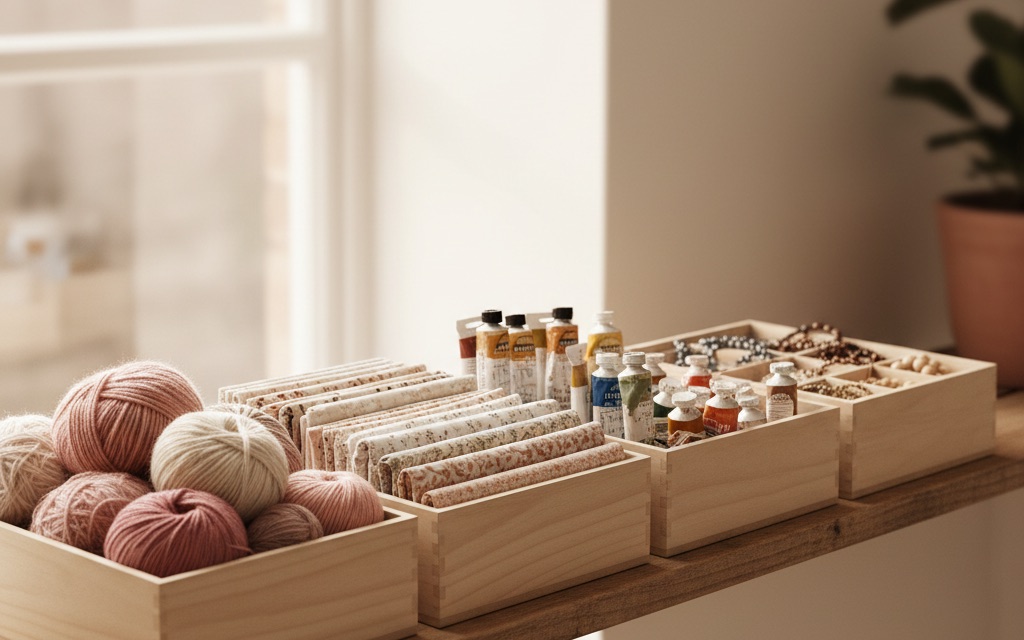
How Pinterest classifies everything on the platform, why that classification decides who sees your pins, and how to name boards so the system can actually place you.
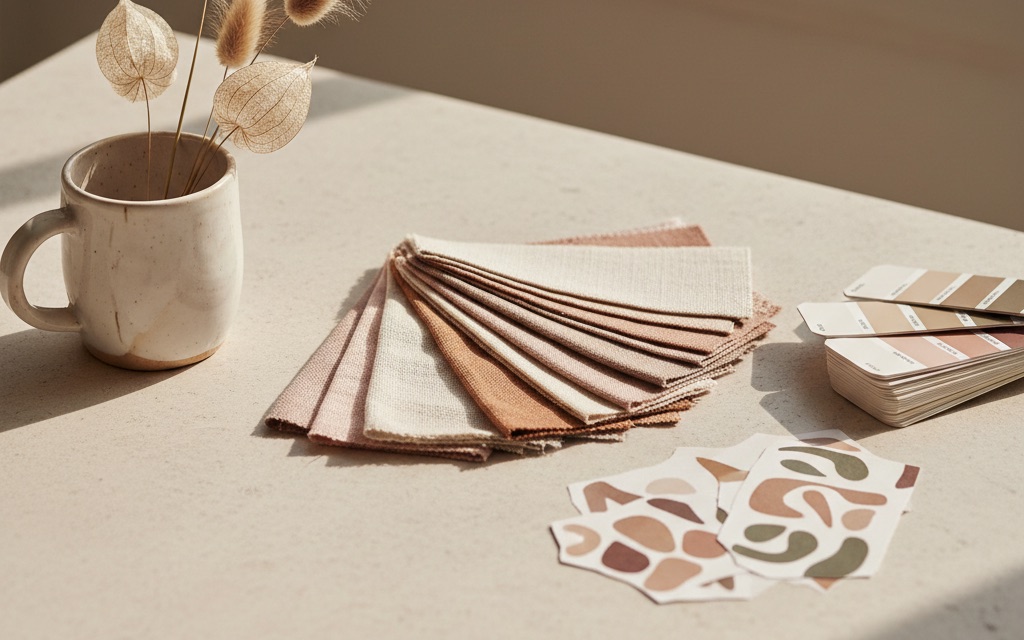
The aesthetics and themes rising on Pinterest into 2026, the evergreen ones that never stop, and a simple routine to spot a trend early and plan pins.

Stop guessing what to make. Here’s how to mine Pinterest Trends (and rising search data) for content ideas before everyone else piles in.

Catching a keyword while it’s rising is the closest thing to a Pinterest cheat code. Here’s how to use trend tools and data to spot rising searches before your niche does.

How to see who saved your Pin on Pinterest: there’s no list of names, but Pin stats show the public boards it was saved to. Where to look, and how to read them.

Pinterest analytics is full of numbers that feel good and predict nothing. Here’s how to read it properly — which metrics matter, what they mean, and what to do next.

A Pinterest impression means your pin appeared on someone’s screen — not that they looked at it. Here’s exactly what the number counts, why it swings so wildly, and which metric to watch instead.

Saves are the clearest signal of genuine interest Pinterest gives you. Here’s what a save really means, why velocity beats totals, and how to earn more of them.

Outbound clicks are where Pinterest attention becomes real traffic and revenue. Here’s what they measure, what a good rate looks like, and how to get more of them.
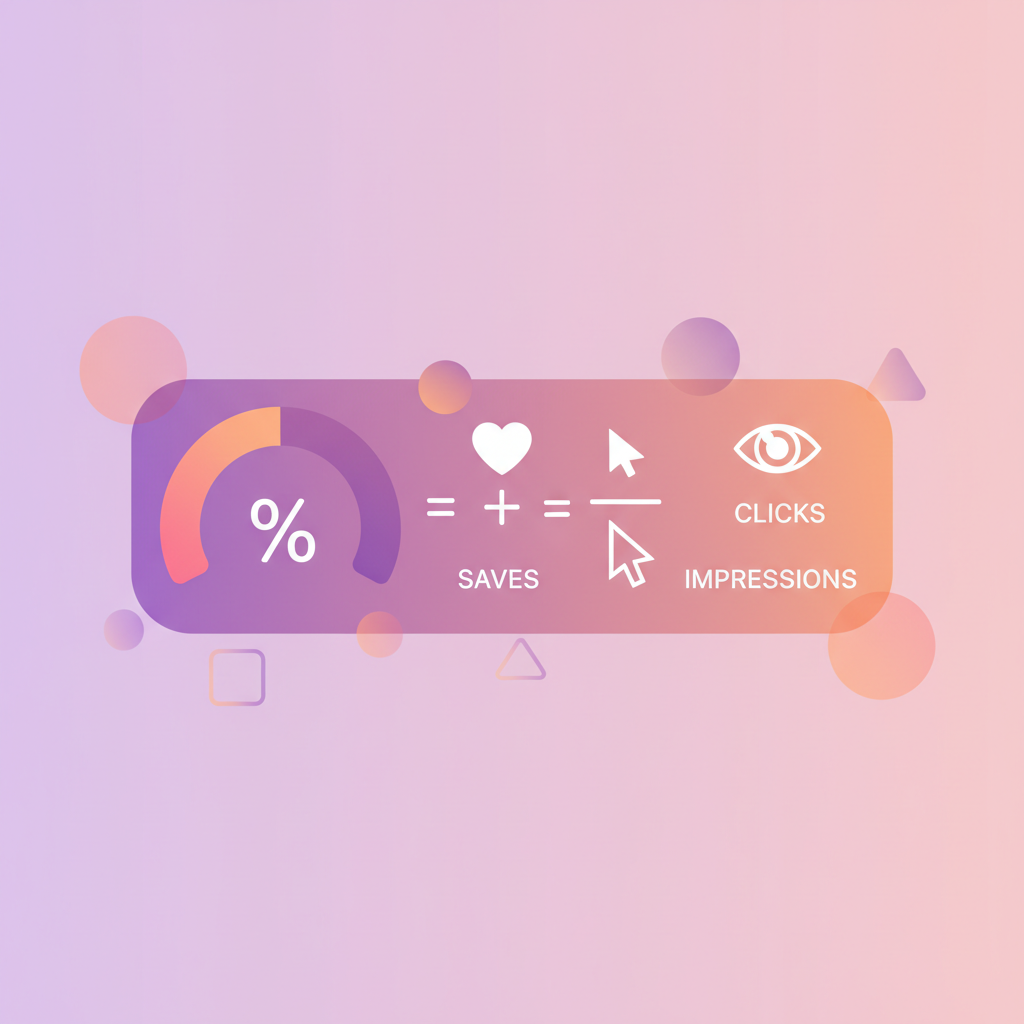
Engagement rate is how you compare pins fairly, regardless of age or reach. Here’s the formula, what a healthy rate looks like, and how to lift yours.

Most creators make content for an imaginary audience. Here’s how to read Pinterest’s audience data and turn it into pins the right people actually want.
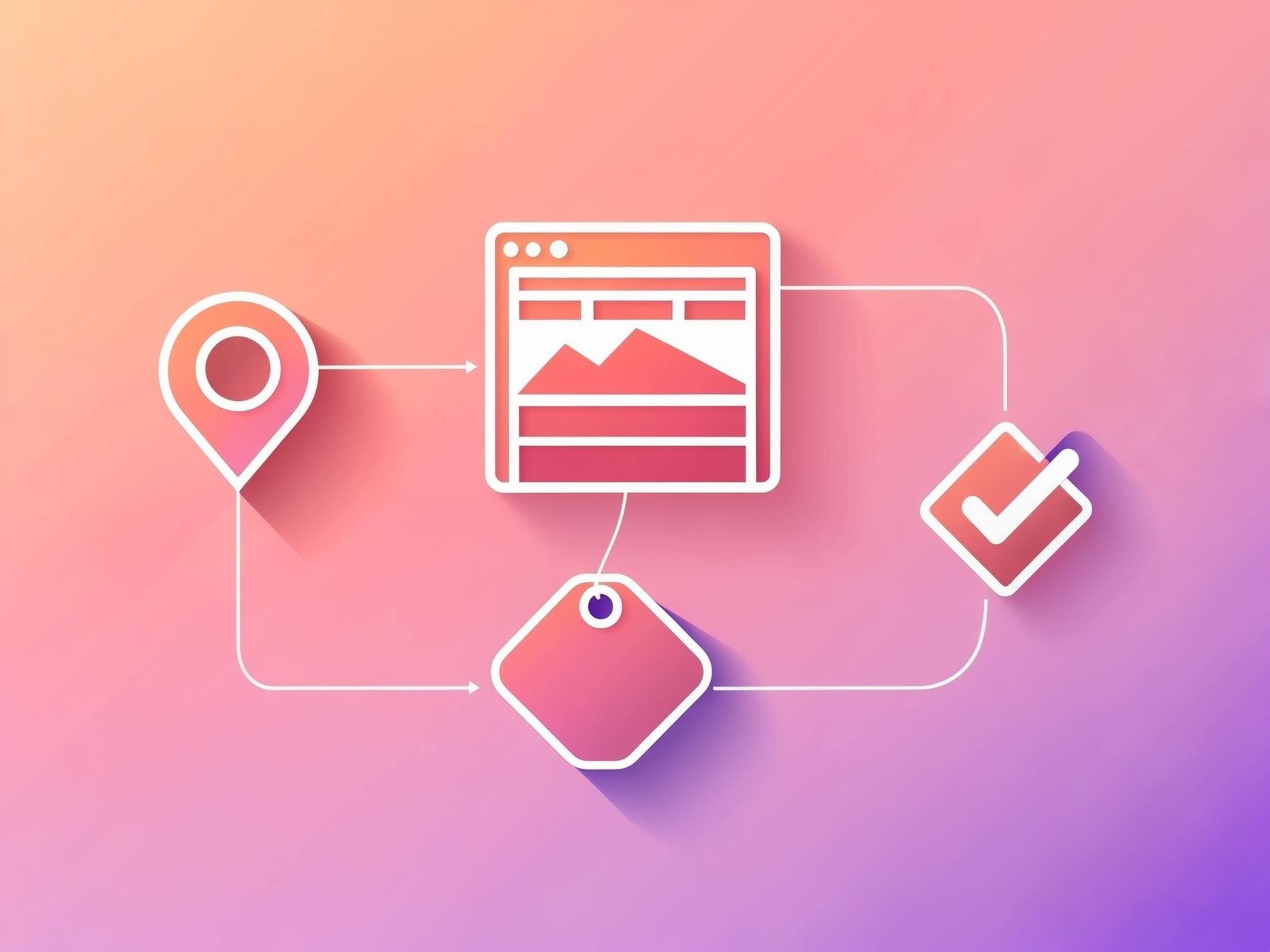
Clicks are nice; conversions pay. Here’s how the Pinterest tag works, how to set it up step by step, and how to use the data without fooling yourself.

Pinterest traffic often hides in “social” or “direct”. Here’s how to tag your links with UTMs so you can see exactly which pins and boards drive real visitors.

Pinterest’s built-in analytics looks helpful but hides the numbers that matter most for growth. Here’s exactly what it shows — and what it doesn’t.

Monthly views are the number everyone watches and nobody understands. Here’s what they actually measure, why they swing so wildly, and the metrics that matter more.

Impressions look nice but rarely pay. Here are the 12 Pinterest metrics — from save velocity to Pin Score and pin-health flags — that matter most for traffic.

A plain-English guide to the Pinterest tag and conversion events — what to install, in what order, and the four questions that explain a tag reporting nothing.

The four layers that make Pinterest measurable, in the order they have to be built — claim, Rich Pins, tag, UTMs — plus the audit that tells you which one is silently broken.

Claiming takes five minutes, unlocks analytics for every pin of your site, and quietly breaks later without telling you. Here are the three methods and what each one unlocks.

Rich Pins mirror your page metadata onto every pin of your content. Here is what they read, how to validate them, and what each of the four common errors actually means.

Ad blockers and browser privacy quietly delete a chunk of your conversions. Server-side tracking sends them from your server instead — here is what that means, and when it is worth doing.

Pinterest says 1,000 clicks, Google says 680 sessions, and neither is lying. Here is exactly where the gap comes from, how big a gap is normal, and which number to run your business on.
UTMs are four fields you add to a link so your own analytics can tell you exactly which pin sent which visitor — and one naming rule that stops the whole dataset splitting in half.

The same sales can produce four different totals depending on one setting. Here is what click-through and view-through windows mean, and why judging a pin after a week kills winners.

Impressions, reach, monthly views, saves, pin clicks, outbound clicks — what each one actually counts, what it quietly leaves out, and which three of them should ever change what you make next.

Yes, some of your own activity registers. No, it is not why your impressions look healthy while your traffic does not. Here is exactly what counts, how much of your number is you, and a three-day test that settles it.

Two numbers sitting side by side in the dashboard, measuring completely different things. The distance between them is where almost every “Pinterest sends me nothing” complaint actually lives — and it is usually fixable.

One person scrolling past your pin six times is six impressions and one person — and that single fact explains most of the confusion in your dashboard. Here is what each of the three big numbers counts, and the ratio between two of them that is worth more than either.
Almost every “my impressions crashed overnight” panic is a rolling window doing exactly what it was built to do, not an account in trouble. Here is how one good day ages out and takes a third of your total with it — and the four ranges I use now, one per question.

Ten thousand impressions is neither good nor bad, because that number contains almost none of the information you need to judge it. Here are the bands I actually use by account age, the three ratios that survive a busy month, and why every published benchmark flatters.

How far behind Pinterest analytics actually runs, why saves and outbound clicks keep climbing for days after impressions have gone quiet, and a four-step triage that separates a slow number from a real fault. Including the three genuine problems that look exactly like a delay.
Pretty board names and findable board names feel like a choice, and they are not — they are a placement problem. Here is the pairing rule, a long list of mood words that survive it, and the ones that never will.
Renaming a board keeps the pins, the saves, the followers and the sections — nothing empties and nothing resets. The one thing that does change is the board’s address, which is what quietly broke a link on my own site for a fortnight.

A business profile is read by two audiences with opposite needs, and internal names fail both. Here is how to name boards for the customer rather than the org chart, plus the three traps that only happen on business accounts.

Seven names from my own account, what each one is quietly doing wrong, and the rewrite I replaced it with. They turned out to be bad for exactly the same reason, and it is not length, cuteness or emoji.

Short names look tidy and lose every long-tail search. Long names get found and get cut off. The resolution is that truncation is a display problem, not a ranking one — so the rule is front-load and let the tail run.

Seasonal boards get named badly more often than any other kind, because they are made in a hurry during the season. Two specific failures, one naming pattern that survives the calendar, and the habit that keeps eleven months of saves.
How to organize Pinterest boards so they rank: fewer, tighter themes, names people search, descriptions, order, sections, secret boards and group boards.
Your board name is a keyword slot. Here’s the formula for names that get found, dozens of real examples, and the cute-name trap that keeps accounts invisible.

A practical, ready-to-use list of Pinterest board ideas across the biggest niches — plus how to adapt them so they’re specific enough to actually rank.

Board descriptions are free SEO real estate almost nobody uses. Here’s a simple formula, good and bad examples, and how to write them in bulk without going mad.
Sections tidy up a big board without fragmenting your account. Here’s exactly when they help, when they hurt, and how to structure them properly.

Secret boards are private planning space — genuinely useful when you know what to use them for. Here’s how they work, the best use cases, and the traps.
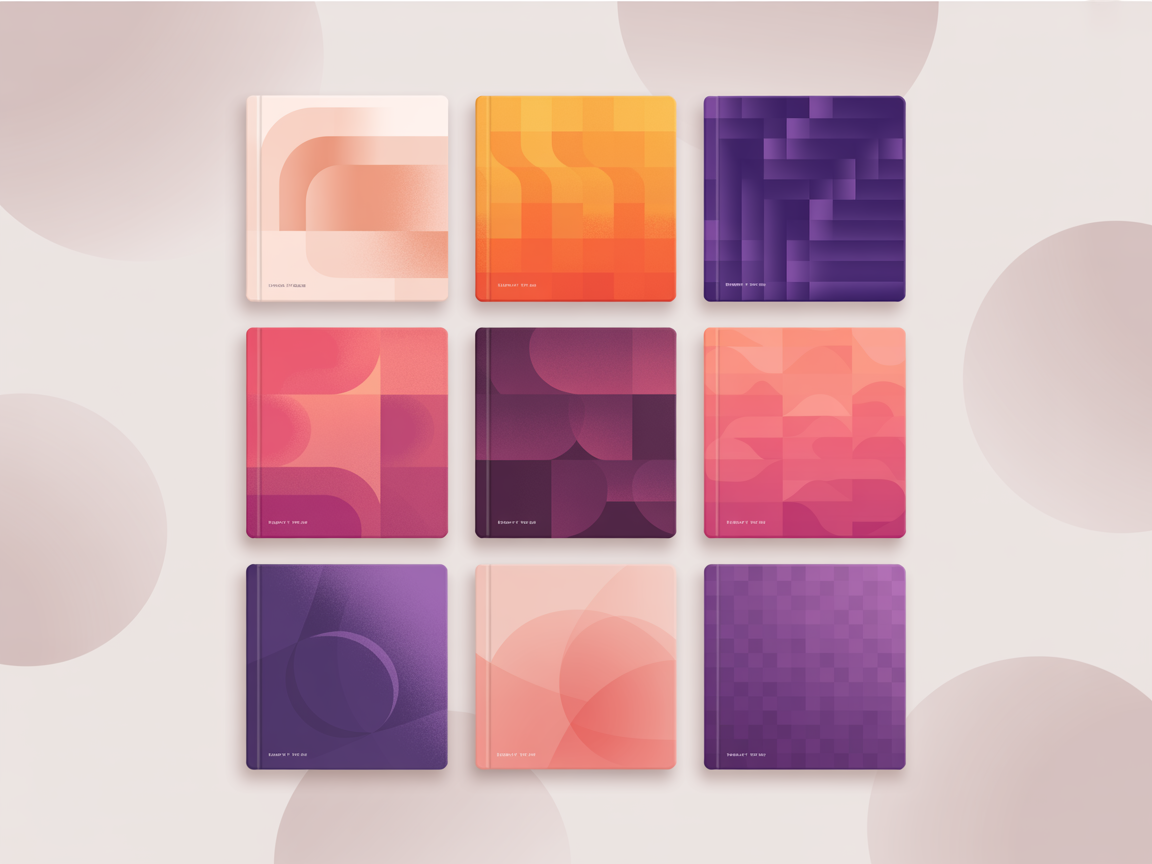
Board covers are the first impression your profile makes. Here’s how to choose or design them, the right dimensions, and how much they actually matter.

There’s no magic number — but there is a right range for your stage. Here’s how many boards to run, when to add more, and when to merge or archive.
Group boards were once the Pinterest growth hack. Here’s what they actually do in 2026 — and how to use the good ones without hurting your account.

Boards are quiet SEO real estate. Here’s how to name and structure them so Pinterest understands exactly what you’re about.

Pinterest is public by default in more places than almost anyone realises, and the surprise is rarely the boards — it is the profile, the comments and Google. Here is every audience, exactly what each one sees, and the five switches that change it.

Your followers cannot see a secret board, it stays off your profile, and it does not turn up in search. All true. Here are the four ways it leaks anyway, and the one cost nobody mentions.

One switch keeps your Pinterest profile out of search engines. For a personal account that is a sensible choice. For anyone trying to send people to a website it is a slow puncture — and most people who have it on turned it on years ago for a reason that has expired.

Saving is a public act. Following is visible. Your board list, your followers and who you follow are all open. What stays genuinely quiet is a much shorter list than most people assume — here is both, without the alarmism.

Four options that sound interchangeable and are not. One is reversible and free, one throws away every pin, and the word “private” is used for all of them — which is exactly why people pick the wrong one.

Looking is silent, saving is not, and following is loud. Here is what your browsing actually records, the four ways to keep it to yourself, and how one afternoon of research can wreck your home feed for weeks.

Six checks in a deliberate order, with the personal answer and the business answer side by side — because on Pinterest those two are frequently opposite. Most people find exactly one thing wrong, and it is usually a collaborator.
Design decides whether your keyword research ever pays off. Here’s the complete guide to pins that stop the scroll — layout, text, colour, imagery and the mistakes to avoid.

Font choice decides whether your headline is read or skipped. Here’s what works at thumbnail size, how to pair two fonts, and the styles to avoid entirely.

Colour affects whether your pin is noticed and whether your text can be read. Here’s what performs on Pinterest, how to build a palette, and the contrast rule that matters most.
The text on your pin is read by Pinterest and by humans. Here’s what to write, how to place it, how big it should be, and the overlay techniques that keep it readable.

You don’t need a professional camera — you need the right kind of photo. Here’s what performs on Pinterest, how to shoot it on a phone, and where to find good images.
Infographic-style pins are among the most saved content on Pinterest. Here’s how to structure one, what content suits the format, and how to make them fast.
Carousel pins let you tell a sequence across several cards. Here’s how they work, the content that suits them, and an honest take on whether they’re worth your time.

Most underperforming pins fail for the same few reasons. Here are the nine most common design mistakes, why each one costs you, and the two-minute fix for each.
The pin sizes, ratios and design choices that earn saves and clicks — a no-nonsense spec sheet plus the design habits that actually move the needle.

You don’t need to be a designer to make great pins. Here’s a simple, repeatable Canva system for pins that stop the scroll, rank in search and get clicked.

A good pin template turns pin design from a 20-minute chore into a 2-minute habit. Here’s what makes a template convert, plus how to build a reusable set that ranks.

Pinterest rarely tells you when something is wrong — it just quietly shows you less. Here’s how to diagnose every common account problem and fix it, in order.
“Shadowban” is what people call it when reach vanishes with no explanation. Here’s what’s actually going on, how to tell the difference, and how to fix each real cause.

A suspended or restricted Pinterest account is stressful but often recoverable. Here’s why it happens, exactly how to appeal, and what to do while you wait.
Pinterest’s spam detection is automated, invisible and occasionally wrong. Here’s what triggers it, how to tell if it’s happening to you, and how to stay clear of it.
A broken link silently kills a pin — and can drag your whole account’s trust down. Here’s how to find them across hundreds of pins and fix them properly.

Old advice said save the same pin everywhere. Today that can suppress your account. Here’s what counts as a duplicate, what’s safe, and what to do instead.

A pin that used to rank and now shows up nowhere is one of the most alarming Pinterest problems. Here’s why it happens and how to work out which cause is yours.

If Pinterest distrusts your domain, everything you publish is capped before it starts. Here’s how to tell, why it happens, and the realistic path back.

No impressions on your new pins? Here are the seven real reasons Pinterest isn’t showing them — and the exact fix for each.
A sudden Pinterest traffic drop is scary but usually fixable. Here are the common causes — from pin-health flags to algorithm shifts — and how to recover.

Pinterest can quietly flag and throttle your pins with no notification. Here’s how to spot the hidden flags — “AI modified”, removed Visit-Site, no-index — and fix them.

Pinterest shoppers arrive in buying mode. Here’s the complete guide to turning that intent into sales — product pins, catalogs, SEO, and organic plus paid, in one place.

Product pins pull your live price and stock onto the pin — for free. Here’s how they work, how to set them up, and how to design ones that actually sell.
The Shopify–Pinterest connection is easy to set up and easy to waste. Here’s how to connect it properly, get product pins live, and turn it into real sales.

Catalogs turn your entire inventory into product pins automatically. Here’s how feeds work, how to set one up, the requirements, and the pitfalls to avoid.

A practical playbook for turning Pinterest into a sales channel — the organic foundation, when to add shopping ads, and how to make the two work together.

An honest look at dropshipping on Pinterest — where it works, where it fails, the account-health risks, and how to do it sustainably instead of getting flagged.

Running a WooCommerce shop? Here’s how to connect it to Pinterest, get product pins and Rich Pins live, and turn WordPress into a Pinterest sales channel.

Product pins that don’t rank don’t sell. Here’s how to do Pinterest SEO for an online store — product keywords, titles, boards and the searches shoppers actually use.

A practical Pinterest plan for Etsy shops — the pins, keywords and habits that turn browsers into buyers.

How bloggers actually get traffic from Pinterest in 2026 — the loop that compounds, how many pins a post needs, and the mistakes that keep most blogs stuck at a trickle.
The honest answer is five to ten — but only if they’re genuinely different pins. Here’s how to build them, how to space them out, and why colour variations don’t count.

Stop guessing what to write. Pinterest will tell you what people are already searching for — here’s the exact process for turning that into a queue of posts worth writing.

Pinterest traffic is famously cold — unless you catch it. Here’s the pin-to-freebie-to-subscriber path that actually converts, and the leaks that quietly kill it.

A realistic 90-day plan for a brand-new blog — what to set up, what to publish, what results to actually expect, and the month-two wobble that makes most people quit.
Stop making images twice. Here’s how to shoot and crop so the same work serves your post and Pinterest — plus where the pinnable image belongs inside an article.

The two-hour weekly block that keeps Pinterest running without eating your life — what to do in each part of it, and why daily dabbling costs more than batching.

Your archive is full of posts that deserve traffic and never got it. Here’s how to work out which ones are worth reviving, and the refresh-and-repin cycle that does it.

A plain-English breakdown of how Pinterest decides which pins to show, ranked by the four signals that actually move distribution — and how to earn them.

The Pinterest home feed isn’t chronological — it’s a personalised “smart feed”. Here’s how it ranks pins, why it matters for your reach, and how to work with it.

Pinterest quietly labels every pin with “annotations” — its own read of what your pin is about. Here’s what they are, why they decide your reach, and how to shape them.

Viral pins aren’t random. Here’s the repeatable recipe behind breakout pins — and how to spot one early.
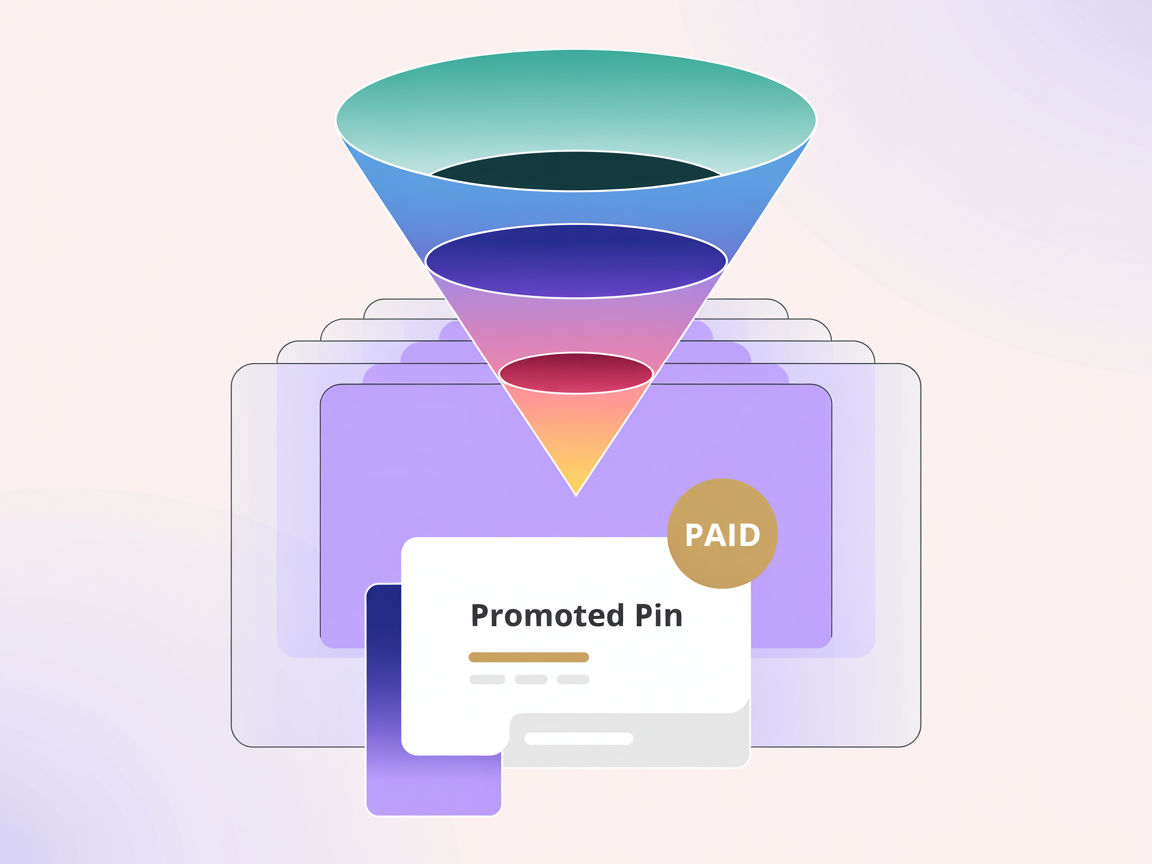
How Pinterest ads work: the campaign objectives, ad formats and targeting, what clicks and views cost, and how to set up a first campaign without waste.

A clear, click-by-click walkthrough to launch your first Pinterest ad — from business account and objective to targeting, budget, the tag and going live without wasting money.

What Pinterest ads really cost in 2026 — CPM, CPC and CPA ranges, what drives the price, and how to get cheap clicks and a healthy return on a small budget.

Are Pinterest ads actually worth it? An honest look at who they work for, who should skip them, realistic returns, and how to know before you spend real money.
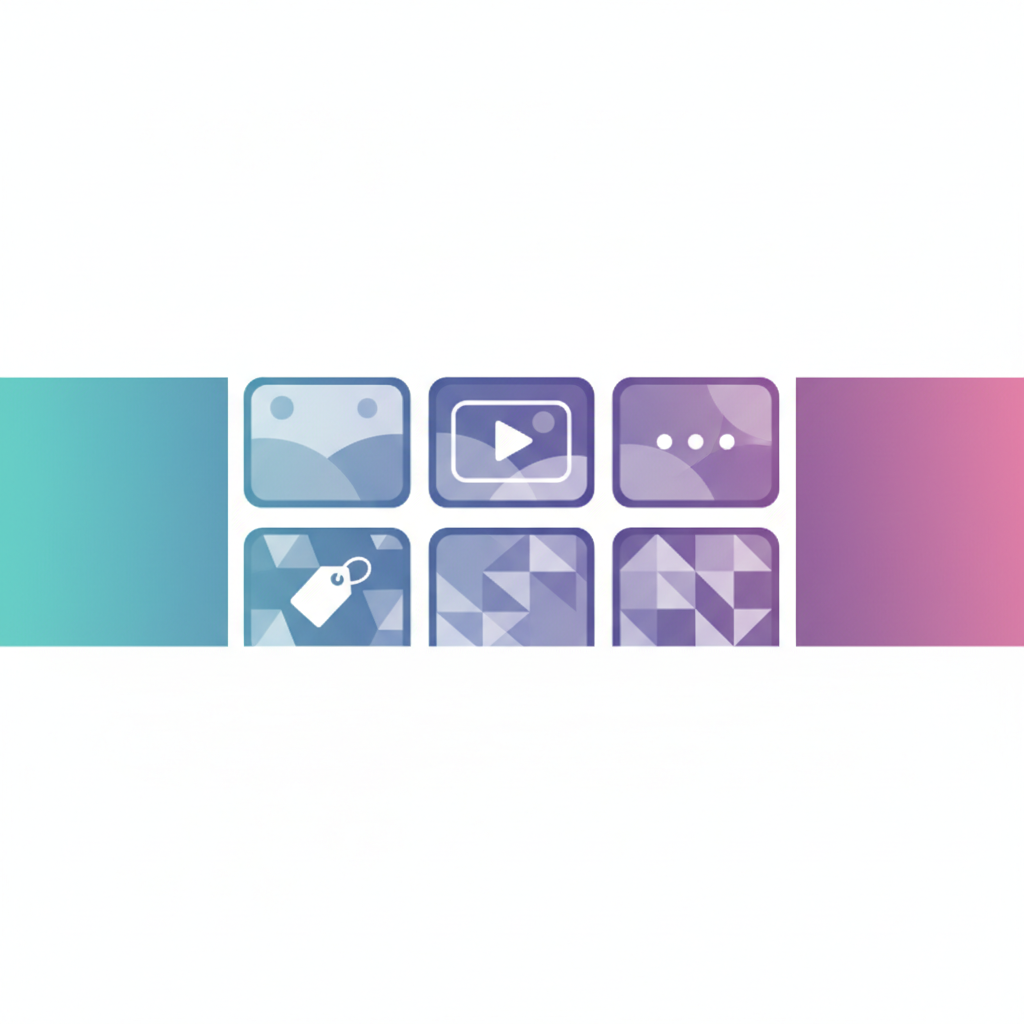
Standard, video, carousel, shopping, collections and idea ads — every Pinterest ad format explained in plain English, with when to use each for reach, clicks or sales.
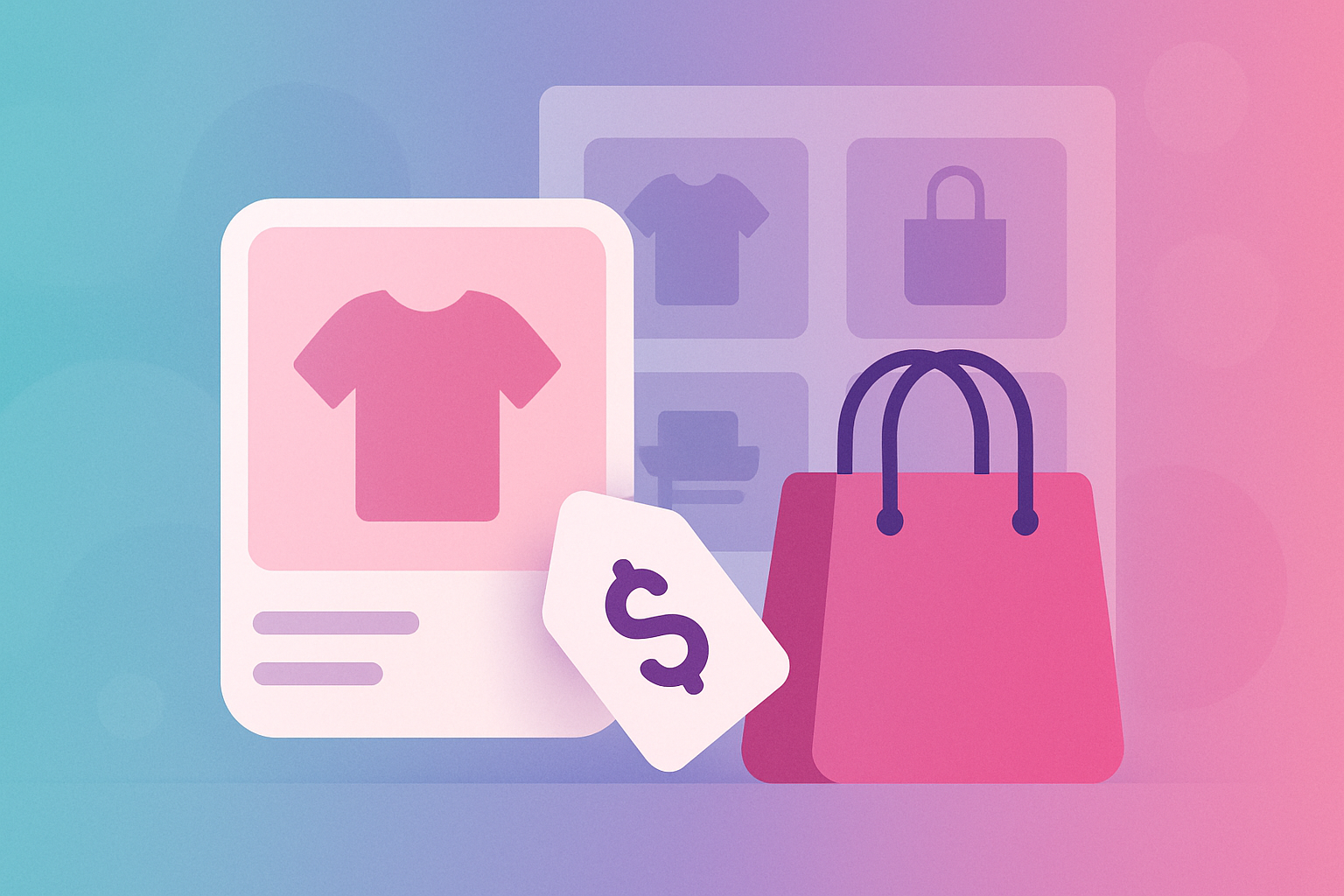
How Pinterest shopping ads and product catalogs work — set up your catalog, turn products into shoppable pins, and reach buyers in planning mode without wasting budget.

Master Pinterest ad targeting — keywords, interests, audiences, retargeting and demographics — so your budget reaches the exact people ready to click and buy.

Pinterest ads or Facebook ads? An honest comparison of intent, cost, audience and longevity — so you know exactly where your ad budget will work hardest.
The most common Pinterest ads mistakes — from promoting weak pins to ignoring conversion tracking — and exactly how to fix each so your ad budget actually pays off.

Seven ways people earn from Pinterest, from blog ad income and affiliate links to your own products, ranked by how reliable they are, and what to expect.

Should you pay for Pinterest ads or grow organically? Here’s the honest comparison — cost, speed, longevity — and how to combine both for the best return.

Digital products are the dream Pinterest income — make once, sell forever. Here’s how to find what sells, pin it so it ranks, and turn searches into passive sales.

Print on demand + Pinterest is a powerful, low-risk combo. Here’s how to research winning designs, pin them so they rank, and turn free search traffic into POD sales.

Traffic and revenue are different axes, and Pinterest is unusually good at sending enormous traffic to niches that monetise terribly. Here is the grid, the four quadrants, and how to tell which one you are standing in.
Saturation is a property of a keyword, not a niche, which is why “food is saturated” is simultaneously true and completely useless advice. Here is the ten-minute test I run instead of trusting anybody’s list, including mine.

Everybody says niche down and nobody says where to stop, so half of us stay at “home decor” forever and the other half end up alone with a phrase nobody has ever typed. Here is the four-rung ladder, the test for how far to climb, and why narrowing your pins does not shrink your account.
Twelve pins, three angles, fourteen days — the cheapest experiment I know for finding out whether a niche will actually work before you give it a year. Including why impressions are the worst thing to judge it on, and what to do about the ambiguous result you will almost certainly get.

You almost certainly do not need a new account, and the thing you are most afraid of losing is the least valuable thing you own. Here is what genuinely transfers to a new topic, what does not, and the three honest routes across — including the one most people take by accident.
The flat “no, make two accounts” advice is wrong more often than it is right, because Pinterest hands out distribution per pin rather than per account. What actually breaks is the four seconds a stranger spends on your profile — and that is a board problem, not an algorithm one.
How to research a Pinterest niche properly before you commit a year to it — the five-point scorecard, where the real demand hides, and the traps that look like opportunities.

Travel demand peaks months before anyone travels. Here’s how to publish into the planning window, which formats win, and why destination-only content underperforms.

Home decor is Pinterest’s biggest category and its most competitive. Here’s how to win it from a standing start by going one level down — and which sub-niches carry the demand.

Fitness demand on Pinterest is wildly seasonal and the January wall is won in November. Here’s how to publish for it, plus the year-round topics nobody competes for.

Wedding planning runs on Pinterest, on a fixed 12-month clock. Here’s how to map content to planning stages, and why the audience replaces itself every single year.

Parenting demand is stage-driven, urgent and endlessly renewing. Here’s how to structure content around the stages, and the tone that actually earns trust.

Money content gets huge saves and poor clicks unless you build it right. Here’s which finance sub-niches convert, and how to turn budget searches into an actual business.
Crafts are Pinterest’s native content and the seasonality is severe. Here’s the publishing calendar that wins autumn, and how to make tutorials that get saved for years.

Some niches are gold mines on Pinterest, others are graveyards. Here are the strongest niches in 2026 — and a simple method to pick the one that fits you.
Food is the biggest niche on Pinterest — and the most competitive. Here’s exactly how food bloggers win: recipe keywords, pin design and the habits that drive clicks.

Pinterest is a quietly perfect channel for real estate — buyers and sellers plan there for months. Here’s how agents turn local pins into real, qualified leads.

Fashion is one of Pinterest’s biggest niches. Here’s how fashion bloggers and creators turn outfit pins into steady, free traffic — the keywords, design and habits that work.

Photographers are sitting on the perfect Pinterest content — beautiful images. Here’s how to turn your portfolio into search traffic, leads and bookings, step by step.
PinPinterest gives you the keyword demand, Pin Score and rank tracking these articles rely on.