Every Number in Pinterest Analytics, Translated Into English
Impressions, reach, monthly views, saves, pin clicks, outbound clicks — what each one actually counts, what it quietly leaves out, and which three of them should ever change what you make next.

A friend messaged me last year to say her Pinterest was finally working.
Forty thousand impressions in a month, up from about six.
She wanted to know whether she should raise her rates.
I said yes, obviously, congratulations.
Then I asked, mostly out of nosiness, how much traffic her site had got that month.
Eleven visits.
Neither of us had done anything wrong.
She had read a number that means one thing as though it meant something else, and I had cheered her on because I had read it the same way.
That is the whole problem with Pinterest analytics: none of the words are lies, but almost all of them are more specific than they sound, and the gap between what you think you are reading and what is actually being counted is where an entire year can quietly go.
So here is the glossary.
Every number, what it counts, what it leaves out, and — the part nobody writes down — whether it should ever change a decision.
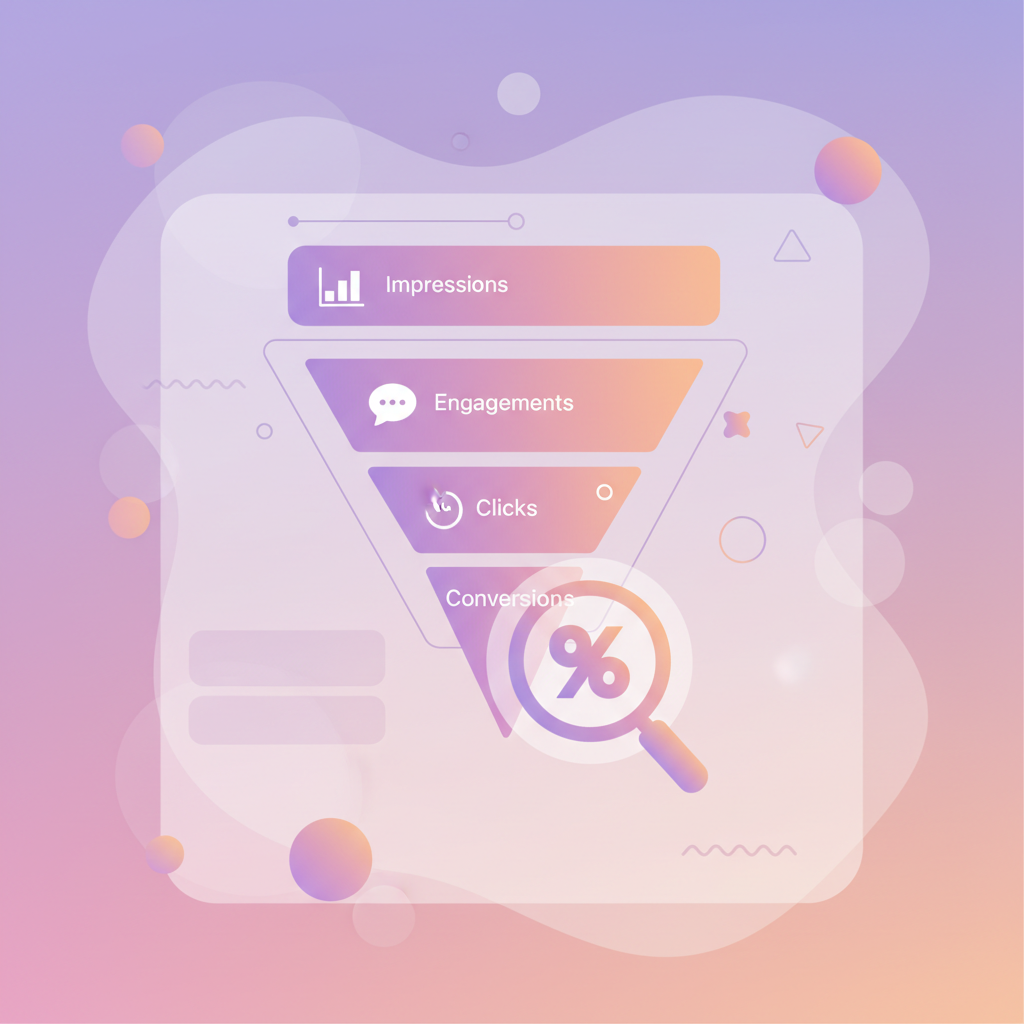
It appeared
ImpressionsReachMonthly views
They reacted
SavesPin clicksEngagement rate
They left
Outbound clicks
Each family is a fraction of the one above it. Only the bottom one has been to your website.
There are only three families, and it helps enormously to know which one you are in
Pinterest gives you something like a dozen numbers across a few tabs, which feels like a dozen separate things to understand.
It is not.
Every one of them belongs to one of three families, and once you can place a word in its family you can mostly work out what it means without being told.
Family one is how many times your pin appeared on a screen.
Family two is how many times somebody did something with it while still on Pinterest.
Family three is how many people actually left Pinterest and arrived on your site.
They get smaller in that order, and they get more useful in that order, which is a genuinely annoying combination — because the biggest, most quotable number is the one furthest from anything that matters.
Family one: it appeared on a screen
Impressions is the number of times one of your pins was rendered on somebody’s screen.
Not looked at, not read, not considered — rendered.
If a pin loads at the bottom of a feed while somebody is scrolling past at speed, that is an impression, and it counts exactly as much as one somebody stopped and stared at.
There is a fuller breakdown in what impressions actually measure, but that is the shape of it.
Reach is how many separate accounts that happened to.
One person who scrolls past your pin six times in a week is six impressions and one reach.
This single fact explains most of the confusion in the dashboard, and I would put it on a sticky note.
Monthly views is the giant number on your profile, and it is the one people put in their bios.
It counts impressions across your pins and pins from your claimed accounts over a rolling thirty days.
It is real, it is not fake, and I have never once seen it predict anything.
Why monthly views swing so violently is worth reading if yours has just halved and you are worried.
The sentence that would have saved my friend a year
Impressions measure how hard Pinterest is currently pushing your pins. They do not measure how many people saw them, how many liked them, or how many are ever going to visit you. A rising impression count means the algorithm is distributing you more — which is genuinely good news, and is not the same news as “this is working”.
Family two: somebody did something, on Pinterest
Saves are somebody putting your pin on their own board.
This is the number I care about most in this family, because it is the only one that costs the person anything — a save is a small public commitment, and it also feeds distribution.
What a save is really telling you goes further into that.
Pin clicks are somebody tapping the pin to open it larger on Pinterest.
They have not gone anywhere.
They are still on Pinterest, looking at your image at a more comfortable size, and they may well close it again in a second and a half.
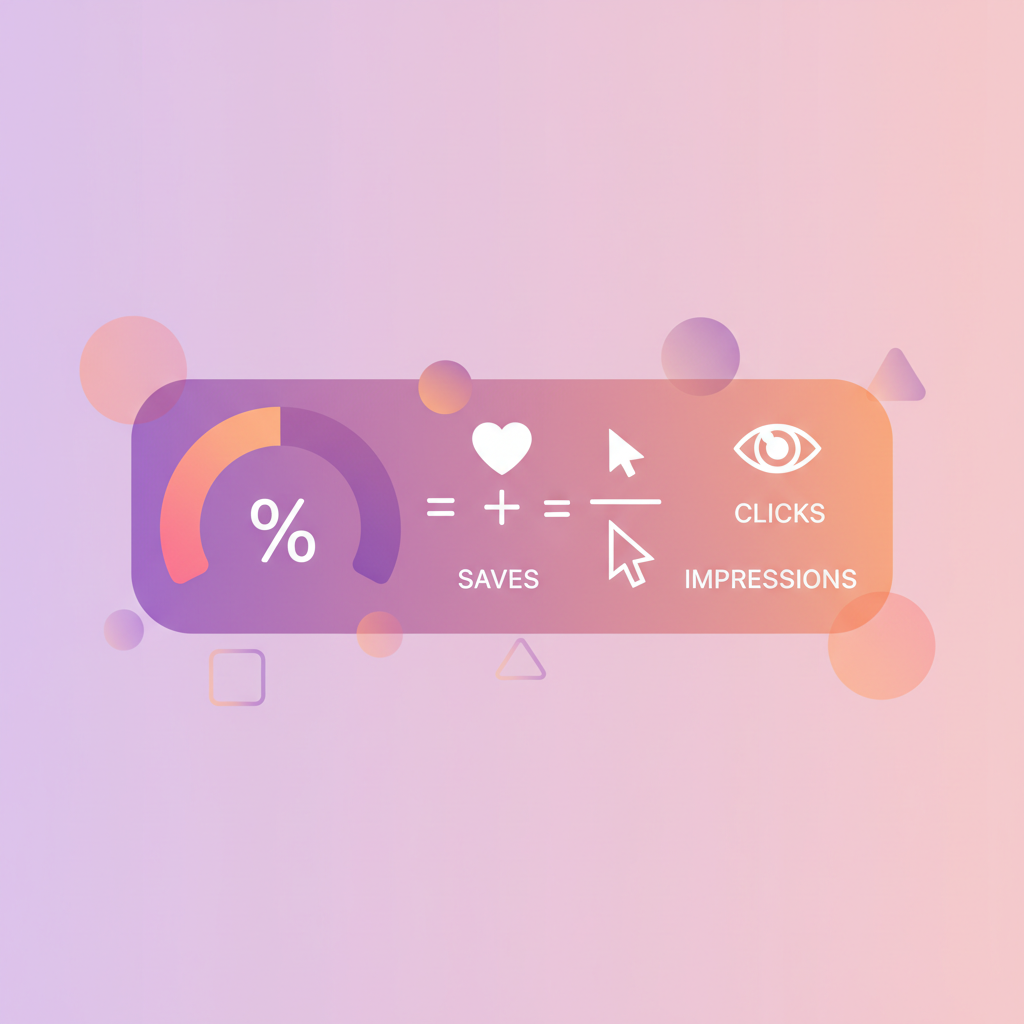
Engagement rate is the ratio of people doing things to people being shown things.
It is more useful than any raw count because it survives your publishing volume changing, which raw counts do not.
How to calculate it honestly matters here, because there are three different denominators floating around and they give very different answers.
The free engagement rate calculator uses Pinterest’s own definition and puts your save and click rates beside it.
Metric
What it counts
What it quietly misses
Impressions
Times rendered on a screen
Whether anyone looked
Reach
How many separate accounts
How often each one saw it
Monthly views
Rolling 30-day impressions
Anything predictive
Saves
Filed to someone else board
Whether they ever return
Pin clicks
Opened larger on Pinterest
That they never left
Outbound clicks
Left for your website
Whether the page loaded
Nothing here is a lie. Everything here is narrower than it sounds.
Family three: they actually left
Outbound clicks are people leaving Pinterest for your website.
This is the number that pays for anything.
It is also, on almost every account I have ever looked at, staggeringly smaller than everything above it — often two or three orders of magnitude below impressions, which is normal and not a sign of failure.
It is worth understanding that an outbound click and a pin click are different events, and the gap between the two is diagnostic rather than cosmetic.
Outbound clicks, in detail covers what a healthy relationship between them looks like.
One warning about this family: your own site analytics will disagree with Pinterest, always, in the direction of Pinterest claiming more.
That is not either tool lying.
They count different events at different moments, and people close tabs.

The comparison that tells you more than any single number
If you only ever look at one thing, look at the shape of the drop between families rather than the size of any one of them.
- Impressions high, saves near zero — Pinterest is showing your pin and nobody wants it. That is a design or topic problem, and no amount of extra publishing fixes it.
- Saves healthy, pin clicks low — people like the idea enough to file it but not enough to look closer. Usually the image already says everything.
- Pin clicks healthy, outbound clicks low — this is the expensive one. They opened it, looked, and decided not to leave. Something in the pin promised more than the link seemed likely to deliver.
- Outbound clicks healthy, site visits much lower — check the link itself before anything else. Redirects and typos are far more common than they should be.
Each of those is a different job on a different day.
Reading only the headline number tells you that something is or is not happening; reading the drop tells you which of four things to actually go and do.
Which of these should change what you make next
Honestly: three of them, and only three.
Change what you make
Saves per impressionOutbound per pin clickImpressions per pin
Worth a glance
Engagement rateAudience insights
Weather
Monthly viewsFollowersTotal impressions
Most of the dashboard is weather. Pleasant to watch, no use for planning a trip.
- Saves per impression, by topic. This is the one that tells you what to make more of. If two topics get the same distribution and one gets saved twice as often, you have your answer and it took thirty seconds.
- Outbound clicks per pin click. This tells you whether your pins are writing cheques your pages are cashing. A widening gap here is the earliest honest warning you get.
- Impressions per pin published. Not impressions — impressions divided by how many pins you put out. This is the only version of the headline number that survives you having a busy month, and it is the one that actually shows whether the account is getting stronger.
Everything else is context.
Follower count is context.
Monthly views is context.
Total impressions is context with excellent marketing.
The longer argument for which metrics deserve a decision is worth a read if you want the reasoning rather than the list.
The numbers I have stopped looking at, and why
I no longer check follower count at all.
It moves slowly, it responds to nothing I do deliberately, and on Pinterest it barely affects distribution — a pin from an account with two hundred followers and a pin from one with forty thousand are both mostly judged on the pin.
I glance at monthly views roughly never.
It is the number most likely to make you feel something and least likely to tell you anything, which is a bad ratio for a thing you look at while deciding what to work on.
And I have stopped reading any single day.
Pinterest data settles over several days, weekends behave differently from weekdays, and a Tuesday on its own is noise wearing a number’s clothes.
The short version, for the sticky note
- Impressions — times shown, not times seen. Distribution, not audience.
- Reach — how many separate people that was. Always much smaller.
- Monthly views — a rolling thirty-day impression total, and a bio ornament.
- Saves — somebody filed it. The best early signal you get.
- Pin clicks — opened it bigger, still on Pinterest.
- Outbound clicks — actually left for your site. The number that pays.
- Engagement rate — reactions divided by showings. Survives volume changes.
- Audience insights — who those people are, roughly, and worth a proper look once a quarter.
If your dashboard still feels opaque after all that, the tab-by-tab walkthrough in our Pinterest analytics guide picks up where this leaves off.
The six questions this glossary keeps producing
Every time I have explained the above to somebody, the same six follow-ups arrive within a fortnight.
Each one has its own post, because each one has a real answer rather than a definition:
- Does Pinterest count my own views? — partly, and it matters far more on a small account than a large one.
- What is the difference between pin clicks and outbound clicks? — one tap apart in the interface, an entire category apart in meaning.
- Impressions, reach or views — which one is people? — exactly one of the three, and it is not the one anybody quotes.
- Why did my numbers change overnight? — almost always a rolling window rather than a crash.
- Is my number any good? — a malformed question, and here are the ratios that replace it.
- Why has my dashboard not updated? — it is behind rather than broken, and here is how to tell.
The reason I care about any of this is that the decision these numbers exist to inform is always the same one: what should I make next week.
That question is answered by knowing which topics people are already looking for and which of yours they are already saving — which is the entire job PinPinterest does, and it is why I would rather spend twenty minutes on demand than an hour admiring an impression count.
My friend, incidentally, is doing fine.
She stopped watching impressions, started watching saves by topic, and her eleven visits a month are now a number I am not allowed to print.
#pinterest metrics#pinterest analytics#impressions#glossary
More in Metrics6 other guides in this categorySee all