What Do Pinterest Impressions Mean? (And What They Don’t)
A Pinterest impression means your pin appeared on someone’s screen — not that they looked at it. Here’s exactly what the number counts, why it swings so wildly, and which metric to watch instead.
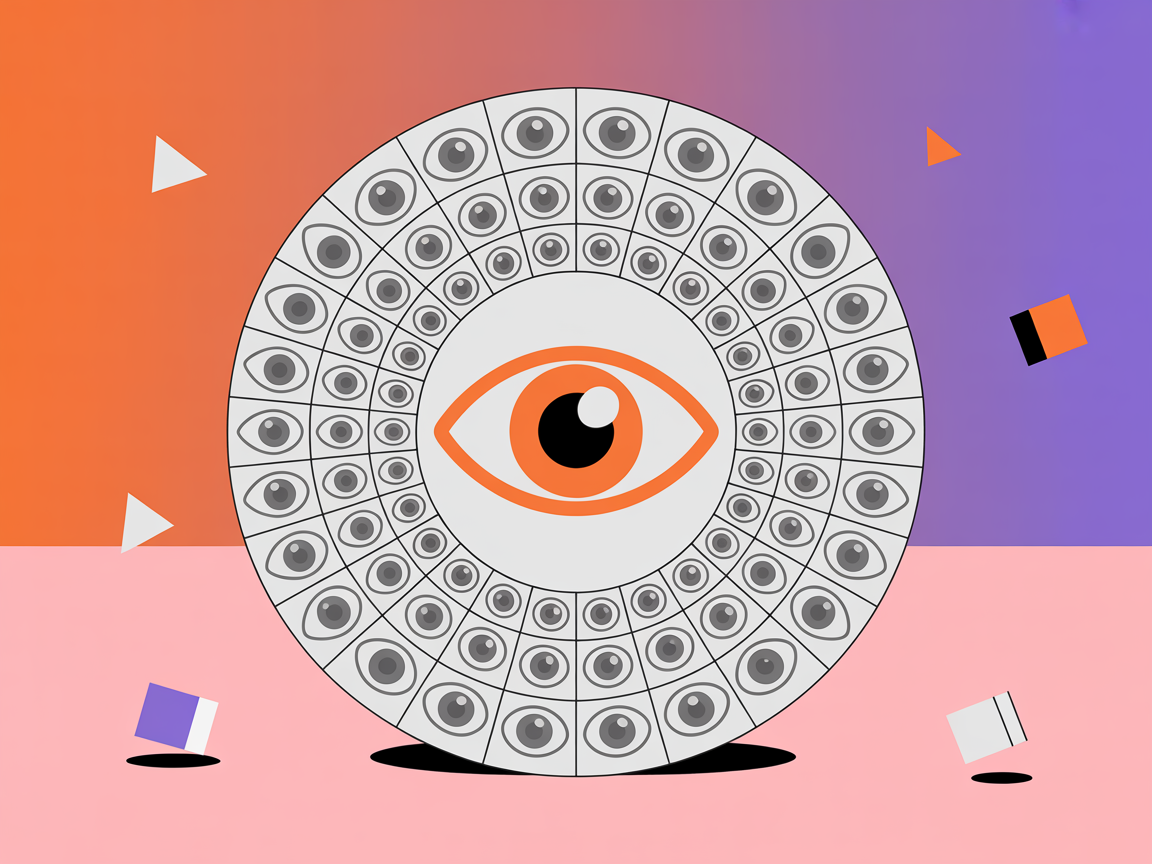
Impressions are the first number Pinterest shows you, the biggest number on the page, and — I say this with love — the number most likely to send you down a completely wrong path.
I have watched genuinely talented creators celebrate a spike in impressions that produced zero visitors, and I have watched others panic over a dip that meant nothing at all.
Both reactions come from the same place: not knowing what the number actually counts.
So let me demystify it properly.
An impression is recorded when one of your pins appears on someone’s screen.
That is genuinely the whole definition.
It does not mean they looked at it, read it, considered it, or felt anything about it.
It means a pin occupied some pixels in front of a human being who may well have been scrolling past at speed with their thumb already in motion.
Understanding that one sentence changes how you read your entire dashboard, because it explains why impressions can be enormous while your traffic is flat, and why they can swing dramatically for reasons that have nothing to do with the quality of your work.
Impressions (seen)
Saves (wanted it)
Outbound clicks (visited)
Conversions (acted)
What actually counts as an impression
Impressions are counted across every surface where your pins can appear: search results, the home feed, related-pins panels underneath other people’s content, board pages, and your profile.
Crucially, they also include appearances of pins that other people saved from you, which means a chunk of your impression count is generated by content you published long ago and are no longer actively promoting.
This is why impressions are such a noisy signal of your current effort.
A pin you made eight months ago that someone with a large following happened to save can quietly generate a large share of this month’s impressions.
You did nothing this month to cause it, and you can do nothing to reliably repeat it.
Reading that as a verdict on your recent work is simply a mistake.
Why your impressions swing so wildly
The volatility catches everyone out, so let me name the usual causes.
One pin catching a wave can double your total overnight and then let it fall back weeks later as the wave passes.
Seasonal content ramps hard toward its moment and deflates immediately after.
The rolling 30-day window means old spikes are constantly falling out of the calculation.
And Pinterest’s own distribution testing means a pin can be shown widely for a few days as an experiment and then settle.
None of those are problems to solve.
They are the normal breathing of a search platform, and treating each wobble as a crisis is how people end up rewriting a strategy that was working fine.
The volatility is the same reason monthly views cause so much unnecessary anxiety — it is the identical measurement wearing a slightly different hat.
High impressions, no traffic: what it really means
This is the most common and most useful diagnostic in the whole dashboard.
If your pins are being shown a lot but almost nobody saves or clicks them, Pinterest is doing its job and your pin is failing at its job.
You are getting the shot on goal and missing.
That is genuinely good news, because it is a far easier problem to fix than not being shown at all.
The causes are usually one of three things: a design that doesn’t stop the scroll (weak contrast, unreadable text, no clear focal point), a headline that doesn’t make a compelling promise, or a mismatch where your pin is being surfaced for searches it doesn’t genuinely serve.
Fixing the first two is a design job — the fundamentals in Canva pin design and pin titles that rank — while the third is a keyword-relevance job.
Low impressions: a completely different problem
The reverse case has a completely different fix, which is why diagnosing correctly matters so much.
If your impressions are near zero, Pinterest is not showing your pin at all, so no amount of design improvement will help — nobody is seeing it to be unimpressed by it.
Something upstream is broken.
The usual suspects are vague keywords that give Pinterest nothing to rank you for, a brand-new pin that simply hasn’t been distributed yet, a topic with no real search demand behind it, or a hidden health flag quietly throttling the pin before it ever competes.
I walk through the full diagnostic in why your pins aren’t getting impressions and the flag-specific version in fix flagged Pinterest pins.
Impressions diagnose, they don’t reward
Use impressions as the denominator in a diagnosis — “lots of impressions but no saves” or “no impressions at all” — never as a measure of success on their own. The moment you start treating the impression count itself as the goal, you will optimise for being seen rather than being useful, and those are very different businesses.
The ratios that make impressions genuinely useful
Impressions become powerful the moment you divide something by them.
Saves per impression tells you whether your pin resonates.
Outbound clicks per impression tells you whether it converts attention into traffic.
Both of those ratios are age- and reach-independent, which means you can compare a new pin against an old one and a small pin against a viral one, fairly.
That is essentially what engagement rate is, and it is the single best use of your impression data.
A pin with 5,000 impressions and 200 saves is dramatically more interesting than one with 100,000 impressions and 150 saves, even though the second looks vastly more impressive on the dashboard.
The ratio finds the pin worth making ten more of.
To work yours out from your own analytics, the engagement rate calculator does the sum the way Pinterest defines it, with Pinterest’s own words for impressions beside it.
Feels good
Worth acting on
Impressions
Save velocity
Monthly views
Outbound click rate
Follower count
Keyword rank
Total pins
Pin health flags
Reach vs impressions — not the same thing
One more distinction worth having straight, because the two words get used interchangeably and they are genuinely different.
Impressions count appearances — the same person seeing your pin four times generates four impressions.
Reach counts people — that same person is one.
So a high impression count with modest reach means a smaller group is seeing your pins repeatedly, which is a very different situation from a broad group each seeing you once.
Neither pattern is inherently better, but they suggest different next moves.
Repeated exposure to a narrow audience often means you are being served to your existing followers and a tight interest cluster, which is great for loyalty and poor for growth.
Broad shallow reach suggests Pinterest is testing you widely with new audiences.
Knowing which is happening tells you whether your bottleneck is discovery or conversion, and that is a genuinely useful thing to know before you change anything.
What to actually watch instead
If you want one number to replace impressions in your mental dashboard, make it outbound clicks — that is the point where attention becomes traffic and traffic becomes a business.
Watch its direction over months rather than days, and watch which individual pins are contributing most to it, because that tells you exactly what to make more of.
Then add the things Pinterest never shows you: which keywords each pin ranks for, how its momentum compares to the rest of your niche, and whether anything has been quietly flagged.
Those are the levers behind the impression count rather than the count itself, and they are exactly what PinPinterest surfaces.
Impressions tell you the weather; those tell you the climate — and only one of them is worth planning around.
See what’s driving your impressions — and what they turn into
Keep going with the full Pinterest analytics guide, or read the two numbers that matter more: saves and outbound clicks.
#pinterest impressions#pinterest impressions meaning#what do impressions mean on pinterest#pinterest analytics#pinterest reach#metrics
More in Analytics10 other guides in this categorySee all