Saves and age on every pin, right on Pinterest
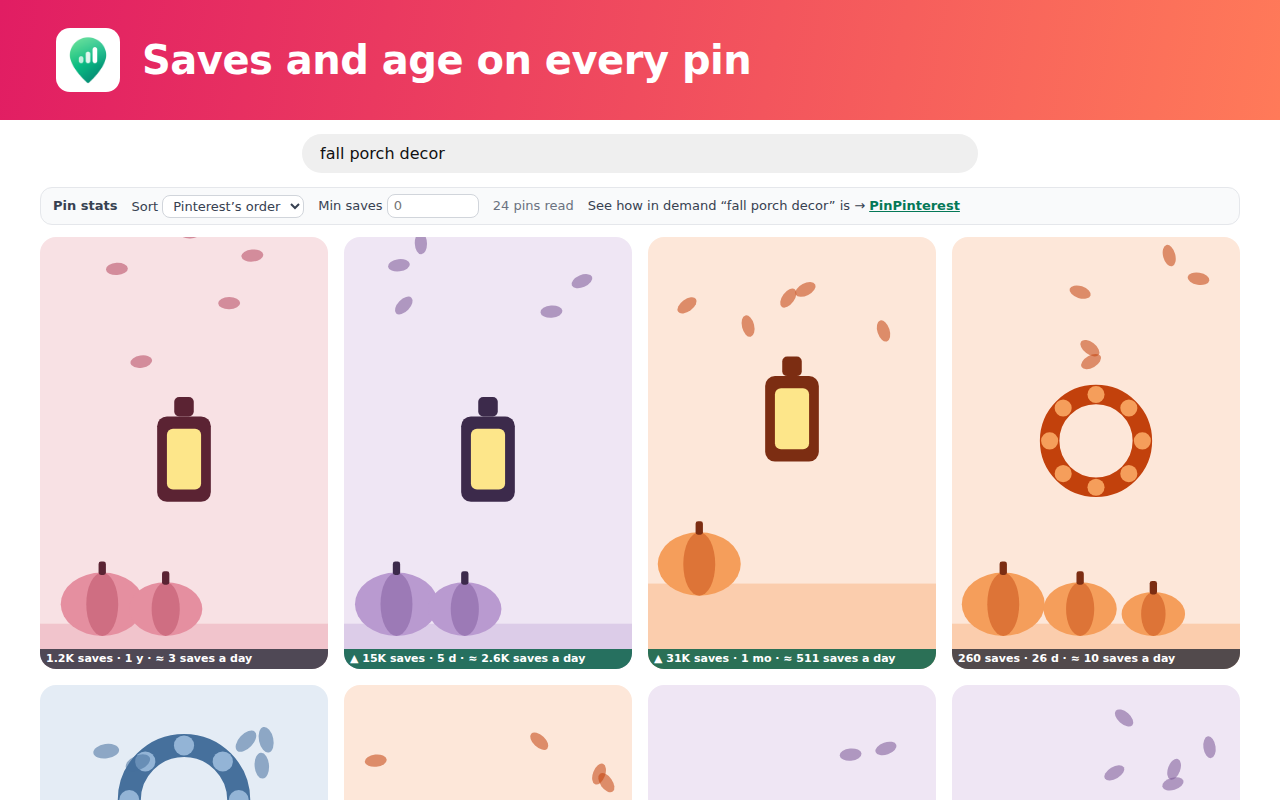
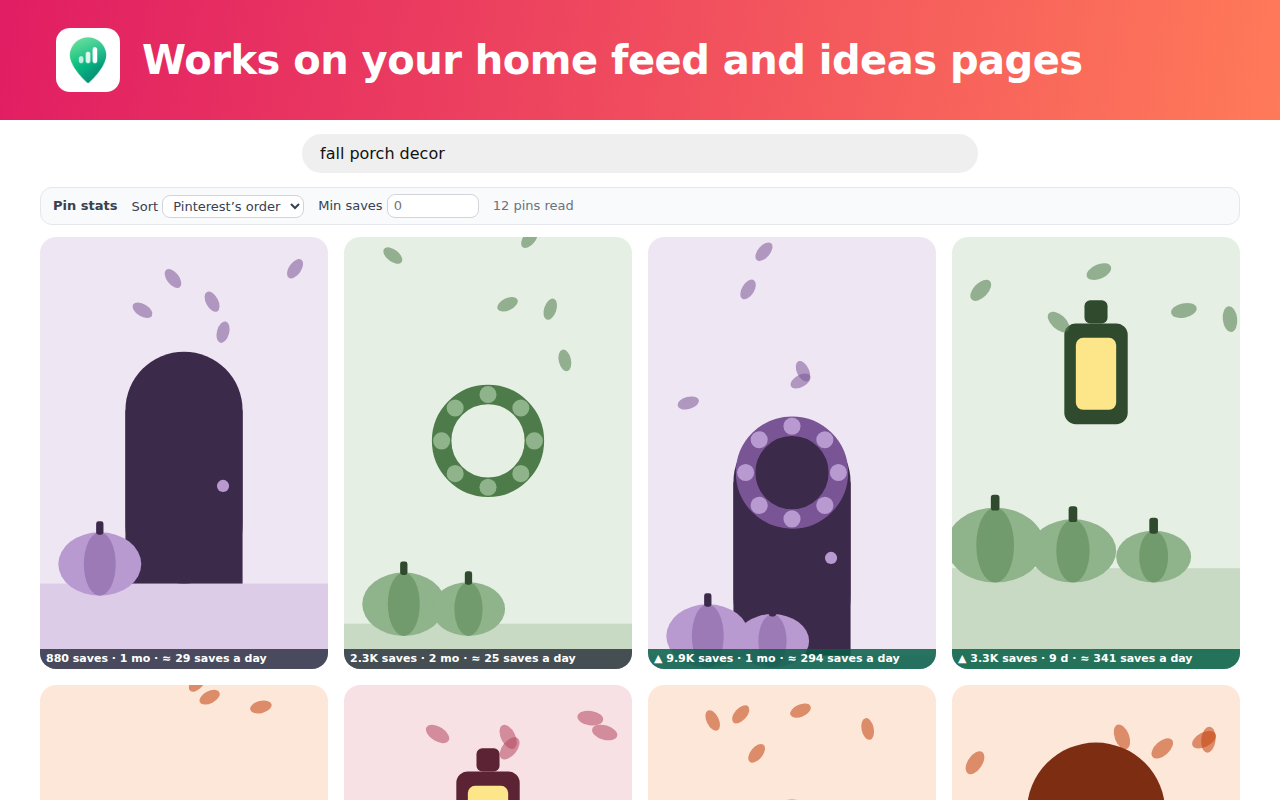
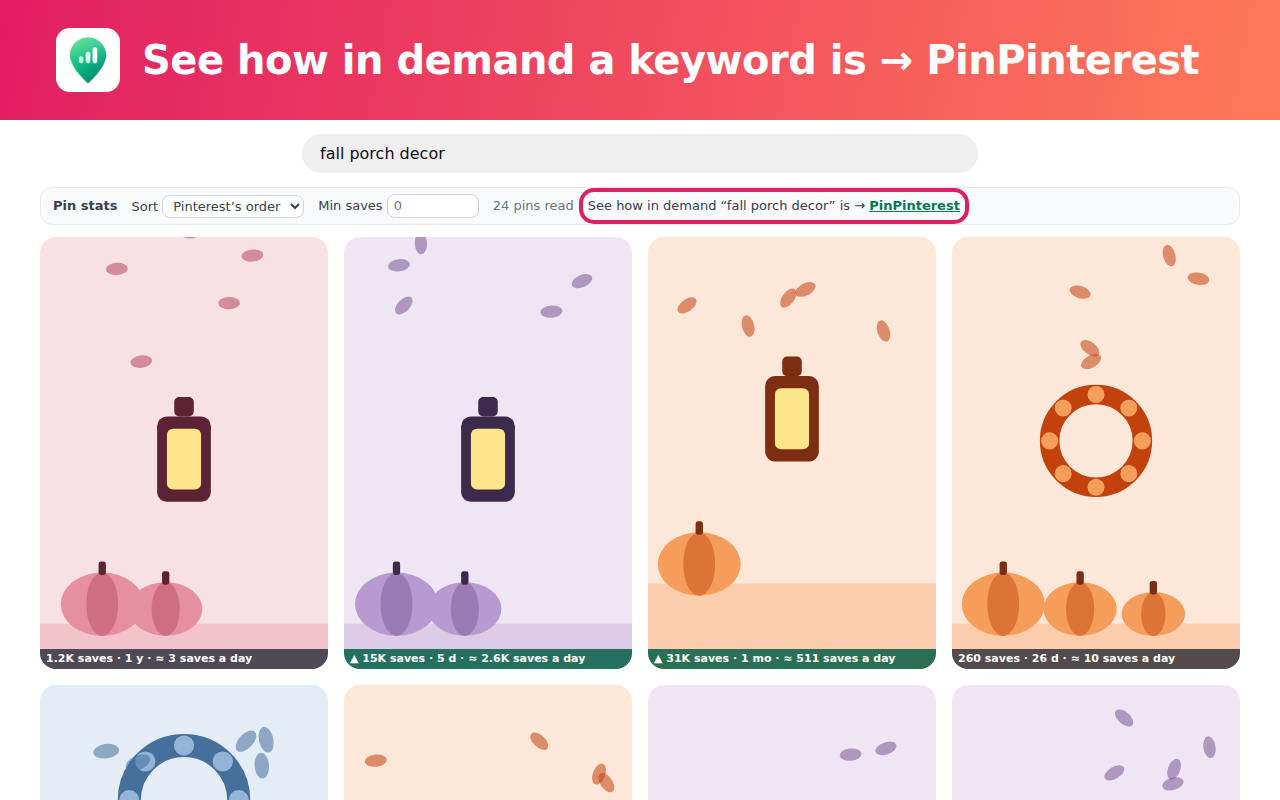
A small, read-only extension for Chrome and Microsoft Edge. On a Pinterest search, your home feed or an ideas page, every pin shows its saves and its age, and the page sorts by saves or by what is rising now.
Free · no PinPinterest account · reads only what your Pinterest page already loaded
Saves and age on every pin
A small strip on each pin of a search, your home feed or an ideas page: its saves, how old it is and its saves a day.
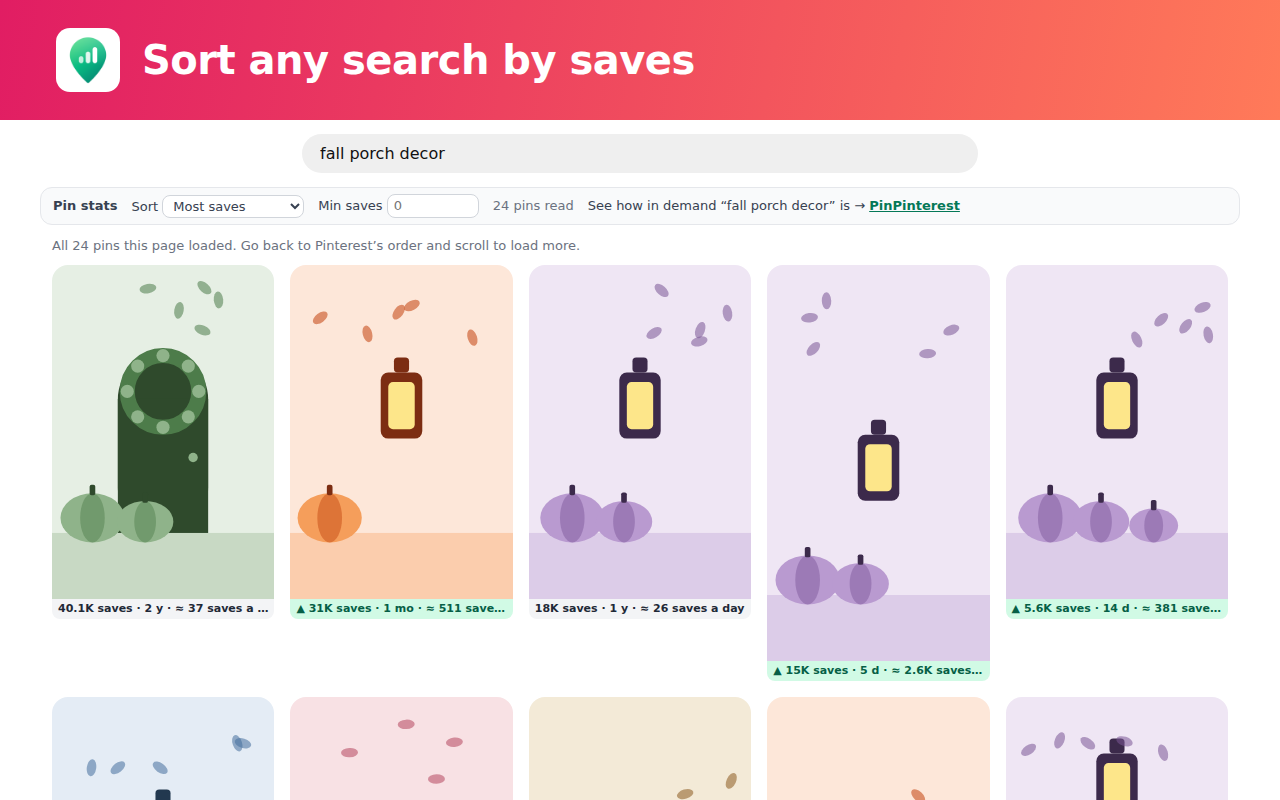
Sort by saves or by rising
One menu above the pins puts the most saved first, or the pins gaining saves the quickest. Pinterest’s own order is one click back.
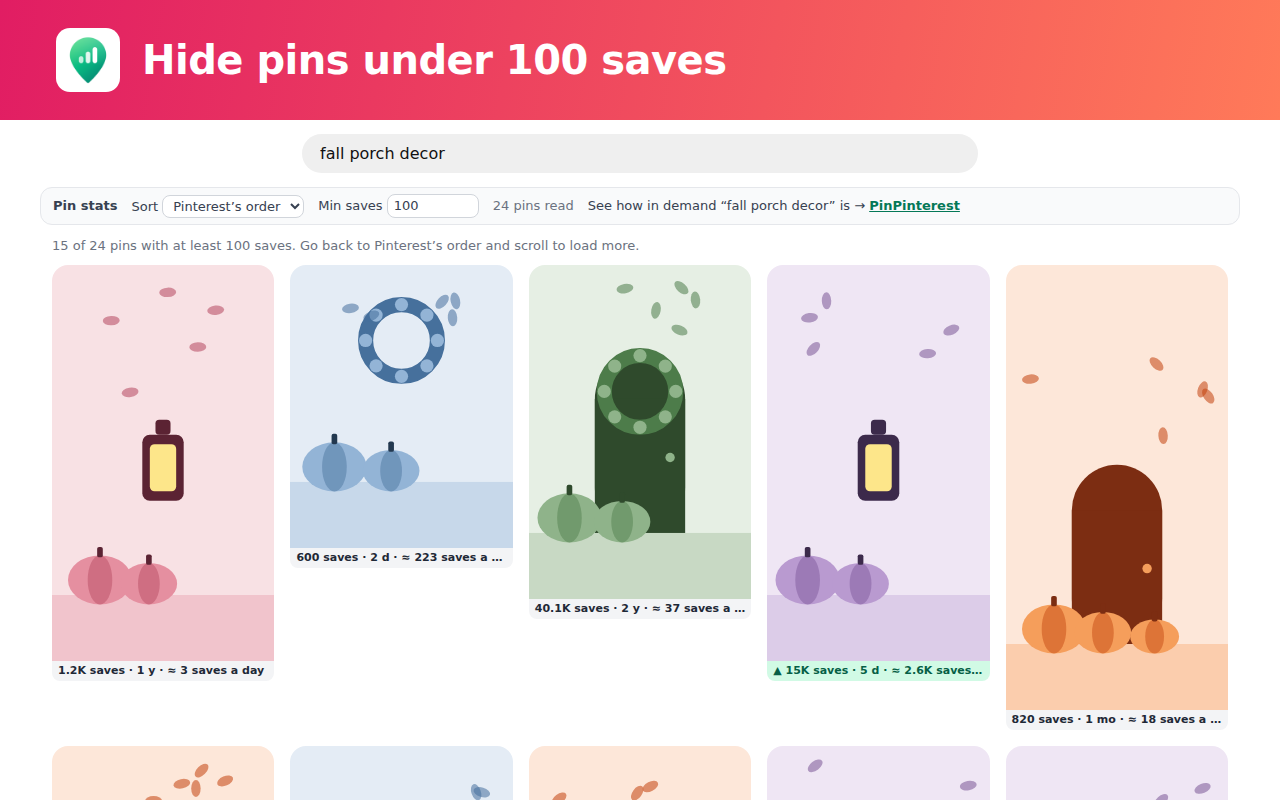
Hide the weak pins
Set a minimum, like 100 saves, and only the pins above it stay on the page.
Questions
Yes. Every badge, sort and filter in it is free, with no PinPinterest account and no time limit. It never asks you to pay for what it shows on a Pinterest page.
Only what your own Pinterest page has already loaded: the saves, the date and the reactions Pinterest sent your browser for the pins on that page. It reads them inside your browser and sends none of it anywhere, and it makes no requests to Pinterest of its own.
No. It is read-only: it never saves, follows, clicks, comments or posts for you, and it never asks for your Pinterest password.
Pinterest shows a pin’s saves and age only to people signed in to Pinterest. On a page seen signed out there are no numbers to read, so the extension says that in one line instead of guessing. Once you are signed in to Pinterest, the pins show their numbers.
Yes. The same extension is coming to the Microsoft Edge Add-ons store and works the same way as in Chrome.
Searches, your home feed, ideas pages and the grid of pins under a pin. It stays off Pinterest’s business, ads, analytics and help sites.
A pin’s saves divided by its age in days. Sorted by it, the pins gaining saves the quickest come first, and the top tenth of the page get a ▲.
Nothing the extension shows on a Pinterest page does. A PinPinterest account adds our own data on any keyword: 5 keyword checks a day, rank tracking on 5 keywords and 1 watched account. A paid plan goes deeper. Starter: up to 200 keyword checks a day and rank tracking on 10 keywords. Pro: Trends, Account Health on any account and CSV export.
Click its icon and untick “Show saves on pins”: every badge leaves every Pinterest tab at once. To remove it, use your browser’s extensions page, like any other extension.
What it keeps and sends, in full: the privacy policy’s extension section. Want every keyword, rank tracking and trends for your niche? That is the full app.
PinPinterest is not affiliated with or endorsed by Pinterest, Inc. Pinterest is a trademark of Pinterest, Inc.