How to Do a Pinterest Audit in 30 Minutes (Free Checklist)
A fast, practical Pinterest audit you can run this month — profile, boards, pins, keywords and health — with a clear checklist and the fixes for each.
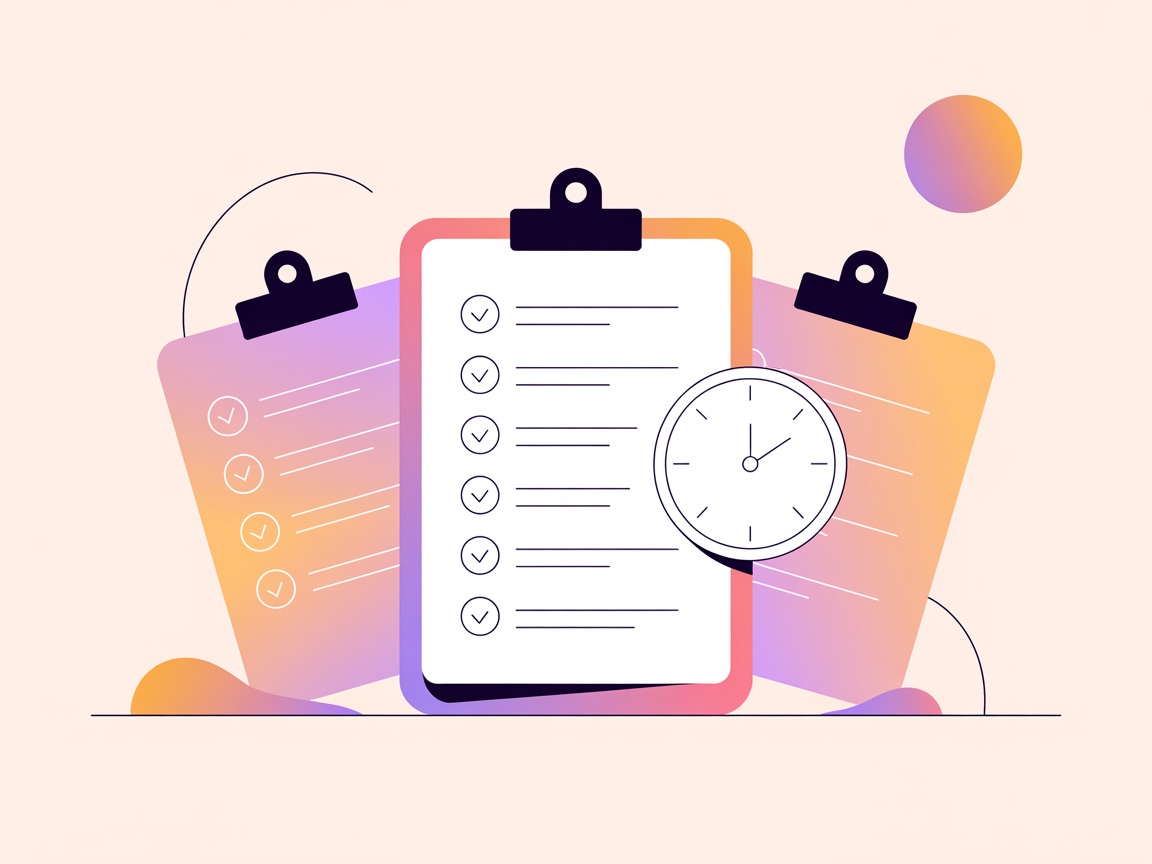
How to check your Pinterest account health · 1:01
Once a month I run a quick Pinterest audit — 30 minutes to catch the small things quietly capping an account.
Here’s the exact checklist so you can do the same.
Grab a coffee and work top to bottom.
Pin title
Pin description
Text on image
Image filename
Board title
Destination page
Freshness
Early engagement
Profile & foundation (5 min)
- Business account, website claimed, Rich Pins enabled.
- Profile name + bio include your main keyword (you’re searchable too).
- One clear niche — Pinterest should know what you’re about at a glance.
Boards (5 min)
- Every board named after a real search, with a keyword-rich description.
- Tight themes, best boards and pins ordered up top (board optimisation).
- No embarrassing off-topic boards muddying your signal — archive them.
Pins & keywords (10 min)
- Top pins have real keywords in title, description and on the image (descriptions that rank).
- You’re publishing fresh designs consistently, not re-pinning the same graphic.
- Your target keywords actually have real demand (keyword research).
Health & performance (10 min)
- Check top pins for health flags — removed Visit-Site, no-index, broken links.
- Look for any dropped/404 pins and fix or replace them.
- Note which pins are climbing vs flat, and plan more of what’s working (the metrics that matter).
Make it a habit
A monthly 30-minute audit catches the silent problems — a flagged top pin, a stale board, a keyword with no demand — long before they cost you real traffic.
The health and rank parts are the slow bits by hand, because native analytics hides them.
PinPinterest surfaces flags, dropped pins and rank in one view — turning a 30-minute audit into a 5-minute one.
New here?
Start with how the algorithm works and the 90-day strategy.
Turn what you find into a to-do list
An audit is only useful if it ends in a short list of fixes.
Sort every issue into one of three groups.
- Fix today: broken links, flagged or missing top pins, a website that is not claimed.
- Fix this month: board names and descriptions, profile wording, keywords on your top pins.
- Build into your routine: fresh designs for your top pages, and new pins for rising topics.
The whole checklist on one screen
- Business account, with your website claimed.
- Profile name and bio describe your niche with a keyword.
- Rich Pins show on your pins.
- Every public board is on-topic, named after a search and has a description.
- Your top 10 pins have the keyword in the title, the description and the image text.
- Your top 10 pins link to live pages that match them.
- Fresh pins went out every week this month.
- No health flags or dropped pins among your best performers.
- A note of the three topics to make more of next month.
Keep a simple audit log
Write down the date, what you found and what you changed. Next month you can see whether the fixes helped instead of guessing.
How often to audit
A light version once a month is enough for most accounts.
Run a deeper audit after a sudden traffic change (why your traffic dropped), after a website redesign, or before a big season, so problems are caught before the rush instead of during it.
Quick answers
How long does an audit take once it is a habit?
About 30 minutes for a small or medium account.
The first one takes longer because there is more to fix; after that you are mostly checking what changed.
What if I find a lot of problems?
Fix the ones affecting your top pins first, because they carry most of your traffic.
Then work through the rest over the month instead of in one sitting.
Run your whole audit from one dashboard
#pinterest audit#pinterest checklist#optimization
More in SEO8 other guides in this categorySee all