Idea Pins vs Standard Pins: Which Should You Actually Use?
Idea Pins no longer exist as a separate format. Here’s what replaced them, what the old advice still gets right, and which kind of pin to make for reach and which for clicks.
This one trips everyone up, partly because the question itself is out of date.
Pinterest no longer treats Idea Pins as a separate format.
The useful version of the question is still worth answering, though: when should a pin be a single image with a link, and when should it be a multi-page or video pin built to be saved?
What happened to Idea Pins
Idea Pins were Pinterest’s multi-page format: several images or video clips with text overlays, and at first no outbound link.
They were built to keep people on Pinterest, and for a while they were pushed hard in the feed.
Pinterest later dropped the separate name and folded those creation tools into the regular pin builder, so today you simply create a pin with one image, several images or a video, and you can add a link to it.
So if a guide tells you to alternate between “Idea Pins” and “standard pins”, translate it.
It is really describing two different jobs a pin can do.
Single-image pins with a link = traffic
A single strong image, a keyword-led title and a link to the matching page is still the workhorse for clicks to a blog, shop or landing page.
Everything about Pinterest SEO and keyword research is aimed at making these rank and get clicked.
Multi-page and video pins = saves and trust
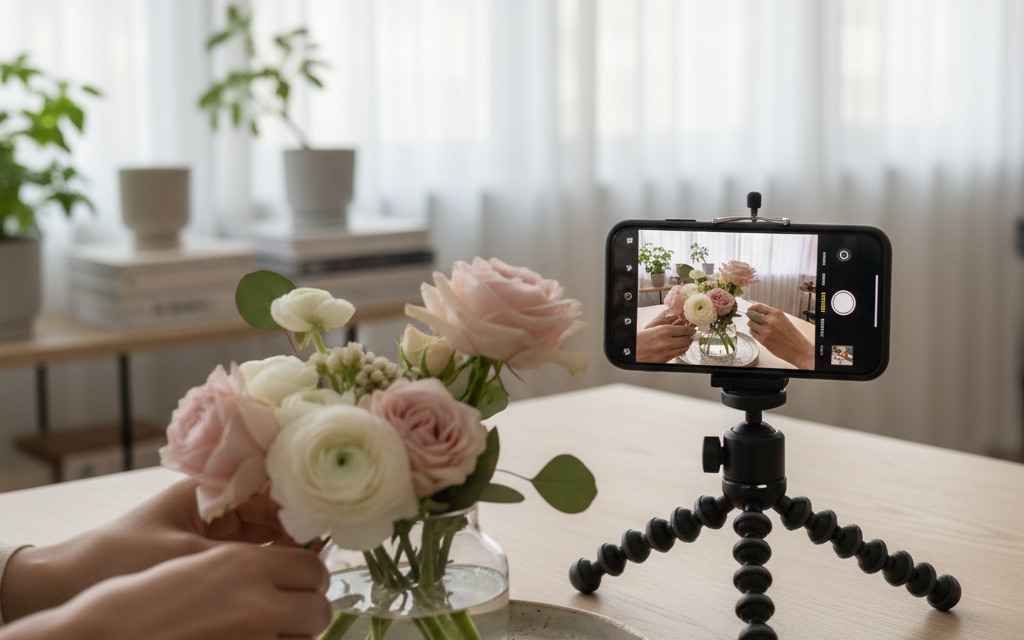
Pins that teach something inside Pinterest, like a step-by-step over several frames, a short video or a before-and-after, tend to earn saves and follows because the value is visible without leaving the app.
Think top of the funnel: awareness, saves, follows.
If you add a link, make the destination the natural next step, such as the full recipe or the template.
Video has its own quirks, covered in do Pinterest video pins work.
Before you upload one, the Pinterest video checker reads the file in your browser and checks it against Pinterest’s own video specs — five minutes is the limit for a video Pin.
The combination that works
Use pins that teach in the app to build reach and warm people up, and single-image pins with a clear link to turn that attention into clicks. They feed each other, and both still need a real keyword to be found at all.
How to decide for each piece of content
- The goal is a click to a page, like a post, a product or a sign-up? Make a single-image pin that promises exactly what the page delivers.
- The content is a process people want to follow, like a recipe, a tutorial or an outfit formula? A multi-page or video pin shows it, with a link to the full version.
- Not sure? Make both for your best topics and compare saves and outbound clicks after a few weeks, using the metrics that matter.
Mistakes to avoid with either format
- A multi-page pin with no keyword in its title because it looks great. It still has to be found through search.
- Cramming a whole article into frames with tiny text. If it cannot be read on a phone, it will not be saved.
- Uploading the same video or carousel again and again. Fresh designs still beat repeats (how many pins per day).
- Linking a how-to pin to a homepage. The destination should continue exactly what the pin started.
Quick answers
Do multi-image pins get fewer clicks?
They can, when all the value sits inside the pin and people have no reason to click.
Give them one: link to the complete version, the template or the product.
Which kind of pin should a new account start with?
Single-image pins with a clear link to your own pages.
They are the quickest to make and the most direct route to traffic, and you can add multi-image and video pins once you know which topics work.
See which formats earn real momentum in your niche
More: how the algorithm distributes each, and see what earns momentum.
#idea pins#standard pins#pinterest formats
More in Strategy15 other guides in this categorySee all