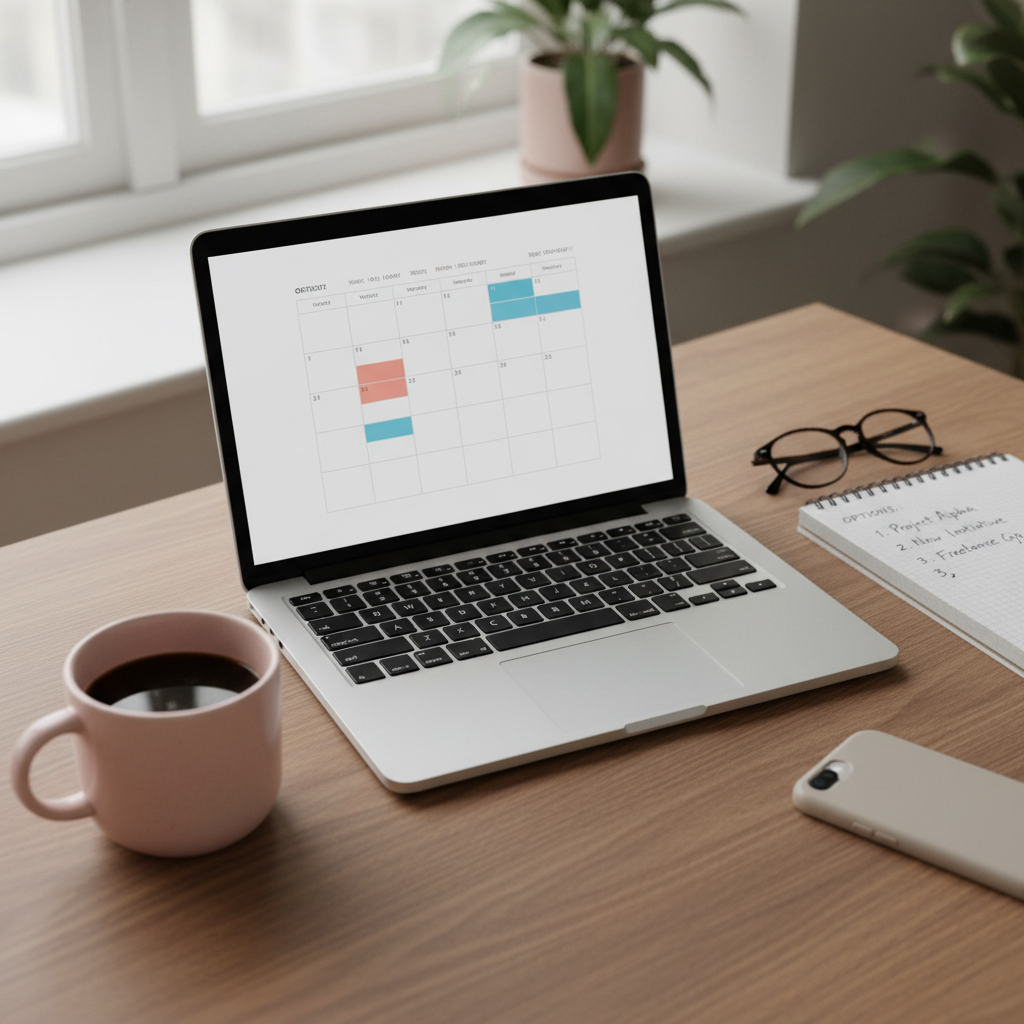
Pinterest’s Built-In Scheduler: What It Does, and the Exact Point It Runs Out
Pinterest has a free scheduler. Here is precisely what it can do, the four walls you will hit, and the volume test for whether you have outgrown it.

Pinterest has its own scheduler, and it is free.
For somebody publishing a few pins a month, its limits rarely come into play.
Here is what it does, and the four points where it runs out.
Schedule ahead
Bulk upload
Repeat slots
Multi-account
Costs money
Pinterest’s own scheduler
A paid scheduler
Two rows: what it does, and where it stops. The amber cell is the 30-day ceiling.
What it actually does
When you create a pin, instead of publishing immediately you can pick a date and time and let Pinterest hold it.
At that moment it goes out as an ordinary pin.
Not a lesser pin, not a flagged pin — an ordinary one.
That last part deserves emphasis because there is a persistent myth that scheduled pins get less reach than manually posted ones.
They do not.
Pinterest built the feature; it is not going to penalise you for using it.
Reach comes from the four signals in how the algorithm works, and "which button published this" is not one of them.
You can schedule to any board you own, set the destination link, write the title and description, and pick the time.
Which is, when you list it out, most of the job.
The four walls, in the order you will hit them
Now the limits.
Wall one: 30 days ahead, ten pins waiting
This is the first one you will meet and the one that stings if you like planning far out.
Pinterest’s help page says a pin can be scheduled up to 30 days in advance, with up to ten scheduled at once, so you cannot sit down in September and lay out your whole Christmas run.
How far ahead the built-in scheduler can reach
todayweek 1week 2week 3day 30 — ceiling
Everything past the amber marker has to be done by hand, later, by you.
That matters more than it sounds for seasonal work, because the right lead time for a season is six to eight weeks, not four — which is exactly the problem evergreen versus seasonal pins gets into.
If your content is mostly evergreen, though, topping the queue up every week or two is a perfectly good rhythm and you will rarely notice the ceiling.
Wall two: one pin at a time
You schedule one pin at a time.
Ten pins means ten passes through the same form.
This is the wall that actually ends the relationship for most people, and notice that it is not about the cap.
Ten pins take twenty minutes instead of two, and twenty-minute jobs get postponed.
The free scheduler does not cut you off; it just becomes the thing you keep meaning to do.
Wall three: no repeating slots
A third-party queue lets you say "9am Monday, 1pm Wednesday, 10am Saturday, forever" and then just drop pins into it.
Pinterest makes you pick a date and time for every single pin, every single time.
Small friction, repeated constantly.
It is the difference between filling a queue and doing data entry.
Wall four: one account
Obvious but absolute.
Two accounts means switching between them to schedule for each, which is fine occasionally and unbearable weekly.
Pinterest at least lets you connect them and switch without logging out (its steps), but anyone doing client work still hits this immediately.

The fifth wall, which is really a shrug
Worth knowing rather than worrying about: the native scheduler does not cover every pin format equally, and what it supports has shifted over the years.
If you work heavily in video or in whatever Pinterest is currently calling its full-screen format, check that scheduling is available for it before you build a month around the assumption.
For standard image pins — which is still the overwhelming majority of what gets published and what actually gets found in search — it is completely reliable, and has been for a long time.
The test: have you outgrown it?
Not a vibe.
A count.
Native is enough when
You post under ten pins a month
One account, no clients
You are happy opening the app
30 days ahead is plenty
You are still testing Pinterest
You have outgrown it when
You batch more than ten at a time
You dread the one-at-a-time flow
You run more than one account
You want the same slots weekly
You forget, and gaps appear
The upgrade trigger is your calendar, not your ambition.
Go and look at how many pins you published last month.
Not planned, not intended — published.
Then:
- Under ten a month, one account: stay native. Buying a scheduler here is buying a bigger fridge for a pint of milk.
- Ten to thirty a month: borderline. If loading them feels like a chore, a tool will pay for itself in relief alone.
- Over thirty a month, or more than one account: you have outgrown it. The one-at-a-time form is now costing you real hours.
- You skipped a week recently because it was fiddly: that is the signal, whatever the count says.
That last one is the real test.
Volume is a proxy; what actually matters is whether the friction has started causing gaps, because gaps hurt more than volume helps.
A tool that turns a fiddly weekly job into a pleasant one is worth paying for even at modest volume — and a tool you bought at eight pins a month is not.
How to get the most out of it while you are here
A few habits that make the native scheduler noticeably less annoying.
Work in ten-pin blocks
Since ten pins waiting is the ceiling, stop fighting it and use it.
Whenever the queue runs low, sit down and fill it back up to ten.
At two or three pins a week that is two sessions a month, and the account posts continuously between them.
Prepare everything before you open Pinterest
The form is the slow part, so do not think inside it.
Have your images exported, your titles written and your links in a document first.
Then the scheduling session becomes pure data entry, which is much faster and much less draining than designing and writing while you go.
Stagger the minutes, not just the hours
If you schedule six pins for 09:00, six pins appear at 09:00.
Spread them across the day, and give them odd minutes rather than the top of the hour — it costs nothing and it looks like a person rather than a batch.
Do not schedule what you have not researched
This applies to every scheduler ever made, but it stings most on a free one where each pin costs you two minutes of form-filling.
Spending forty minutes queuing pins about a topic nobody searches for is forty minutes you will not get back, and it is why keyword research comes before scheduling rather than after it.
So should you use it?
If you are starting out: yes, absolutely, and do not let anyone talk you into a subscription in month one.
You do not yet know your own posting rhythm, and buying a tool before you know that is buying a solution to a problem you have not measured.
If you are established and publishing properly: probably not, and the reason is time rather than capability.
Everything the native scheduler cannot do is a thing you would be doing by hand instead.
And if you are somewhere in the middle, the scheduler comparison has the alternatives with prices, so you can put a number on what upgrading would actually cost you.
Whichever side of that line you land on, the scheduler is the smaller half of the job.
What decides whether any of this works is whether the pins are about things people are searching for — which is the bit PinPinterest exists to answer, and the bit no scheduler on earth will do for you.
Free scheduling is fine. Knowing what to schedule is the hard part.
Next: what free schedulers give you, the full comparison, and how often you should really be posting.
#pinterest scheduler#native scheduling#free tools#pinterest basics
More in Scheduling8 other guides in this categorySee all