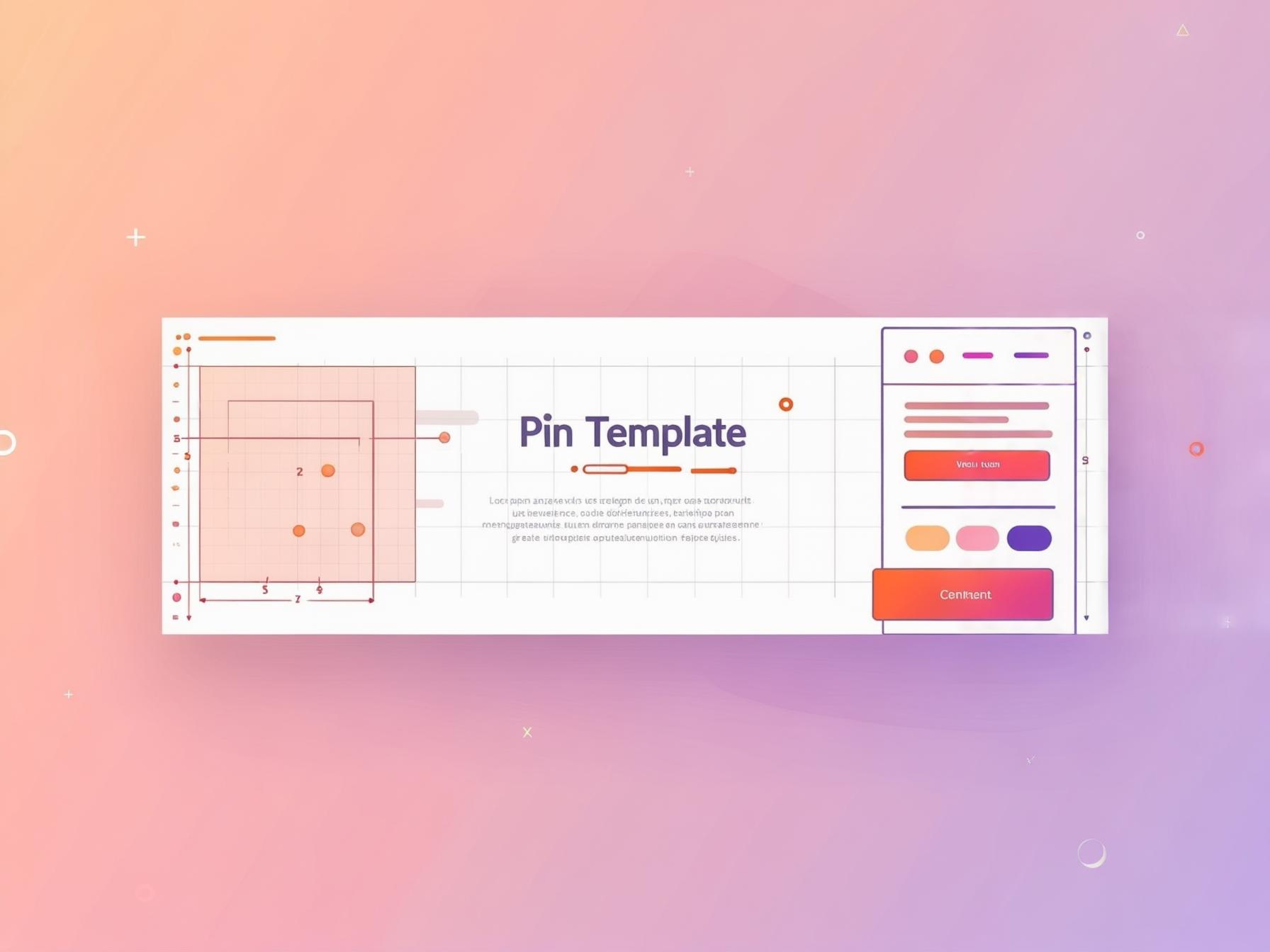
Pinterest Pin Templates That Convert (and How to Build Your Own)
A good pin template turns pin design from a 20-minute chore into a 2-minute habit. Here’s what makes a template convert, plus how to build a reusable set that ranks.
Here’s a small change that transforms your whole Pinterest workflow: stop designing every pin from scratch and start working from templates.
A good template turns pin creation from a 20-minute agonise into a 2-minute swap of text and photo — which is the difference between pinning consistently and quietly giving up.
Let me show you what makes a template actually convert, and how to build a reusable set of your own.
Why templates matter so much comes down to Pinterest’s appetite for fresh, consistent pins.
To feed it, you need to publish many distinct designs without burning out — and templates make that sustainable.
They also keep your pins visually consistent, which builds recognition and followers.
Speed plus consistency is exactly what the platform rewards.
1
Bold keyword headline
The searched phrase — big and readable
2
High-contrast hero image
One clear focal point for the thumb
3
Your logo or handle
Small corner mark that builds trust
4
A clear benefit / promise
Tells a human exactly why to click
What makes a template convert
A converting template isn’t about being pretty — it’s about being clear at thumbnail size.
The winners share the same bones: a bold, legible headline area for your keyword; one strong image zone; high contrast so text pops off the photo; and a small, consistent spot for your logo or handle.
If a stranger can’t grasp the pin in half a second, the template failed, no matter how stylish it looks.
Clarity converts; cleverness doesn’t.
- A big, bold headline zone — this is where your keyword lives, readable on a phone.
- One clear image area — a single strong focal point, not a busy collage.
- Strong contrast — a text panel or overlay so words never fight the photo.
- A consistent brand mark — small logo/handle in the same corner every time.
- Correct 2:3 ratio — 1000×1500px, so it fills the feed without cropping.
Templates fix the #1 reason people quit
Let me name the real enemy here: inconsistency, and its cause is friction.
The single most common reason people fail at Pinterest isn’t bad design — it’s that making pins feels like a chore, so they do it sporadically and then stop.
Pinterest rewards steady, frequent fresh pins, so sporadic effort quietly kills your reach.
Templates attack that root cause by making a fresh pin a two-minute job instead of a twenty-minute one.
When the friction drops, consistency becomes easy — and consistency is what compounds on Pinterest.
A template set means “I don’t have time to design today” stops being an excuse, because a polished, on-brand, keyword-ready pin is always minutes away.
That’s the whole reason templates matter so much: they’re not really a design tool, they’re a consistency tool, and consistency is the growth lever the whole platform runs on (how many pins per day).
Build the template once, then remix forever
The whole point is reuse.
Build one clean template in free Canva — lock in your fonts, colours, layout and logo placement — then duplicate it for every new pin and just swap the headline and photo.
A fresh pin now takes two minutes, so keeping a daily cadence stops feeling heroic.
This is the engine behind the full Canva pin design guide; templates are just that guide made repeatable.
2:3
1000 × 1500 ✓
The sweet spot
1:1
Square — weaker
too tall
Gets cut off
One thing to guard against as you reuse a template: don’t let it get too samey.
Fresh designs are what Pinterest wants, and if every pin is the identical layout with just swapped text, your feed starts to look repetitive to both the algorithm and your audience.
The fix isn’t to abandon templates — it’s to build in variety, which is exactly why a small set beats a single design.
Change enough between pins that each reads as fresh, while keeping enough consistent that they’re unmistakably yours.
Make a small SET, not one template
Don’t rely on a single design, because Pinterest favours fresh visuals and your audience tunes out sameness.
Build a small family of 3–5 templates — text-top, text-overlay, a collage, a single-image, a bold-colour variant — all sharing your fonts and brand feel but visually distinct.
Now each blog post or product can spin into several fresh pins, exactly the one-into-many-pins multiplier, without ever looking repetitive.
If you’re not a confident designer, lean on Canva’s built-in tools rather than starting from a blank page: its font pairings, colour palettes and layout grids do a lot of the tasteful heavy lifting for you.
Pick a clean font combo, a simple palette of two or three colours, and generous spacing, and you’ll land somewhere polished without any design training.
The goal isn’t to impress other designers — it’s a clear, on-brand pin you can reproduce in minutes, and Canva makes that genuinely achievable for anyone.
Keep the keyword ON the template
A template only converts if the headline slot carries a real keyword, not a vibe.
“Cozy vibes ✨” is a dead pin; “Small bedroom ideas for renters” is a searchable one.
So design your headline zone to demand a genuine pin title phrase, and make the text big enough that Pinterest reads it and humans can’t miss it.
Your template should make good SEO the path of least resistance.
Fresh beats fancy
A “good enough” template you can remix in two minutes beats an award-winning one-off you make monthly. Volume of clear, on-keyword, distinct designs is how you find winners — so build templates that make fresh pins fast, and let consistency do the heavy lifting.
Match the template to the content
Not every pin wants the same layout, so a smart template set covers a few common jobs.
A list post shines in a text-heavy “5 tips” layout; a recipe or outfit wants an image-forward design with a small headline band; a product needs a clean mockup layout with room for the name and price.
Building templates around the kinds of content you make means you’re never forcing a square peg into a round pin — you just grab the right base and go.
Keep them all in one family, though — same fonts, same colours, same logo placement — so however varied the layouts, every pin still reads as unmistakably yours.
That balance of variety (fresh, distinct designs) and consistency (a recognisable brand) is the sweet spot Pinterest and your future followers both reward.
Where to get templates (and a warning)
You can build your own from scratch in free Canva, grab a paid template pack to start faster, or buy from a marketplace like Etsy — all fine.
But one warning: if you use a popular pre-made template, tweak it.
Change the fonts and colours to your brand, because Pinterest favours fresh designs, and a template thousands of others use unedited can look stale and blend in.
A template is a starting point, not a finish line.
If you would rather start from a finished pin, our Pinterest pin templates open in the Pin Designer with the layout, colours and font already set, ready for your photo and headline.
Save velocity
▲ 214/day
Pin Score
470
Rank
#3
Health
Clean
However you source them, the goal is the same: remove the friction that stops you pinning consistently.
A good template set means the answer to “I don’t have time to design pins today” disappears — because a fresh, on-brand, keyword-ready pin is now two minutes away, any day of the week.
Let the data refine your templates
You don’t have to guess which template style works — Pinterest will tell you if you watch the right numbers.
Publish pins across your template set and see which designs earn saves and climb the rankings, then lean into those and retire the duds.
Native analytics hides which designs actually rank, so PinPinterest shows the momentum behind each one, turning your template set into a data-driven system.
Then run the full SEO checklist on each pin before it ships.
See which pin designs actually earn saves
Need a template set right now?
Our free Pinterest pin maker has a large set of them, works in the browser with no account, and exports at 1000×1500 with no watermark.
#pin templates#pinterest design#canva templates#pin design
More in Design10 other guides in this categorySee all