Pinterest Pin Templates
32 finished pins made with our Pin Designer, for food, home, fashion, travel, weddings, DIY, business and wellness. Pick your niche, open a template and swap in your own photo and title.
32 pin templates
-
Recipe card
Open template -
Serif band
Open template -
Bottom panel
Open template -
Magazine
Open template -
Editorial kicker
Open template -
Arch photo
Open template -
Split block
Open template -
Poster frame
Open template -
Noir minimal
Open template -
Side split
Open template -
Tagged corner
Open template -
Centre plaque
Open template -
Deep gradient
Open template -
Film strip
Open template -
Ticket stub
Open template -
Triptych
Open template -
Tall arch
Open template -
Magazine rules
Open template -
Arch pair
Open template -
Polaroid
Open template -
Number block
Open template -
Note card
Open template -
Colour swatches
Open template -
Tape strip
Open template -
Bold slab
Open template -
Quad grid
Open template -
Outlined box
Open template -
Triple stack
Open template -
Circle scrim
Open template -
Wave panel
Open template -
Half tint
Open template -
Quote marks
Open template
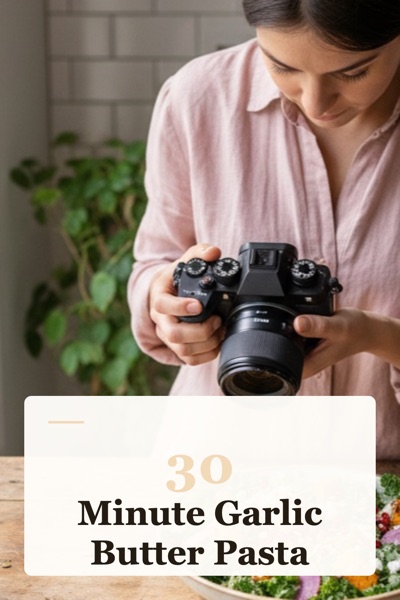
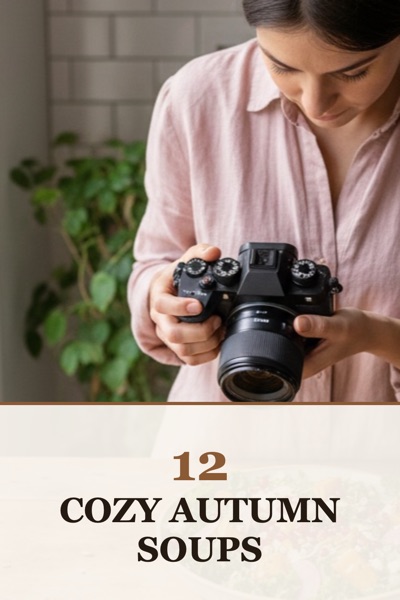
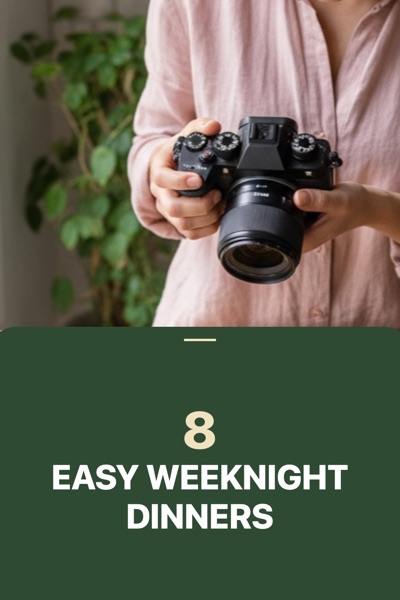
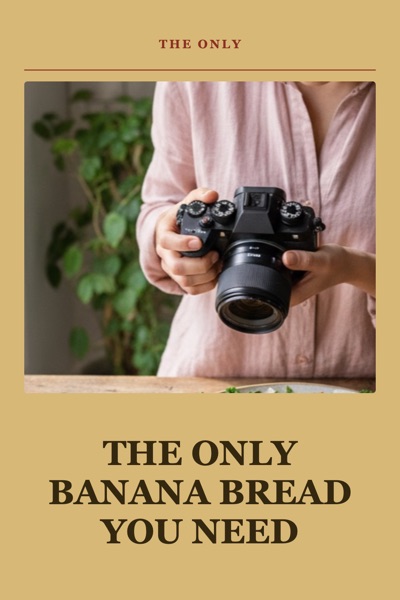
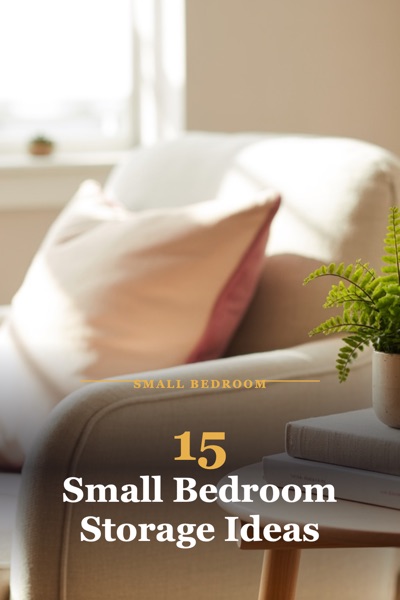
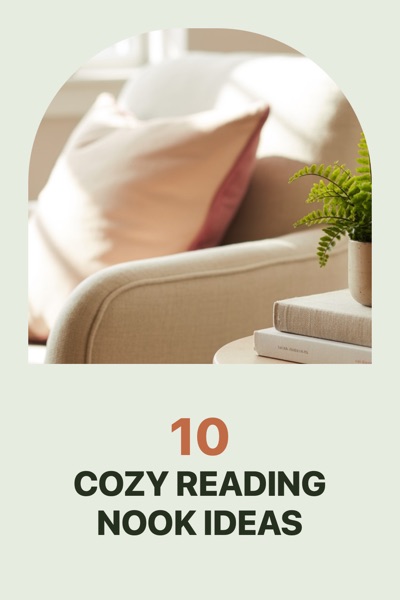
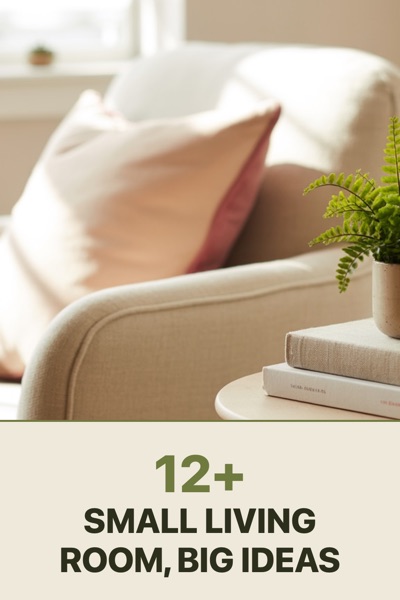
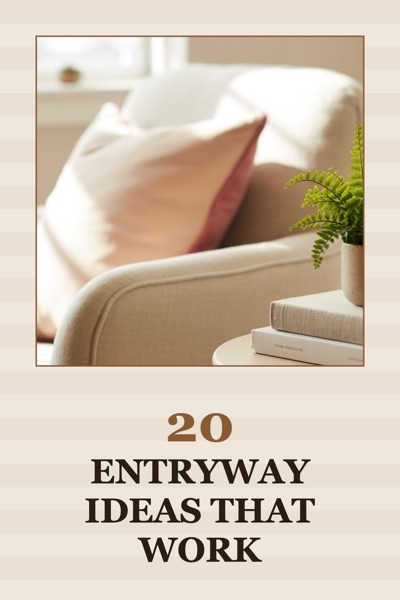
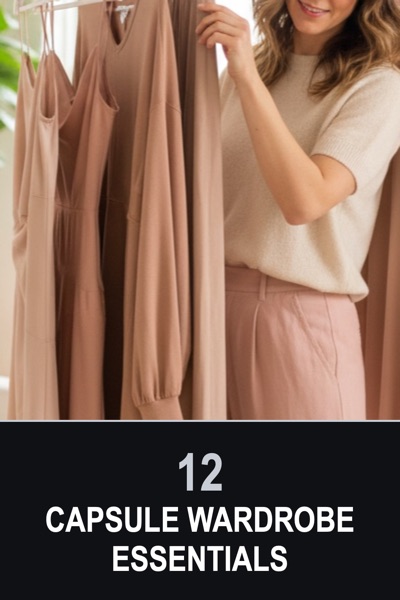
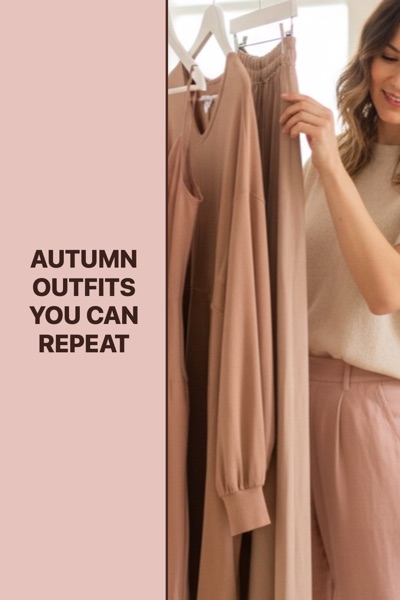
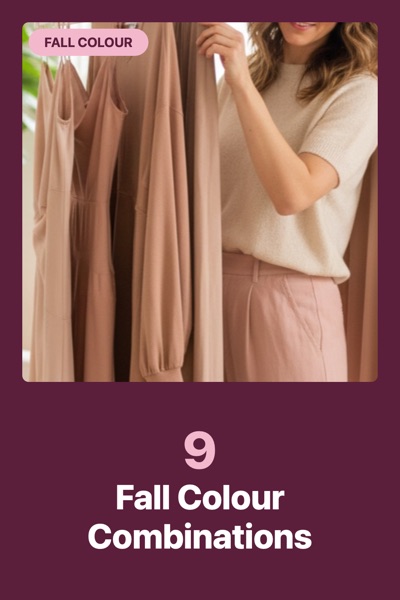
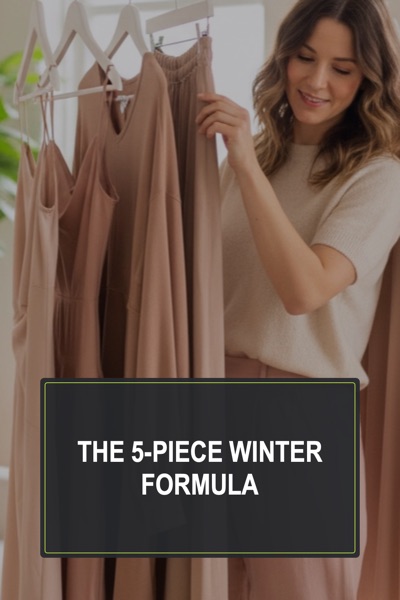
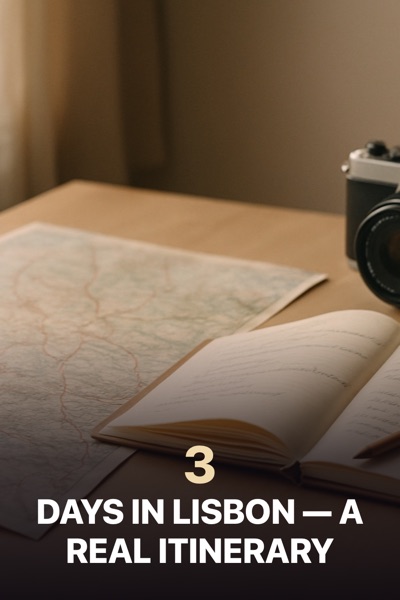

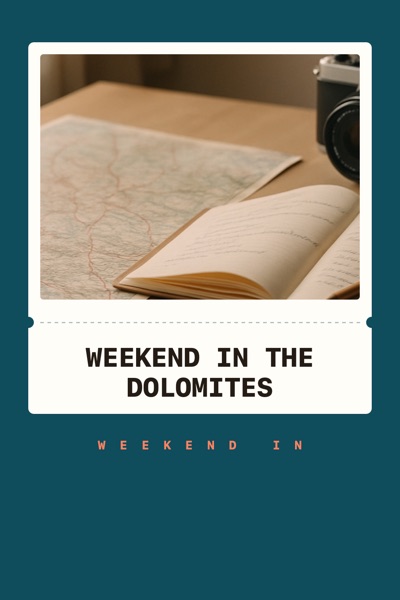
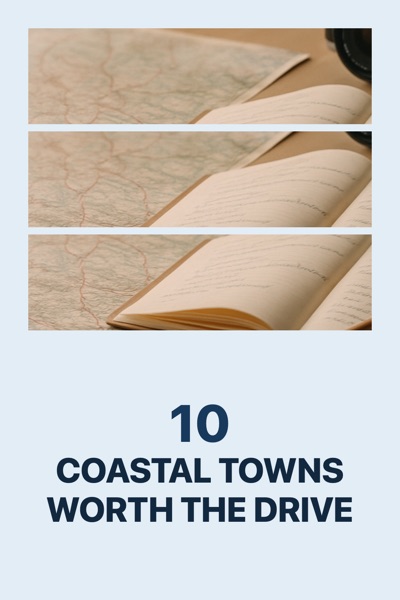
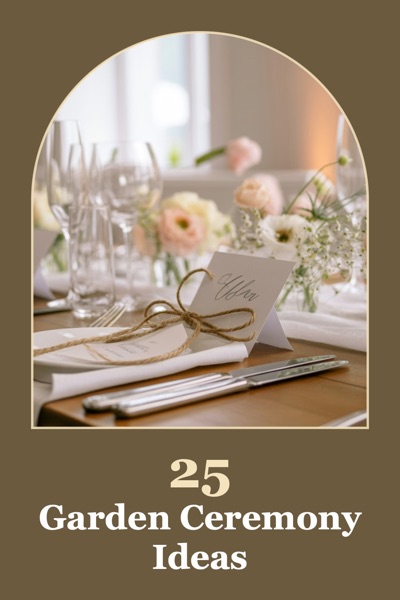
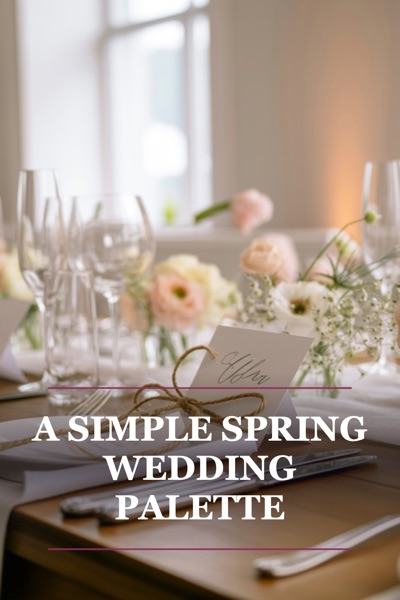
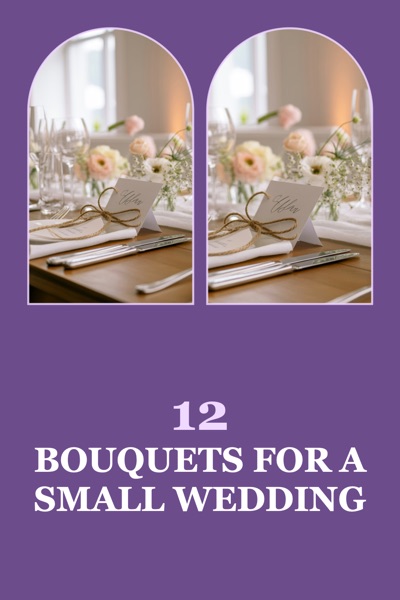
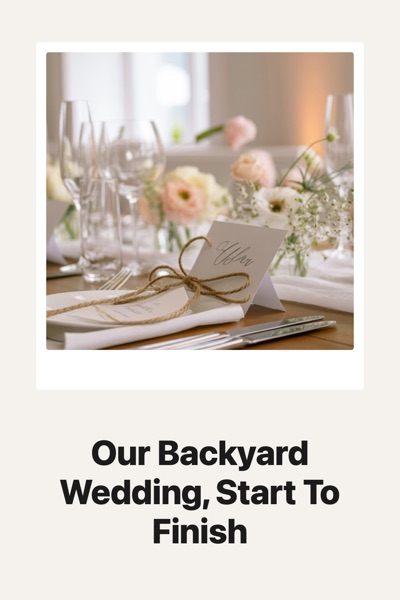
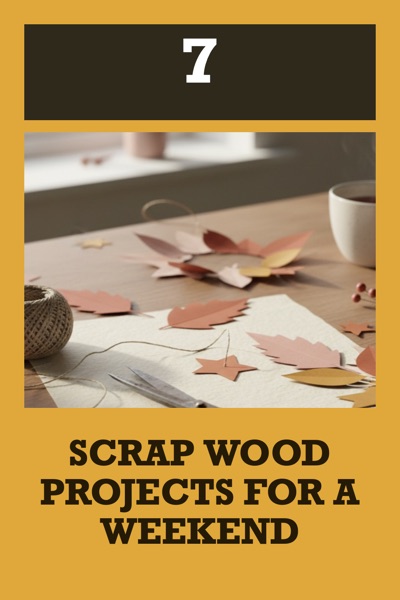
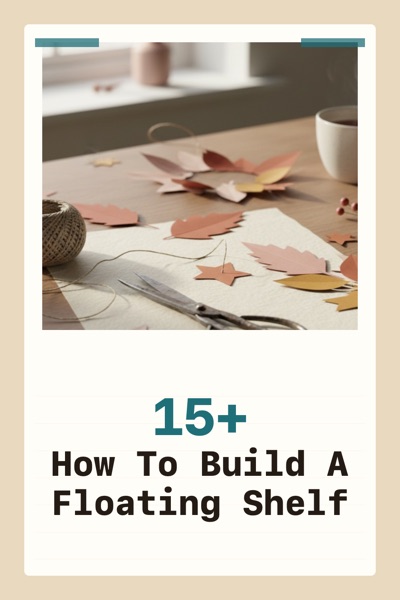
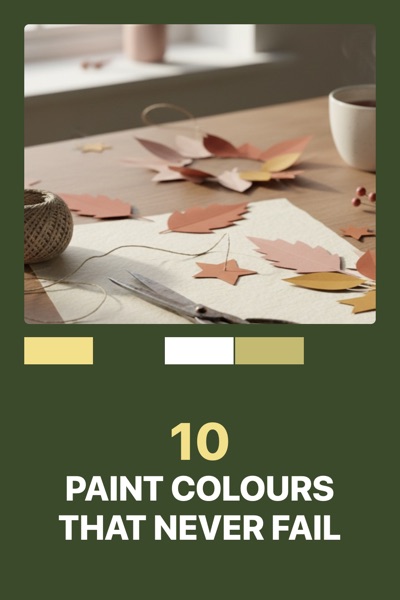
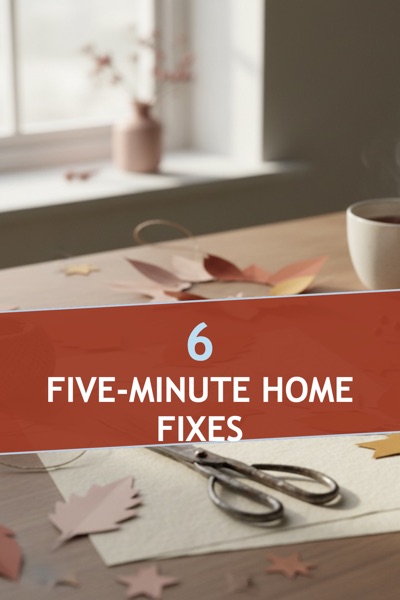
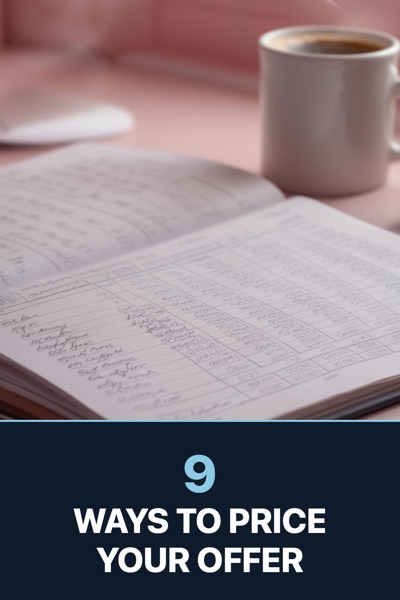
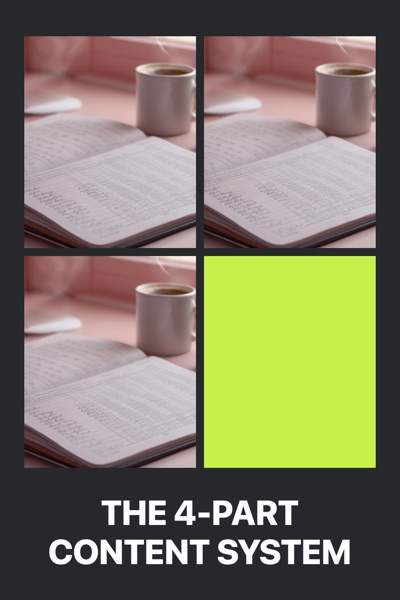
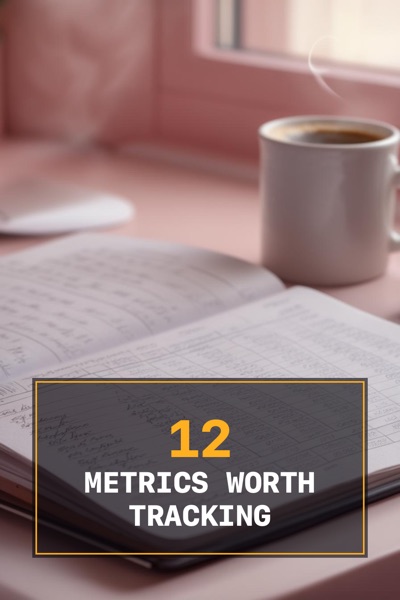
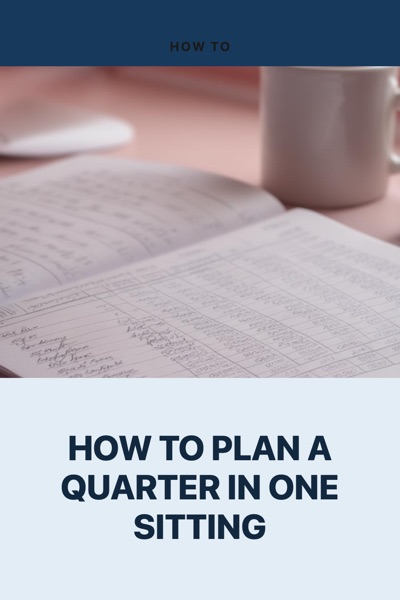
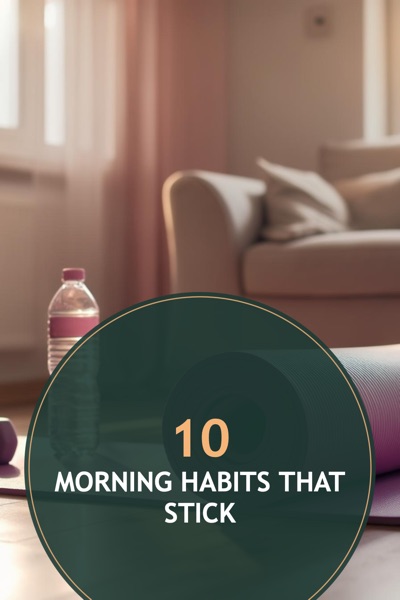
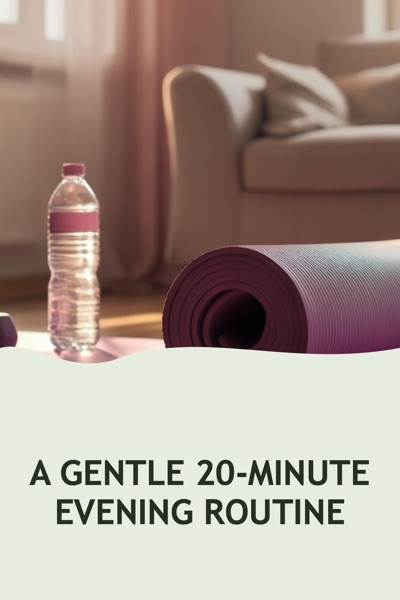
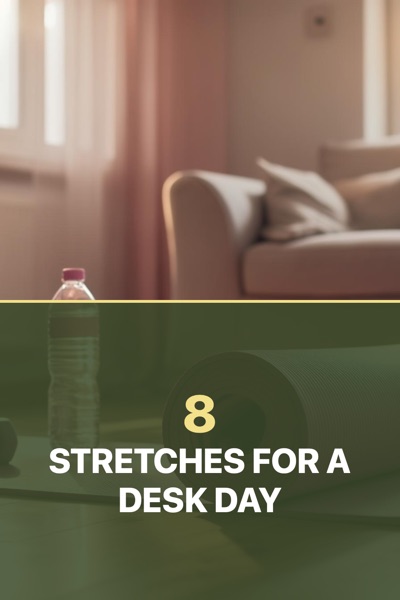

Every pin above was made by the Pin Designer from its own template, at 1000×1500, with a sample photo from this site. "Open template" opens exactly that pin in the designer, ready for your photo and your words. The designer has 130 layouts and 40 color themes in all; these are its finished starting points.
Quick answer: these are 32 Pinterest pin templates, four for each of eight niches: food and recipes, home and decor, fashion and beauty, travel, weddings, DIY and crafts, business, and health and wellness. Each one is a finished pin made with our Pin Designer at 1000×1500, the 2:3 size Pinterest recommends. "Open template" opens that exact pin in the designer. Upload your photo, type your title and download it. There is no account to make and no watermark.
How to use a pin template
- Pick your niche with the buttons above, or scroll all 32.
- Open a template. The Pin Designer opens with the layout, colors, font and a sample title already set.
- Swap in your photo (it stays on your device) and type your title. Change the colors, the font or the layout if you like: every template is only a starting point.
- Download the pin at 1000×1500 and upload it to Pinterest with your link, title and description.
What is in each template
A template sets four things: the layout (where the photo sits and where the words go), the color theme, the font and the size. Every template here uses Pinterest's own recommended shape. Its product specs say We recommend using a 2:3 aspect ratio, or 1000 x 1500 pixels
, and Pins with an aspect ratio greater than 2:3 might get cut off in people's feeds
(Pinterest Business help, Pinterest product specs). The name under each pin tells you which of the designer's layouts and color themes it uses, so you can find it again in the designer's own template list.
Titles with a number in front, like "12 Cozy Autumn Soups", get that number drawn large in some layouts. Some layouts also add a number to a title that reads like a list, which you can see on a few of the pins above. Type your own number at the front of your title to choose it yourself.
Pin design ideas that hold up in a feed
This is our advice, from making pins in the designer, not a Pinterest rule:
- Few words, big. A pin in a phone's feed is small. A title of six to eight words reads at that size, and a paragraph does not. Put the details in the pin's description.
- Keep the words on a calm part of the picture, or on a solid band of color, as most of these layouts do.
- Pick colors from your photo. A theme that repeats a color already in the picture looks planned. The color palette from an image tool picks them and sends them to the designer.
- Write the title for search. The words people type into Pinterest belong in your pin's title and description. Check yours with the pin title & description checker.
- Make more than one pin per post. Two templates with the same photo and title look different enough to test against each other.