Pinterest Profile Picture Size
Choose a picture to see what Pinterest does to a profile picture: the square it keeps and the circle it shows. Then crop it and download a clean square. Your picture never leaves your device.
The sample photo, as a Pinterest profile picture
Fine for a profile picture — with a crop
900×600 · 3:2 · landscape · 87 KB JPEG
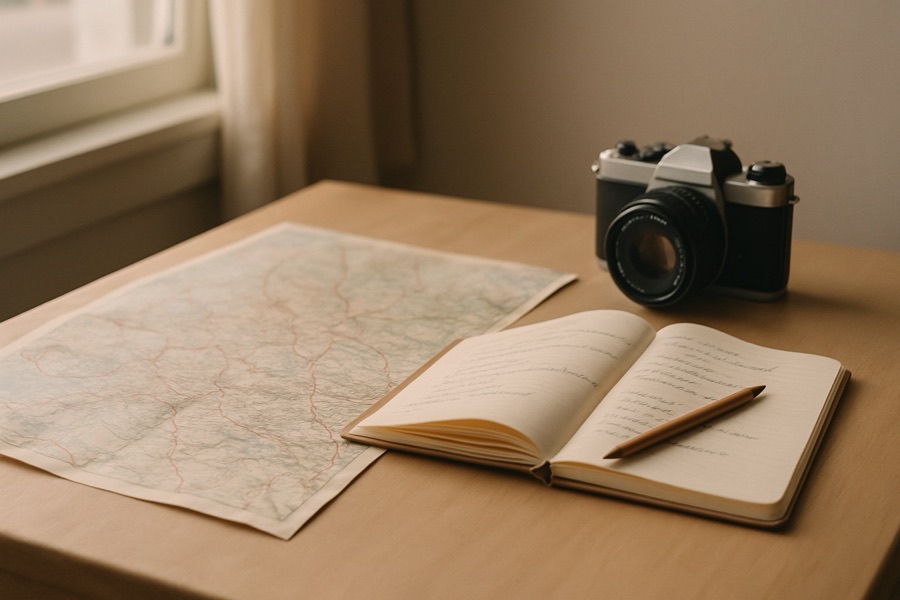
- Wider than a square. Pinterest keeps only the middle square (we measured it): crop it below and choose what stays.
- Its middle square is 600×600 — at least the 280×280 copy Pinterest makes of a profile picture.
This is a sample photo. Choose yours and it is checked here, on your device.
Quick answer: Pinterest does not publish a profile picture size. Its help page "Edit your profile" gives the steps to change the photo and no number. So we measured it: across 11,401 Pinterest profiles PinStats read between 28 August and 3 October 2026, Pinterest kept the middle square of each picture, made its own copy at 280×280 pixels at most, and showed it in a circle. Use a square picture at least 280×280, with the face or logo in the middle. We make 600×600, which is our choice. Choose your picture above to see the circle, crop it and download it.
How to use it
- Choose a picture. It opens on your device and is never uploaded.
- Read the verdict. It checks the square Pinterest would keep, not the whole picture.
- Look at the circle. The shaded corners are what Pinterest's circle hides. The small circles show the picture at the size it appears beside your pins.
- Crop it, or fit it whole. Move the slider to choose what the square keeps, or fit a wide logo inside the square with a border.
- Download it at 600×600 and change your profile photo in Pinterest's settings.
What we measured, and how
PinStats, the Pinterest analytics product behind this site, reads public Pinterest profiles. For each one Pinterest gives the address of the profile picture, and on all 11,401 profiles read from 28 August to 3 October 2026 that address was Pinterest's 280×280 copy. We then fetched 120 of those pictures, picked at random, beside the originals their owners uploaded (3 October 2026):
- Pinterest keeps the middle square. 40 of the originals were clearly not square, from 1080×1920 phone shots to 1632×796 banners. In all 40, Pinterest's copy matched the square from the middle, never the top or the bottom.
- 280×280 is the most it makes. A bigger original was shrunk to 280×280.
- A small picture stays small. 17 originals were under 280 pixels on their short side, and Pinterest kept each at that size (a 180×239 picture became 180×180). It does not enlarge them, so on a sharp screen they look soft.
Pinterest can change any of this without notice, and we will re-measure. The only rule Pinterest publishes is in its API, which takes a brand account's profile picture as a JPEG or a PNG.
What other guides say
Size guides disagree, and none of them cites Pinterest:
- Tailwind:
At least 165 x 165 pixels
. - socialk.it:
Pinterest displays profile photos at 165 × 165 px in a circle
, and600 × 600 px is a comfortable working size
. - Dimensions.com: 600 × 600 px, with
Image Size (Minimum): 180 x 180 px
.
A 165×165 picture is smaller than the 280×280 copy Pinterest makes for other profiles, so we would not aim that low. Anything square and at least 280×280 is enough. 600×600 gives room to spare if Pinterest ever shows it bigger.
Make it work in a circle
- Center the subject. The circle hides the corners, and a non-square picture loses its sides or its top and bottom first.
- Fill the circle with a face. Next to a pin the picture is a small dot; a head and shoulders reads, a full-length photo does not.
- Give a logo room. A wide logo cropped to a square loses its ends. Choose "Fit the whole picture" and check that the ends stay inside the circle.
For the wide picture across the top of your profile, use the Pinterest profile cover size checker. For pins and every other size, use the Pinterest image size checker & resizer.