Building a Pinterest Swipe File That You’ll Actually Use
Everyone has a folder of screenshots they never open. The difference between that and a working swipe file is one extra field, ten seconds per entry, and a pruning habit.

I have a folder on my laptop called "pin ideas" with, at last count, three hundred and eleven screenshots in it.
I have opened it deliberately about four times.
The rest of the time it exists as a vague sense of reassurance — a feeling that I have been paying attention, stored as 300MB of images I cannot search, sorted by the date I happened to press the shortcut.
That folder is what most people mean by a swipe file, and it is not one.
A swipe file is something you consult when you are stuck.
A folder of screenshots is a place where good ideas go to be safe from you.
A folder of screenshots
240 images, no order
No note on why you saved it
Searched by scrolling
Opened twice, ever
Ages into wallpaper
A file you actually use
One line per entry: what and why
Tagged by the problem it solves
Findable when you need it
Reviewed when you plan
Pruned every few months
The right-hand column takes ten extra seconds per entry, and it is the entire difference between the two.
The one field that changes everything
Write down why you saved it.
That is genuinely the whole trick.
A screenshot records what something looked like.
It does not record the thought you had when you saw it, and the thought was the valuable part.
Three months later you are looking at a pin about garden lighting with no idea whether you kept it for the headline structure, the colour treatment, the way it handled a long title, or because you were going to write something about garden lighting.
One line — "headline sits below the photo, reads well at small size" — and the entry is still useful in a year.
Without it you have a picture of somebody else’s work, which is not a resource, it is a distraction with an implied reproach.
The reason it works is that it forces a decision
Half the time you go to write the “why” and find there isn’t one — you saved it because it was nice. That entry then does not get saved, which is the real benefit. A swipe file that captures everything captures nothing, and the friction of one sentence is exactly enough to keep out the merely pretty.
What to actually keep
Four categories, and they are worth separating because you reach for them at different moments.
- Structures that worked. Layouts, headline shapes, the way a pin handled a long title. This is the biggest category and the most transferable — reading design without copying it is what makes an entry here safe rather than plagiaristic.
- Subjects that surprised you. A pin doing extremely well on something you would not have thought worth covering. These are gap candidates in disguise and they belong in your gap analysis.
- Phrasings. Titles and description openings that make you want to click. Not to reuse — to notice the pattern. Descriptions that rank is the theory behind what you are collecting.
- Your own winners. Under-used and the most valuable of the four. When one of your pins does unusually well, save it with a note on why you think it did. You will not remember, and it is the only entry in the file that is definitely about your audience.
That last one is worth pausing on.
Everything else in a swipe file is evidence about somebody else’s audience.
Your own winners are evidence about yours, which makes them worth roughly five of anybody else’s, and almost nobody keeps them.
Where to keep it
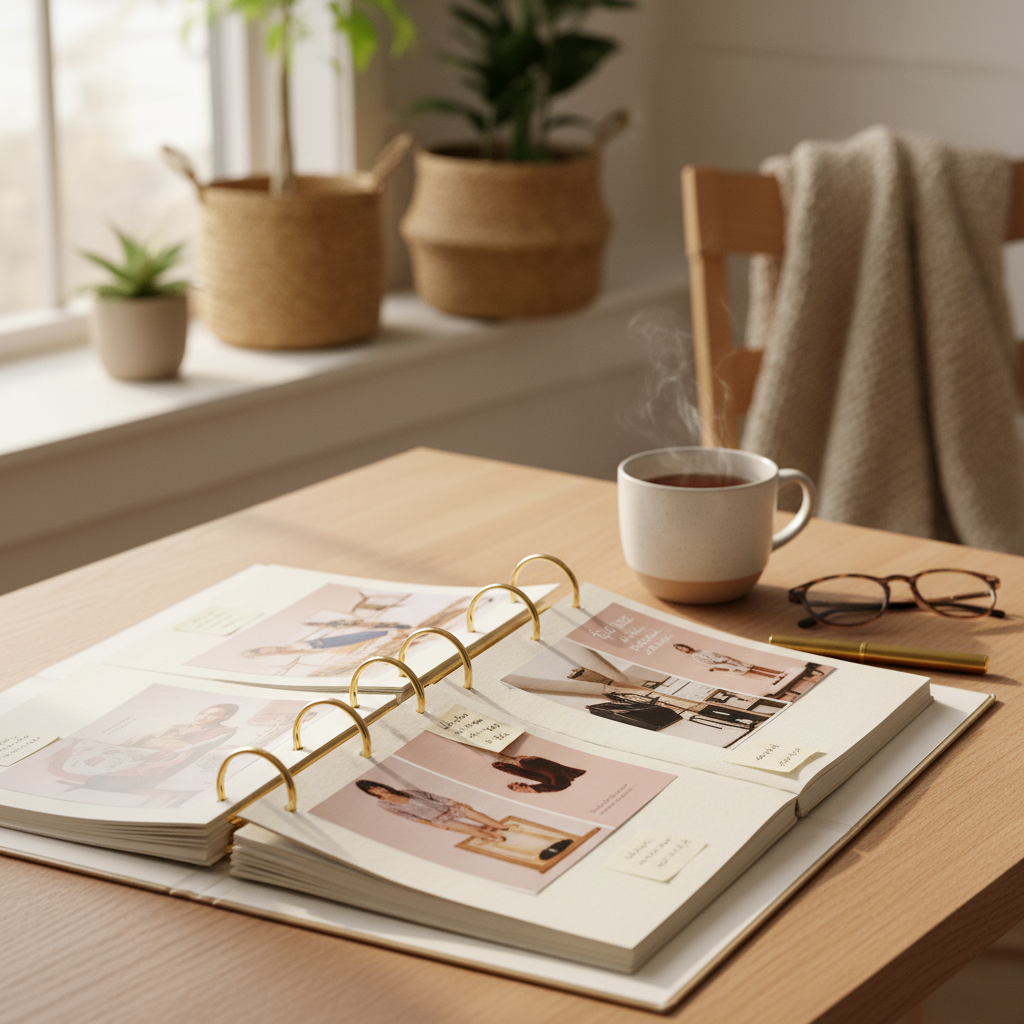
Anywhere you will genuinely open.
I am not going to recommend a tool, because the tool is not the problem — the problem is that people pick something elaborate, enjoy setting it up, and never use it again.
A single note with one line per entry works.
A spreadsheet with four columns works.
A secret Pinterest board works particularly well for the visual half, and has the advantage of being where you already are when you find things — though it cannot hold the "why", so most people who use one keep a text note alongside.
If you go that route, secret boards are genuinely private in the way you would want for this.
The test is: when you sit down to plan next month’s pins, do you open it?
If not, the tool is wrong or the entries are.
Usually the entries.
Pruning, which nobody does
Entries expire, and at different rates, and an unpruned file is mostly dead weight by year two.
This monthlive pattern
Six monthsstill useful
One yearcheck it still holds
Two yearsmostly nostalgia
Roughly how much of a saved example is still true. Design ages fastest; subject demand ages slowest.
Design conventions move quickly — a layout that felt fresh two years ago now reads as slightly dated, and following an aged entry makes your pins look like they are from the wrong year.
Subject demand moves much more slowly: "small kitchen storage" was in demand five years ago and still is.
Phrasing sits in between.
So prune every six months or so, ruthlessly, and expect to delete about half.
Anything you cannot immediately see the point of goes.
If it mattered, you will find it again — and if you will not find it again, it did not matter.
Using it, which is a different habit
A swipe file is for the planning session, not for the moment of making.
If you open it while designing a pin you will end up making a version of whatever is at the top, which is the copying failure with extra steps.
Open it when you are deciding what to make — read the "why" lines, not the pictures, and look for the patterns that turn up three or four times.
Those repeated notes are the actual output of months of research: not a picture, a rule.
"Short headlines win here."
"Photo-led beats graphic in this niche."
Those are testable, and they are what you were collecting all along.
Pin title
Pin description
Text on image
Image filename
Board title
Destination page
Freshness
Early engagement
What a swipe file cannot do
It is a record of things you noticed, which means it inherits every bias in what you happened to notice.
You saved the pins that crossed your feed, from the accounts you look at, in the weeks you were paying attention.
That is not a sample of what works in your niche — it is a sample of your own browsing.
A file assembled that way will happily convince you of a pattern that only exists in your own habits.
The corrective is to start from the phrases rather than from your feed: what is actually winning for the searches you care about, and how much demand sits behind each one.
PinPinterest does that systematically — the top pins for a phrase with the demand behind it beside them — which means your file gets built from what performs rather than from what you happened to scroll past.
Then the "why" lines you write are about the real pattern.
Build the file from what actually wins, not from what crossed your feed
And if you are starting one now, the full competitor study is a good first deposit — it produces exactly the kind of entries that are still useful in a year.
My three hundred and eleven screenshots are still there.
I am not going to prune them; I am going to leave them alone and start again properly, which is what I should have done the first four times I opened the folder and closed it again.
#competitor research#pinterest strategy#workflow#pin design
More in Research7 other guides in this categorySee all