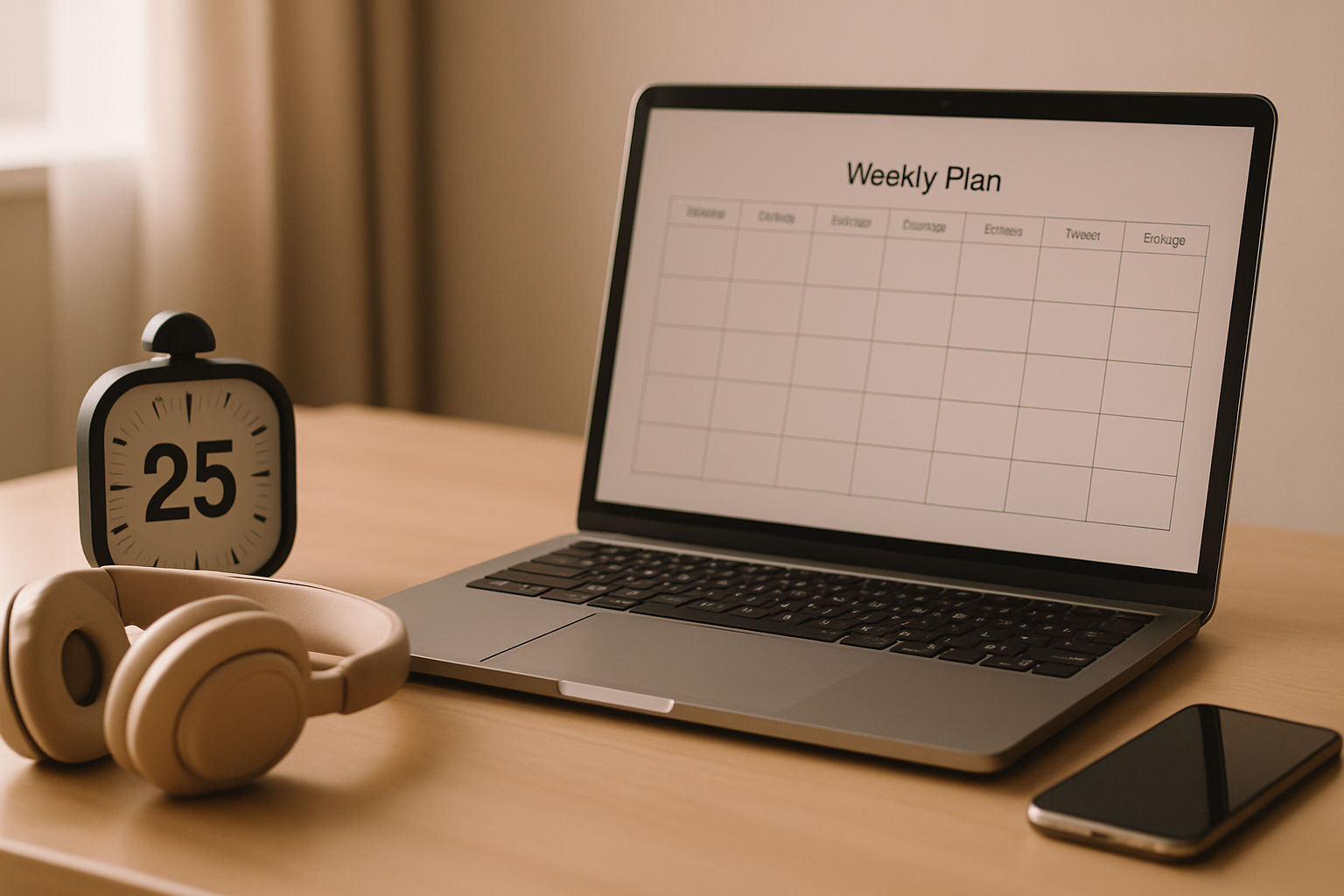
A Weekly Pinterest Workflow for Busy Bloggers (Two Hours, Batched)
The two-hour weekly block that keeps Pinterest running without eating your life — what to do in each part of it, and why daily dabbling costs more than batching.

The reason most bloggers fall off Pinterest isn’t that it stopped working.
It’s that it never had a fixed place in the week, so it competed with writing, admin, email and actual life — and lost, quietly, over about six weeks.
A thing with no scheduled slot doesn’t get done, however useful it is.
So the fix isn’t motivation or a better tool.
It’s a repeatable two-hour block, once a week, in which the whole of Pinterest happens.
Two hours sounds like a lot until you realise it replaces the fifteen minutes a day you were spending badly, plus all the guilt in between.
Here’s the block I use, what goes in each part of it, and how to shrink it once you’ve got a rhythm.
Research
Design 8 pins
Write copy
Queue + check
Two hours, once a week, done.
Block one: research (20 minutes)
Open your keyword sheet and pull the phrases you’ll target this week — one for each pin you’re about to make.
You’re not doing fresh discovery here, you’re shopping from a list you built earlier, which is precisely why the list exists.
If the list is empty, spend this block refilling it instead: autocomplete, guided search, a look at what’s rising in your niche.
Twenty minutes of harvesting fills the sheet for a month.
The method is in finding blog post ideas and keyword ideas.
Block two: design (55 minutes)
This is the big one and it should be.
Open your template, and make eight pins in one sitting — swapping the photo and the headline, nothing else.
Don’t redesign, don’t browse for inspiration, don’t open a new tab.
The whole efficiency gain of batching lives in doing one kind of task repeatedly without switching.
Eight pins an hour sounds fast and it is entirely doable once the template exists and the headlines are already written from block one.
If it’s taking you fifteen minutes a pin, the problem is almost always that you’re designing rather than filling in a template.
Go and build the template properly — see templates that convert.
Daily dabbling
15m Mon
15m Tue
15m Wed
15m Thu
15m Fri
Restart cost every single day
One batch block
2 hours, Sunday
One setup, one flow, whole week done
Block three: copy (25 minutes)
Now write the titles and descriptions, all eight in a row.
Doing these together beats writing one alongside each design, because you stay in a writing headspace instead of ping-ponging between visual and verbal work — which is genuinely tiring and is why the whole thing feels like a slog when done pin by pin.
Keep descriptions human.
A sentence or two explaining what the pin leads to, with the target phrase used the way a person would say it.
Not a comma-separated pile of keywords — that reads as spam to Pinterest and to people.
Descriptions that rank has the format.

Block four: queue and check (20 minutes)
Schedule the eight pins across the coming week — spread out, one or two a day, rather than all at once.
Then spend the last ten minutes looking at last week’s: what got impressions, what got saves, what got clicked.
Note anything surprising in the same sheet you keep your keywords in.
That ten-minute review is the part everyone skips and it’s the part that compounds.
Without it you’re publishing blind forever; with it, every week’s batch is slightly better informed than the last.
How to schedule pins covers the mechanics.
Mon
Tue
Wed
Thu
Fri
Sat
Sun
Spacing is the bit people get wrong when they first start scheduling.
The temptation is to set everything to go out at the “best time to post”, which stacks eight pins into one window and defeats the point.
Spread them genuinely across the days — Pinterest rewards a steady drip far more than a well-timed burst, and consistency of output matters more than the hour of the day it lands.
Why batching beats daily
Every time you sit down to “do some Pinterest” you pay a setup cost: opening things, remembering where you were, re-deciding what to make.
Fifteen minutes a day means paying that cost five times a week and getting maybe forty minutes of actual work.
One two-hour block pays it once and gets nearly two hours of work.
It also protects the rest of your week.
Pinterest stops being a background hum of low-grade obligation and becomes a thing that is either done or scheduled.
For anyone juggling a blog around a job or kids, that psychological difference matters at least as much as the time saved.
- Same slot every week. Sunday morning, Tuesday evening — whichever, but fixed.
- Phone face-down, one tab open, template already built.
- Headlines written before you open the design tool.
- Never redesign inside the block. Note it and do it another day.
- Finish by queuing. A batch that isn’t scheduled doesn’t count.
When you fall behind
You will fall behind — a busy fortnight, a holiday, a deadline.
The instinct at that point is to try to catch up by making twenty pins in one go and pushing them all out, which is precisely the wrong move: it looks spammy, it muddies your data, and it usually ends with you burnt out and skipping the following month too.
Just restart the normal block.
Don’t make up the missed pins, don’t double the batch, don’t apologise to anybody.
The pins already published carried on working the whole time you were away, because they live in search rather than a feed — that’s the entire structural advantage of Pinterest over social platforms, and it means a gap costs you far less than it feels like it should.
Missing a week is fine
If you skip a week, you skip a week — you have not undone anything. The pins already out there keep working, because they live in search results rather than a feed. What actually damages you is quitting for three months, not missing one Sunday. Aim for consistency across quarters, not perfection across weeks.
There’s a second, less obvious benefit to batching: your pins get better.
Making eight in a row means you can see them side by side, notice that headline three is weak, and fix it while you’re still in the flow.
Making one a day means never comparing anything to anything, which is why daily pinners often plateau at a level of quality they can’t see well enough to improve.
Shrinking the block over time
After a couple of months this gets faster.
The template is proven, you know which angles work in your niche, your keyword sheet is fat, and copy comes quickly because you’ve written eighty descriptions.
Plenty of people get the whole thing down to about an hour.
The review block is the one to protect as you speed up, because it’s what tells you which of the previous batches actually earned anything.
PinPinterest does most of that reading for you — which pins are ranking, which are slipping, which keywords are worth another batch — so the ten-minute check stays ten minutes instead of becoming an afternoon in the analytics tab.
Two hours a week, every week, for six months.
That’s roughly two hundred pins and a genuinely serious Pinterest presence, built in less time than most people spend deciding whether to bother.
Make your ten-minute weekly review actually useful
Next: how many pins per post, blog images that double as pins and Pinterest for bloggers.
#pinterest workflow#batching#blog traffic#blogging
More in Blogging7 other guides in this categorySee all