How to Bulk Schedule Pins Without Wrecking Your Reach
Bulk upload is the feature that decides whether you still use a scheduler in month three. Here is the workflow, the spacing rule that matters more than the volume, and the mistakes that undo it.
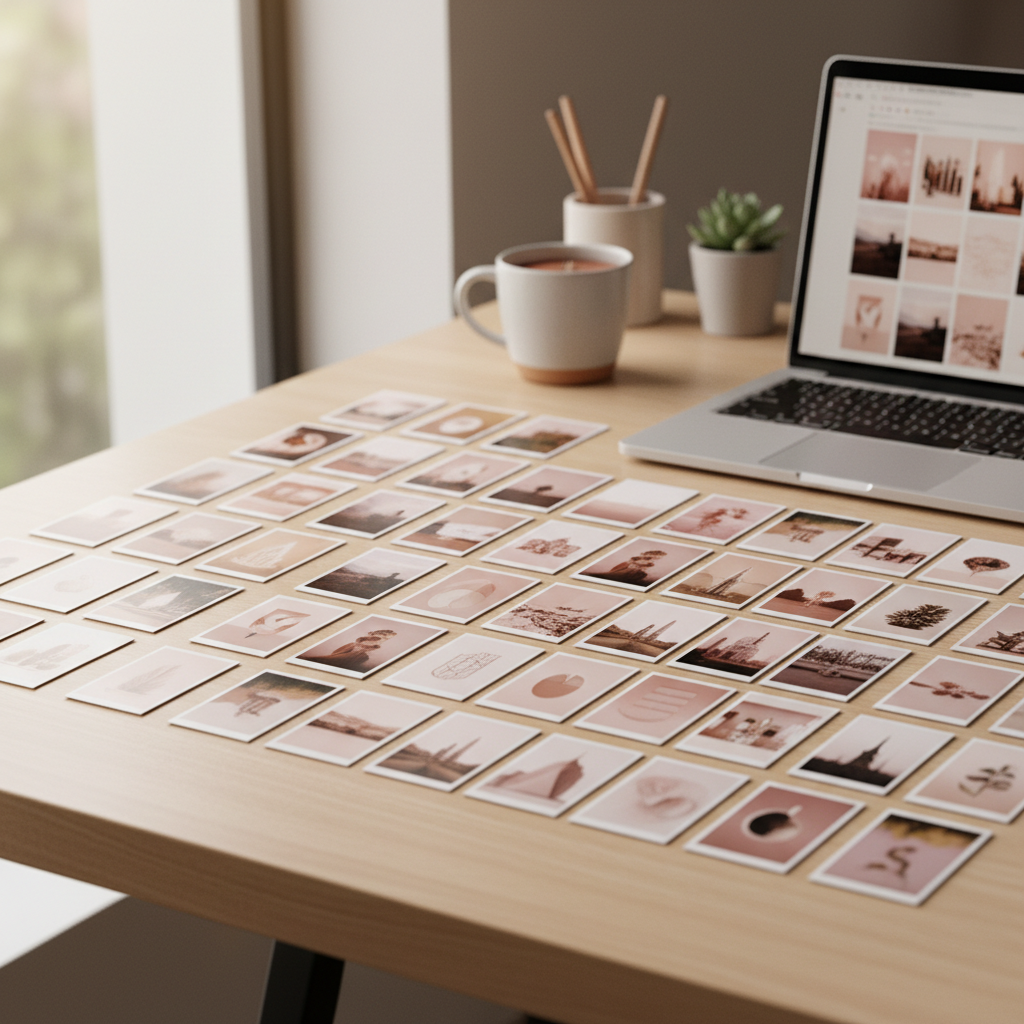
Bulk upload is the least glamorous feature on any scheduler’s marketing page and comfortably the most important one.
It is the thing that decides whether you are still using the tool in month three or whether it has quietly become another subscription you keep meaning to cancel.
The reason is simple arithmetic.
Twenty pins added one at a time is about forty minutes of identical form-filling.
Twenty pins added as a batch is about two minutes of dragging plus ten minutes of the part that actually needs your brain.
Nobody sustains the first version.
Everybody sustains the second.
So here is how to do it properly — and, just as importantly, how to avoid the thing people do the first time they get bulk upload, which is dump everything into one day and wonder why it did nothing.
1
Make twenty designs
one sitting, one template set
2
Name the files
the filename becomes the title
3
Upload the batch
drag the whole folder in
4
Map board and link
the part worth doing slowly
5
Spread the dates
never all on one day
The workflow
Design in one sitting, from one template set
The whole efficiency gain comes from not switching contexts.
Open your design tool once, make twenty pins from three or four templates by swapping the photo and the headline, export the lot into a single folder.
Twenty pins from three templates is not laziness — it is what makes a feed look like one account instead of twenty.
And if you are wondering where twenty ideas come from, one article usually yields eight to twelve perfectly good ones, which is the argument in turning a blog post into pins.
Name the files deliberately
This is the trick nobody tells you.
Most bulk uploaders use the filename as the initial title, so naming your export `small-bathroom-storage-ideas.png` rather than `Untitled-3.png` saves you typing a title twenty times.
Five seconds each at export, twenty minutes saved at upload.
It is the highest-leverage habit in this entire post.
Upload the batch
Drag the folder in.
This bit is genuinely as easy as it sounds, and it is where the forty minutes disappear.
Map boards and links slowly
Here is the one step you should not rush.
A mis-mapped board sends a pin somewhere plausible-looking but wrong, and a wrong link is worse — you have spent design time driving traffic to a page that does not match the promise.
Do this bit while you are still awake, and check three at random before you confirm.
Spread the dates
Which brings us to the part people get wrong.
The same twenty pins, released two different ways
all 20, Monday5555
Left: everything at once. Right: the same work, drip-fed. The second is what the algorithm rewards.
The spacing rule
Twenty pins published on Monday and twenty pins published across a fortnight are the same amount of work and completely different outcomes.
Why?
Because Pinterest measures early engagement on each pin, and engagement is a share of the attention you can attract in a given window.
Twenty pins competing for one day’s attention split it twenty ways.
The same twenty spread over two weeks each get a proper run at it.
There is a second, quieter reason: a batch that all lands at once looks like a batch.
Steady output over a fortnight looks like an active account, and an active account is what the platform is built to reward.
That is the same logic behind how often to post — consistency beats bursts, reliably.
The specific number to avoid
Never schedule several pins for the same exact minute. Six pins at 09:00 is a pattern, and it is a pattern that serves nobody — including you, because those six are now competing with each other for the same slice of feed.

What a good spread looks like
Concretely, for someone publishing around sixteen pins a week:
Mon
Tue
Wed
Thu
Fri
Sat
Sun
Sixteen pins a week, none of them posted by you. Sunday is deliberately light.
Two to three pins a day, at different times, rotating between boards.
One deliberately quiet day, because a perfectly even distribution is its own kind of pattern and a light day costs you nothing.
Rotating boards matters more than the timing does.
Six pins to the same board back to back reads as repetitive even when the pins are entirely different, whereas the same six spread across four boards reads as an account with range.
The mistakes that undo the whole exercise
Queueing a month, then going silent
The most common one by a mile.
You bulk-schedule four weeks, feel enormously organised, and then the queue empties while you are busy and nothing goes out for a fortnight.
The gap costs you more than the burst gained.
Set a reminder for when the queue has a week left, not for when it is empty.
Bulk-scheduling the wrong topics
Bulk upload is an amplifier.
It makes a good topic list produce results faster and a bad one produce nothing faster.
I have watched somebody go from twenty manual pins a month to a hundred scheduled ones and see their traffic barely move, because the hundred were about things nobody was searching for.
Pick the topics first — low-competition keywords is where I would start — and then amplify.
Never checking whether it published
Bulk failures are bulk.
If a batch fails, twenty pins fail, and most tools tell you nothing.
Open Pinterest itself once a week and confirm the pins exist.
Not the scheduler’s dashboard — Pinterest.
Forgetting the queue has a memory
A pin you scheduled six weeks ago for a season that has now passed will still go out, cheerfully, at completely the wrong moment.
If you queue far ahead, you have to prune, which is one of the scheduling mistakes that only shows up months later, long after you have forgotten queueing it.
A note on how far ahead to queue
People ask whether they should batch a week, a fortnight or a month, and there is a real trade-off rather than a right answer.
Queue a week and you stay responsive — you can react to something trending, and nothing sits in the queue long enough to go stale.
The cost is that you have to show up every week, and the weeks you do not show up become gaps.
Queue a month and you buy insurance against your own busy fortnights, which is genuinely valuable.
The cost is staleness: seasonal pins drift out of season, links break, and you lose the ability to respond to anything.
A fortnight is where I have landed, and the reason is not that it is the average of the two.
It is that two weeks is short enough that nothing goes stale and long enough to survive one bad week — and surviving one bad week is the single thing that separates accounts that compound from accounts that restart every couple of months.
Which tools offer it
As read on each tool’s own pages in October 2026, Buffer, Hootsuite, Later, Metricool, Publer, SocialBee (from its Accelerate plan) and Tailwind each list a bulk upload or bulk scheduling feature, and Pinterest’s own scheduler does not offer it at all, which is the wall most people hit before they buy anything.
The scheduler comparison has what each tool says about it.
On the plan you would actually buy, check that it takes a file or a folder, not one pin at a time.
The half hour that makes the rest worth it
If you take one thing from this: bulk scheduling multiplies whatever you feed it.
That is wonderful when the input is a researched list of topics with real search demand, and it is an efficient way to waste a Sunday when it is not.
So spend the first thirty minutes of your batching session on the topics rather than the designs.
Which phrases do people actually type, how hard are they to win, and which of your existing pins are already climbing — that is what PinPinterest tells you, and it is the input that decides whether the next four hours were worth having.
Batch the pins. Research the topics first.
Next: what each tool lists for bulk upload, what free plans leave out, and why automation is not the risky part.
#bulk scheduling#pinterest scheduler#batching#workflow
More in Scheduling8 other guides in this categorySee all