The Pinterest Setting That Hides You From Google, and Quietly Costs You Traffic
One switch keeps your Pinterest profile out of search engines. For a personal account that is a sensible choice. For anyone trying to send people to a website it is a slow puncture — and most people who have it on turned it on years ago for a reason that has expired.
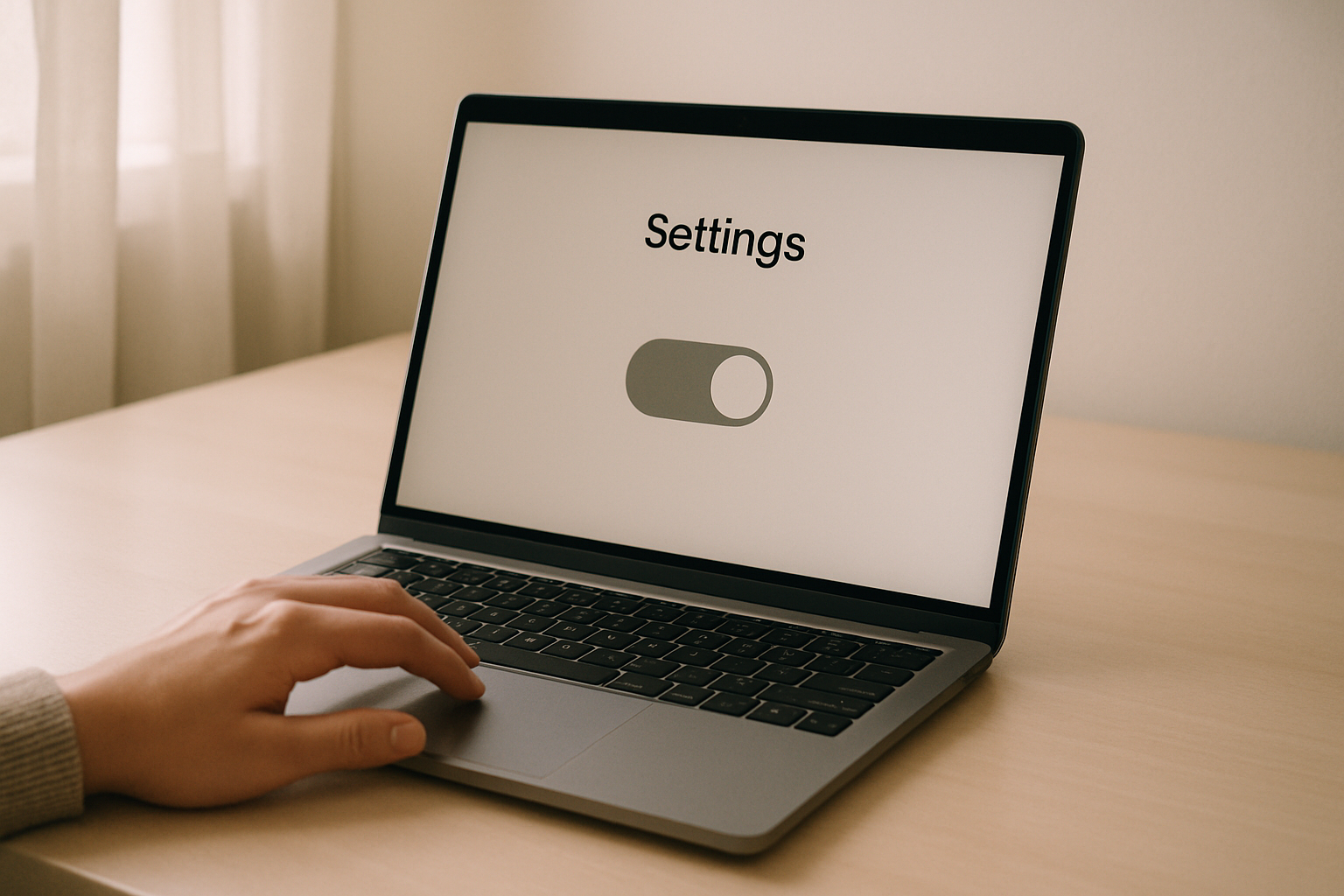
There is a setting in Pinterest that keeps your profile out of search engines.
It is a single switch, it is buried in the privacy settings, and it does exactly what it says.
I am generally allergic to posts that tell you one weird setting is destroying your business, because they are almost always nonsense.
This one is the exception, and the reason is not that the setting is dangerous — it is entirely reasonable and a lot of people should have it on.
The reason is that it is sticky.
Somebody flicks it on during a private moment years ago, forgets completely, then starts a blog, and spends eighteen months wondering why nothing works.
I have found it switched on twice on accounts I was helping with, and both times the story was the same.
One was a food blogger who had turned it on years earlier while going through a divorce and had genuinely no memory of doing it.
The other was somebody who had inherited the account from a previous freelancer and had never opened the privacy screen at all.
Neither of them was doing anything wrong.
In both cases the setting had outlived its reason by several years and was quietly taxing everything they published.
So: what it actually does, what it definitely does not do, and how to check in about forty seconds.
Switched ON
Profile out of Google
Pins still in Pinterest search
Boards still public to users
Analytics look completely normal
Switched OFF
Profile indexed by Google
Pins still in Pinterest search
Boards still public to users
Analytics look completely normal
Three of the four rows are identical. Only the first line changes, and nothing in the product tells you which side you are on.
What it does
It asks search engines not to index your Pinterest profile.
Your profile page, and the boards hanging off it, stop appearing in Google results.
That is the whole scope, and it is worth being precise because the name makes it sound broader than it is.
It is about search engines outside Pinterest.
It is not a general invisibility cloak, and switching it on does not make your account private.
What it does not do, which is most things
It does not hide you inside Pinterest.
Your pins still appear in Pinterest search, your profile is still findable by anybody typing your name into Pinterest, and your boards are still public to every Pinterest user.
If you switched this on believing it made your account private, it did not — the full map of what is public regardless is the post for that, and the answer is “nearly everything”.
It does not stop your pins ranking on Pinterest.
This matters, because it means the setting is genuinely invisible in your Pinterest analytics — impressions can look completely healthy while the setting is on.
Nothing in the dashboard will ever mention it.
And it does not hide individual pins that other people have saved.
Those live on their boards now, and they are subject to their settings, not yours.
Why this is the one setting worth checking today
Every other privacy switch on Pinterest announces itself. Secret boards look secret. A personal account visibly lacks analytics. This one changes nothing you can see from inside the product, produces no warning, appears in no report, and is very easy to have turned on years ago and forgotten. Silent plus consequential is a bad combination.
The three routes that close
If you are using Pinterest to bring people to a website, here is what the switch actually costs you.
Google → your board → your site
CLOSED
Someone searches your name
CLOSED
Profile links your name to your site
CLOSED
Pinterest search → your pin → your site
OPEN
The open route keeps your dashboard looking healthy while three others are shut.
The first is people searching Google for your niche and landing on a Pinterest board of yours.
This is a genuinely significant route — Pinterest boards rank well in Google, often better than a new blog does, and a board full of your own pins is a perfectly good doorway.
The second is people searching for you by name.
If somebody hears about you and types your name into Google, your Pinterest profile is one of the results that would normally show up.
With the switch on, it does not, and a channel you are actively publishing to is invisible to the people most likely to want it.
The third is the one people never think of: your profile is a link between your name and your website, and it is one search engines can see.
Not a dramatic ranking factor, but a free and legitimate connection, switched off for no benefit if privacy is not actually your goal.
What stays open is Pinterest itself, which is exactly why this goes unnoticed.
Your pins keep getting impressions, your saves keep ticking along, and the dashboard looks fine.
You are simply missing a whole second audience that was never going to show up in it.
It is worth sitting with how strange that is as a feedback loop.
Every other problem with a Pinterest account eventually shows up somewhere — a flagged pin, a drop in impressions, a broken link that produces an obvious hole in the numbers.
This one produces no signal at all.
There is no report where the missing traffic appears as missing, because the traffic never existed to be counted, and an absence that never gets measured is an absence nobody investigates.
You would only ever find it by going and looking at the switch.

How to check, including the check that does not trust the settings screen
Two ways, and I would do both.
From the inside: open your Pinterest settings and find the privacy section.
The switch is about search engines and your profile — the wording has changed over the years, but it is the only setting in there that mentions search engines, so it is hard to miss once you are on the right screen.
At the time of writing it lives under Profile visibility as Search privacy, and Pinterest only lets you change it from the age of 18; the Pinterest privacy checker shows the steps for the web and the apps.
1
Open settings
the privacy section
2
Find search engines
the only switch that says it
3
Note the state
do not change it yet
4
Check from outside
search your profile URL
From the outside, which is the check I trust: search Google for your profile URL, or for your name plus the word Pinterest.
If your profile comes back, the switch is off and you are indexed.
If nothing comes back at all, either the switch is on or your profile is simply too new to have been crawled — so give a fresh account a few weeks before concluding anything.
If you turn it off today, be patient.
Search engines re-crawl on their own schedule, and it can take weeks for a profile to start appearing.
That delay is normal and it is not a sign that something else is wrong — the same patience applies to most Pinterest changes, which take longer to show than anyone expects.
The honest case for leaving it on
I would not want this to read as “everybody should switch this off”, because plenty of people should not.
- Your Pinterest is personal and you would rather it did not surface next to your name in a search. Entirely reasonable, leave it on.
- You use your real name and save things you would not want a colleague or a stranger to browse. Leave it on, and consider what else is visible anyway while you are there.
- You have a specific reason to be hard to find. Leave it on, and know that it does not go nearly as far as it sounds.
The people who should switch it off are the ones using Pinterest as a traffic channel, and specifically the ones who did not know it was on.
If it was a deliberate choice, it is still a good one.
Where this sits in the list
Do not fix this and expect the account to transform.
It is one of the quiet blockers, and the others are worth ruling out at the same time: whether your site is claimed, which is the setting with the largest upside and the one most often missed, and whether your pins are getting no impressions for a much more ordinary reason.
What it will not fix is the far more common problem, which is making things nobody was looking for.
A perfectly indexed profile full of pins about topics with no demand behind them is still a profile nobody visits — and working out which topics people are actually searching for, before you make the pins, is the job PinPinterest does.
Settings are worth thirty minutes once.
Demand is worth thirty minutes every week.
Check the setting, then go and find topics worth ranking for
And if your traffic dropped rather than never arriving, that is a different investigation entirely — start here rather than in the settings screen.
#pinterest privacy#search privacy#pinterest seo#traffic
More in Privacy6 other guides in this categorySee all