Pinterest Pin Dimensions & Design Specs That Actually Convert (2026)
The pin sizes, ratios and design choices that earn saves and clicks — a no-nonsense spec sheet plus the design habits that actually move the needle.
Design won’t save a pin with no keywords, but the wrong size will quietly kill a great one.
Let’s get the specs right in two minutes, then talk about the design choices that genuinely earn saves.
The specs that matter
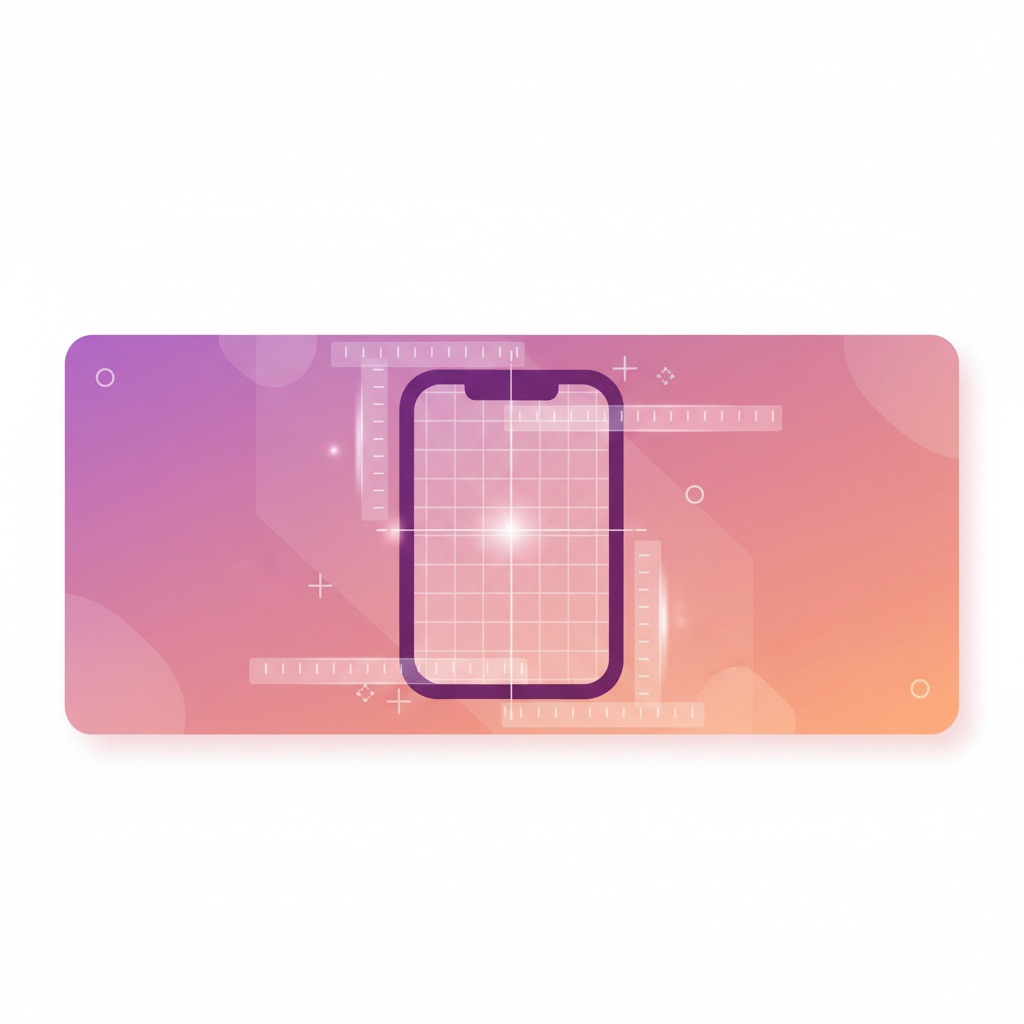
- Aspect ratio: 2:3 is the sweet spot (e.g. 1000×1500px). It fills the feed without getting truncated.
- Avoid super-tall pins — they get cut off and look spammy.
- High resolution, readable on a phone (most of your audience is mobile).
- Keep key text and your logo away from the very edges.
Design for the thumb, not the desktop
People scroll fast on a small screen.
Big, legible text; strong contrast; one clear focal point.
If someone can’t tell what your pin offers in a half-second, they scroll past — and that early scroll-past hurts the engagement signal that sets a pin’s ceiling.
Put keywords in the design itself
Pinterest reads text baked into your image, and humans need it too.
A clear headline on the pin does double duty — it’s Pinterest SEO and a click magnet.
“Cozy vibes” is a vibe; “Small cozy bedroom ideas for renters” is a search.
Fresh designs > perfect designs
A “good enough” new design you can make in five minutes beats an award-winner you make once a month. Pinterest rewards fresh, and volume of distinct designs is how you find your winners.
Make several designs per idea
One post deserves multiple pin designs, each a fresh test.
This is the engine behind turning one blog post into 30 pins — same content, many shots on goal, and PinPinterest shows you which designs actually earn saves.
If you would rather have the ratio handled for you, the free Pinterest pin maker exports at 1000×1500 every time and crops your photo to fit, with no sign-up.
Already have an image?
The free image size checker tells you whether it is 2:3, marks where a too-tall one might be cut off, and crops it to 1000×1500.
Specs for other pin formats
- Video pins: vertical works best in the feed, such as 2:3 or 9:16, with captions, since many people watch with the sound off.
- Multi-image pins: keep every frame the same ratio, 2:3 or 1:1, and make the first frame able to stand on its own.
- Square pins (1:1): fine for products, but they take up less room in the feed than 2:3.
Text on pins: a quick style guide
- One headline of roughly three to eight words, large enough to read on a phone without zooming.
- Two fonts at most: a bold one for the headline and a simple one for any supporting line.
- High contrast, like dark text on a light block or light text on a dark overlay.
- Keep important text out of the bottom corners, where buttons can overlap it on some screens.
- Add your site name small and consistently, so readers learn to recognise your pins.
The squint test
Shrink your pin to the size it appears in a phone feed and look at it for one second. If you cannot tell what it is about, neither can someone scrolling past.
Colour and imagery
Bright images with a clear subject stand out in a busy feed, but the best choice is one that fits your niche and stays consistent with your brand.
Avoid busy backgrounds behind text, and do not rely on colour alone to carry meaning.
If you use stock photos, choose ones that do not look like every other pin for that search.
Design mistakes that cost saves
- Tiny text squeezed into a corner.
- Too many messages on one pin.
- Low-resolution or stretched images.
- A design that promises one thing and links to a page about something else.
Layouts that build these rules in are in pin templates that convert, and designing pins in Canva walks through a build step by step.
See which of your designs actually earn saves
Then decide format: Idea Pins vs standard pins.
#pin dimensions#pin design#pinterest specs
More in Design10 other guides in this categorySee all